You can upgrade your service at any time if you need better specifications.
When upgrading, you are only charged the prorated difference between your current plan and the new plan; not the full price of the new plan.
You must pay any outstanding invoices before you can proceed with an upgrade.
Log In to Your Billing Area ↗
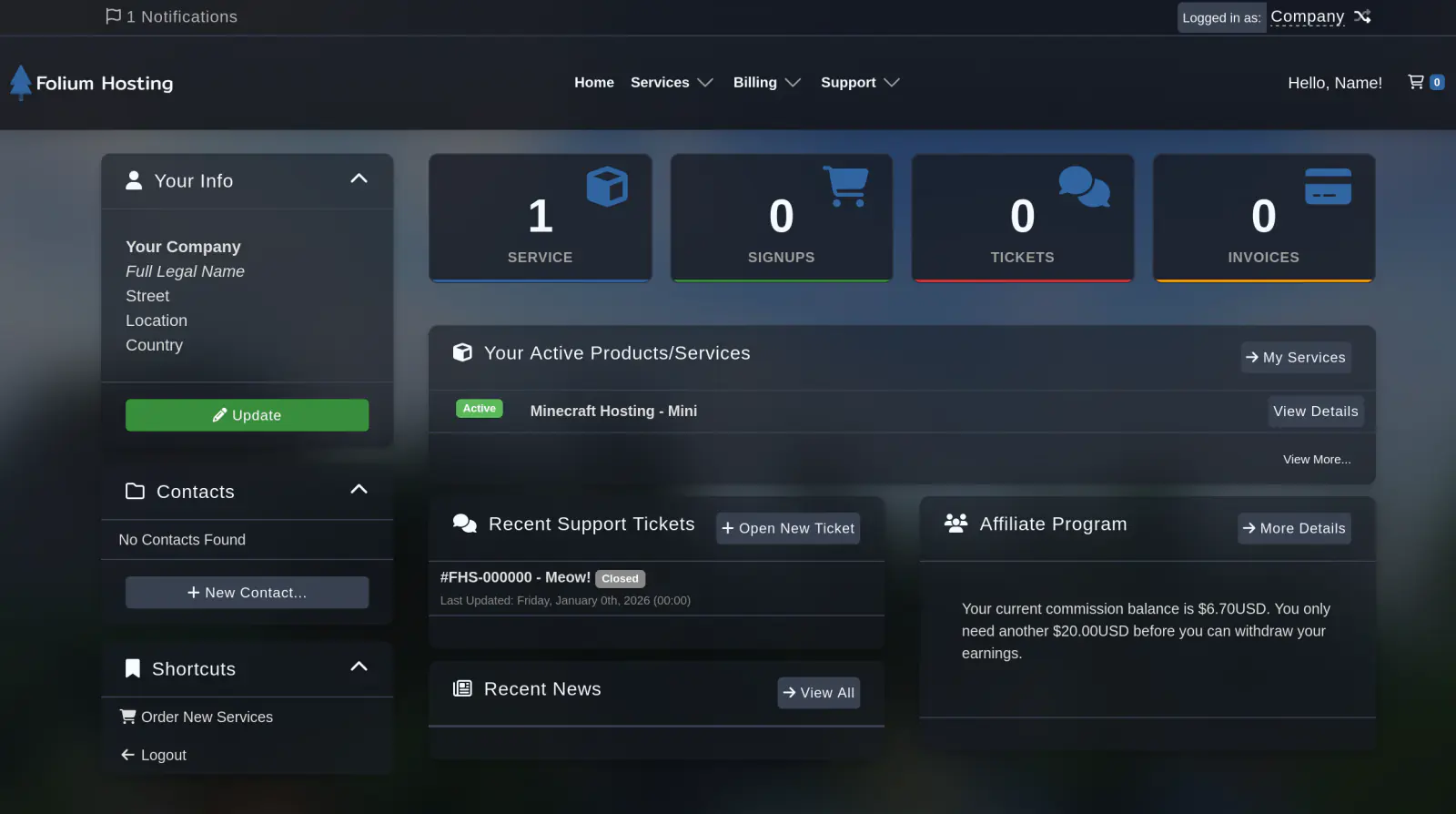
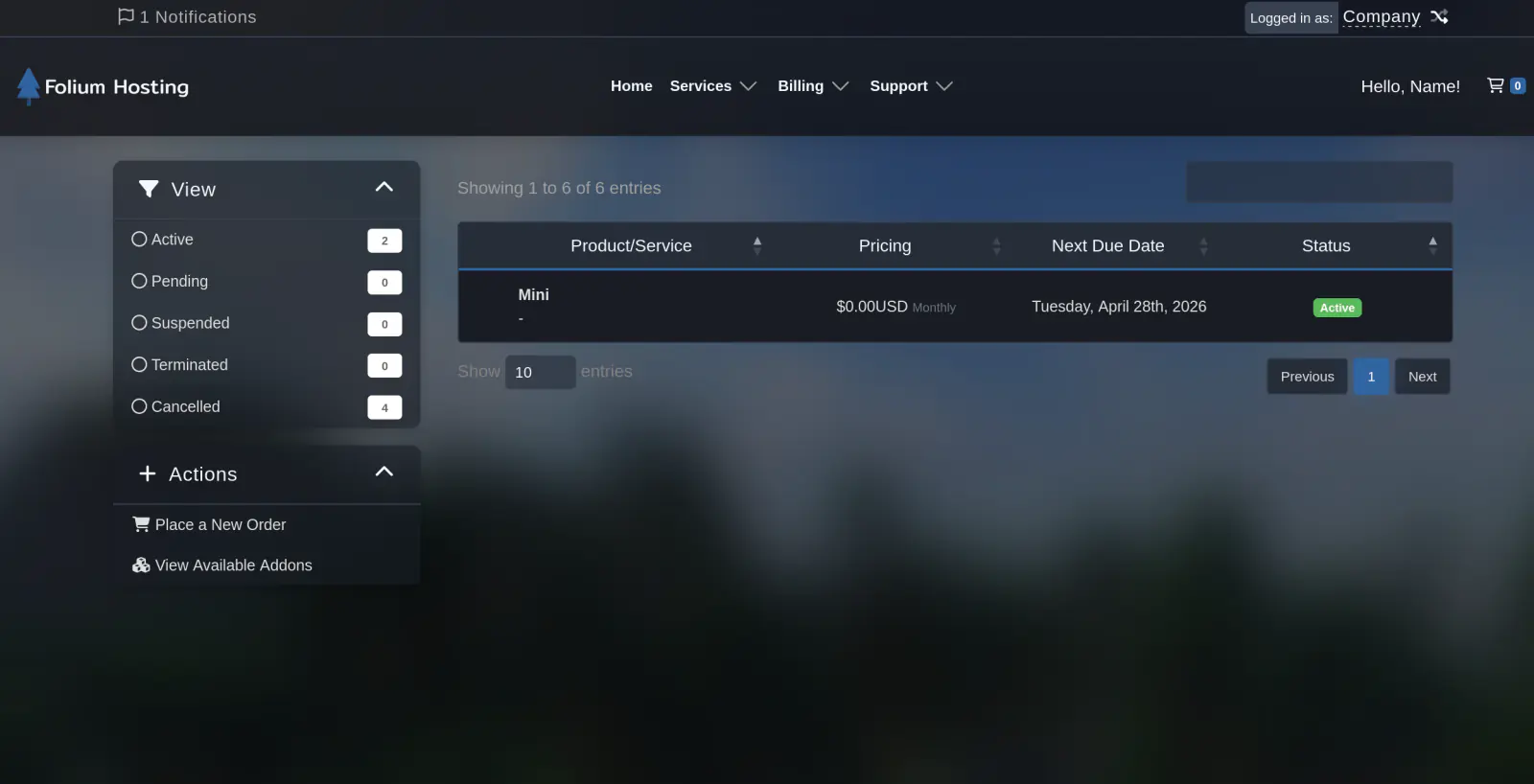
Select the service to upgrade
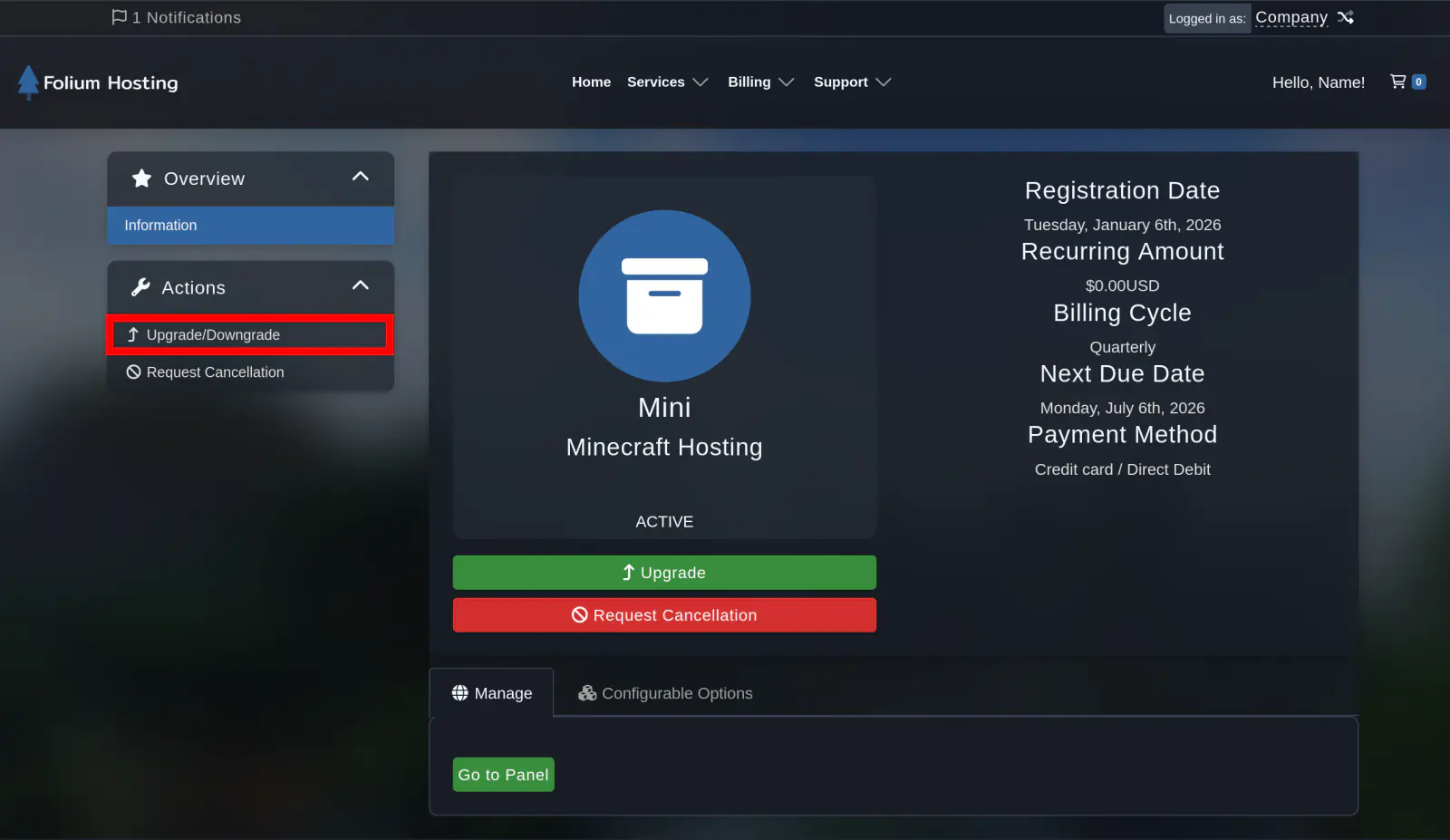
Click Upgrade
Click Actions and then click Upgrade.
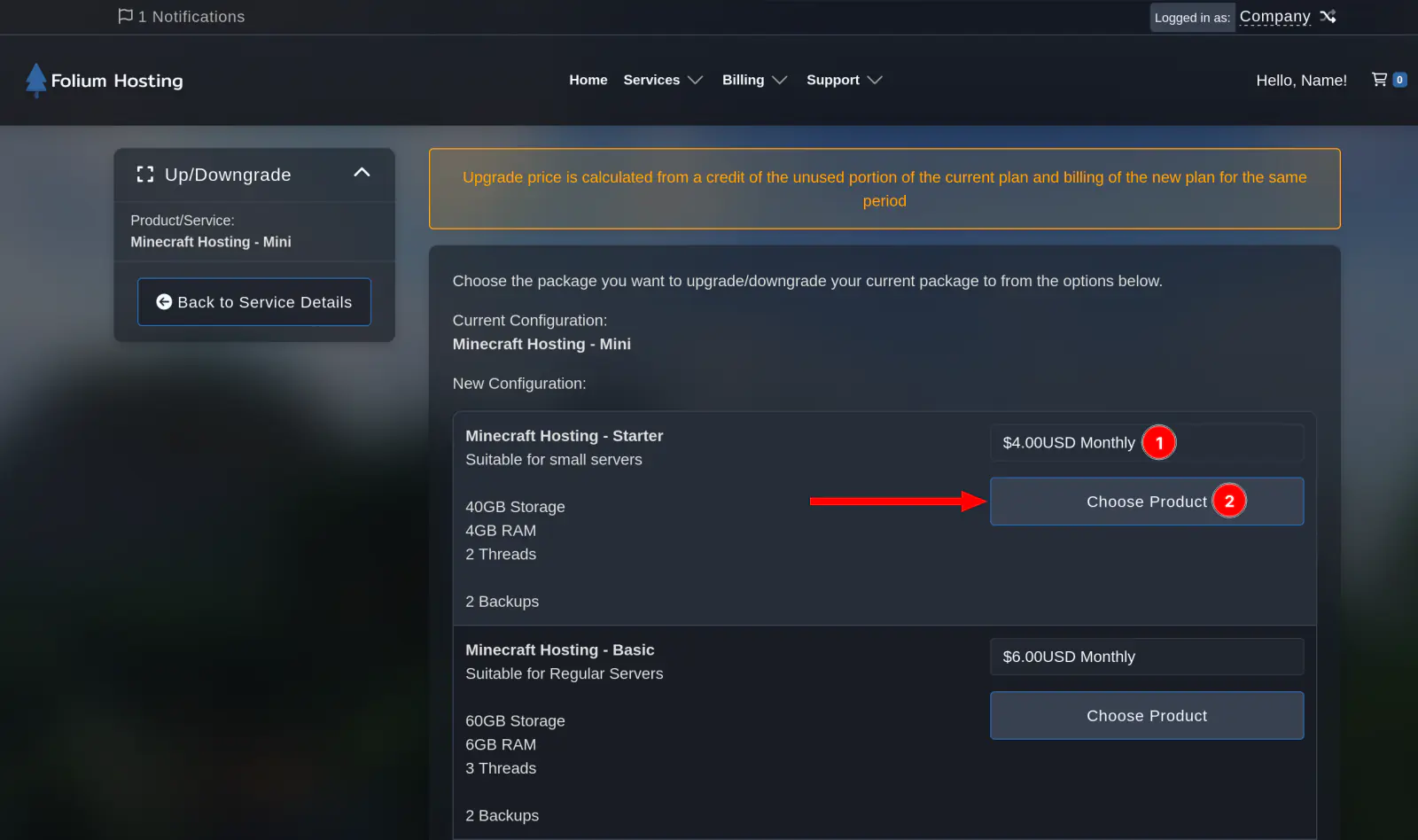
Select your preferred package
Select the preferred package you’d like to upgrade to. (1) Select Billing Cycle Length (2) Go to upgrade overview
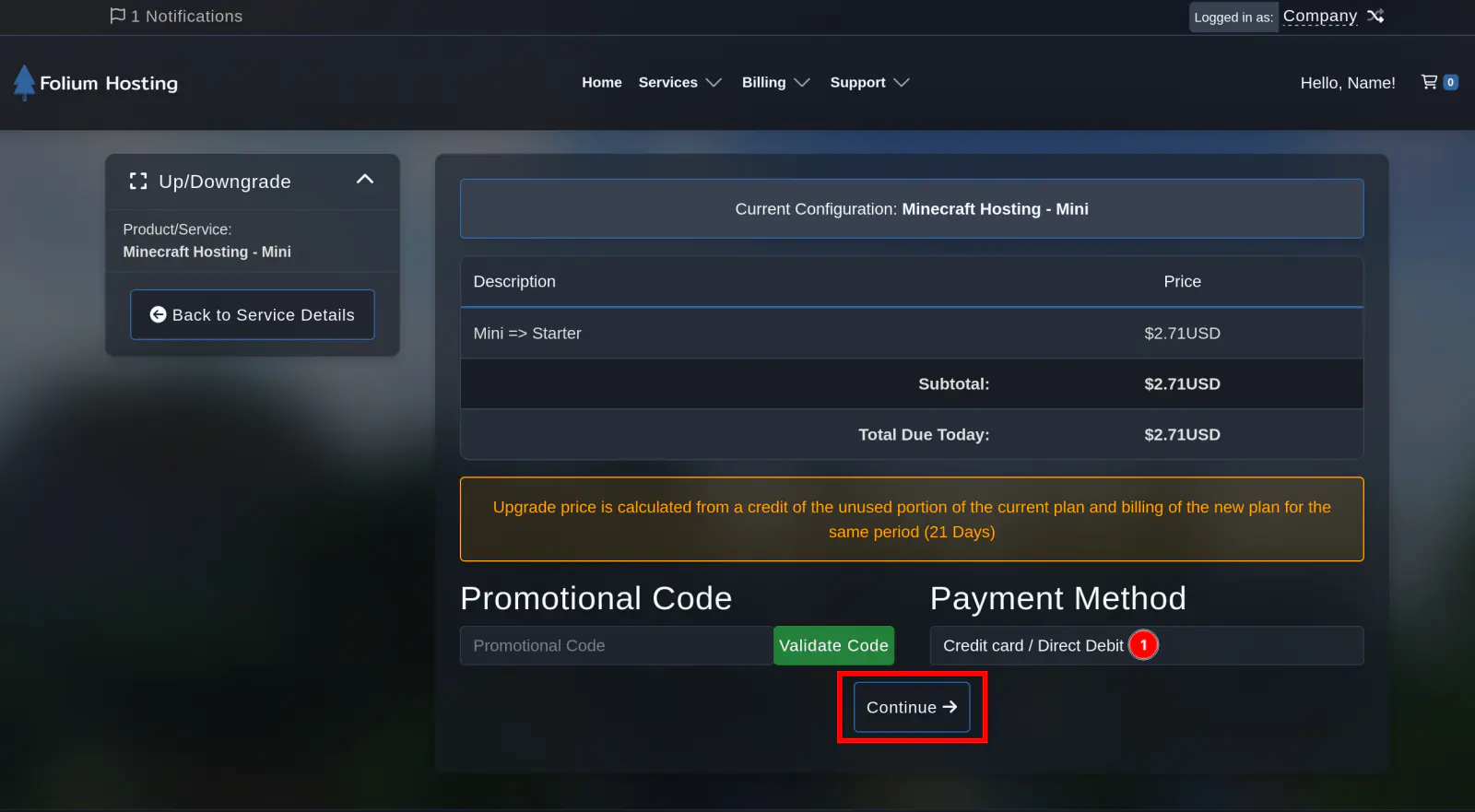
Confirm your payment
Confirm your payment method, and click “Continue”. After clicking this button an invoice will be generated.
You should now receive an automatic email confirming your upgrade.
Your files are safe. Upgrading or downgrading your plan does not delete or alter any of your server files, everything stays exactly as it is.
You need to restart your server in order to utilise the additional resources.