Configuring server settings in ARK: Survival Evolved can significantly impact gameplay, providing a more personalised experience for players. Below are settings that can affect gameplay dynamics, balance challenges, and optimize progression depending on the style of your server.
If you don’t already own an ARK server, you can purchase one from us at foliumhosting.net ↗.
Log In to the Game Panel ↗

Select Your Server

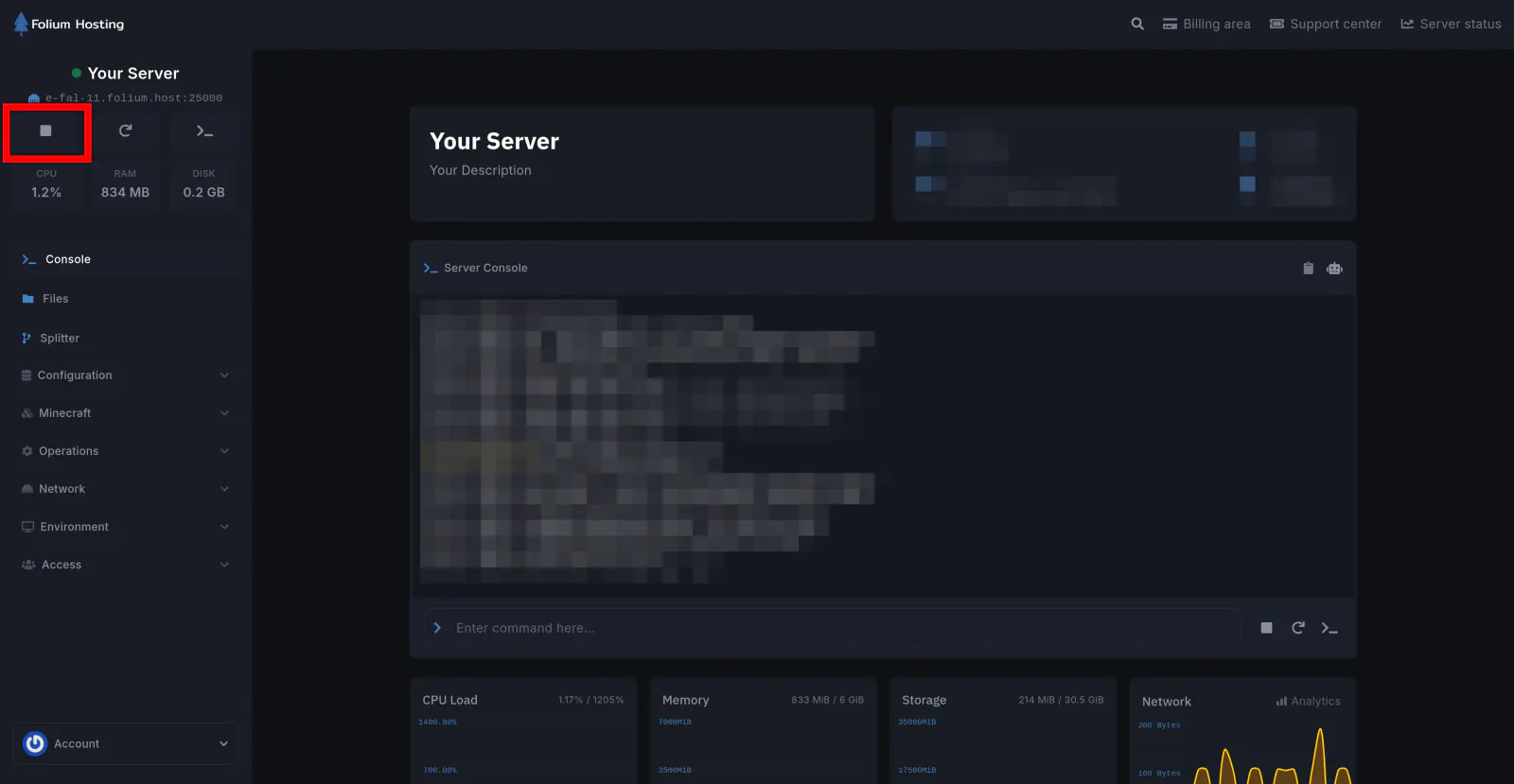
Stop the Server
Go to the File Manager Tab

Open the GameUserSettings.ini File
Find the GameUserSettings.ini file, typically located under the ShooterGame/Saved/Config/LinuxServer/ directory.
Add Your Multipliers
Add any of the options listed below under the [ServerSettings] section to change your server multipliers to the desired value, then click Save Content.
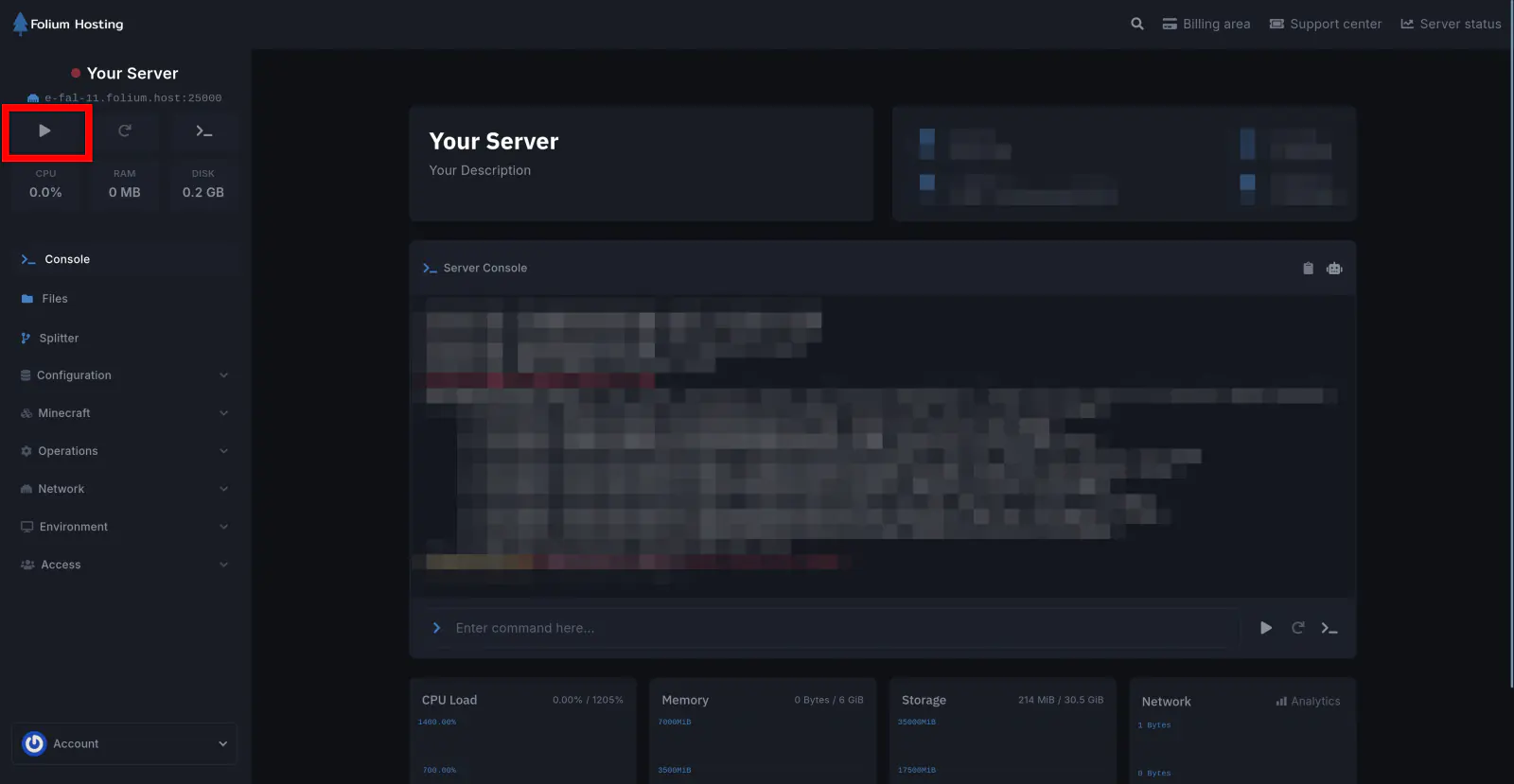
Start the Server
Available Multipliers
| Name | Description |
|---|---|
XPMultiplier | Determines the rate at which players gain experience points. A higher multiplier accelerates leveling, allowing for quicker progression through the game’s content. |
TamingSpeedMultiplier | Adjusts the speed at which players can tame creatures. With a higher multiplier, taming becomes more efficient, reducing the time investment required for acquiring new mounts and allies. |
HarvestAmountMultiplier | Controls the yield of resources obtained from harvesting. Increasing this multiplier boosts resource acquisition, affecting the gathering process and supporting construction and crafting needs. |
PlayerCharacterFoodDrainMultiplier | Modifies the rate at which a player’s food depletes. Lowering this multiplier extends the time between meals, reducing the frequency of resource management for sustenance. |
PlayerCharacterHealthRecoveryMultiplier | Modifies the rate at which a player’s health regenerates. Increasing this multiplier accelerates healing, promoting faster recovery from injuries and encounters with hostile creatures. |
PlayerCharacterStaminaDrainMultiplier | Determines the rate at which a player’s stamina depletes. Lowering this multiplier extends the duration of physical activity before exhaustion, enhancing mobility and combat effectiveness. |
PlayerCharacterWaterDrainMultiplier | Adjusts the rate at which a player’s water level decreases. Reducing this multiplier extends the time between hydration requirements, lessening the urgency of finding water sources. |
Sample Values
We know that picking the perfect value for your server is hard and might require some adjustment. The table below will help you choose a value close to what you need.
| Pace | Very Slow | Slow | Default | Boosted | Fast | Very Fast | RAPID |
|---|---|---|---|---|---|---|---|
| Value | 0.30000 | 0.50000 | 1.00000 | 2.00000 | 4.00000 | 8.00000 | 16.00000 |
Applying a Value
To apply any option in your config, simply use the name=value format.
Example: For a rapid XP gain speed, you would need to add this line:
[ServerSettings]
XPMultiplier=16.00000If any issues arise, contact us ↗.