Versions:
Paper
Built-In Version Installer
Log In to the Game Panel ↗

Select Your Server

Stop the Server
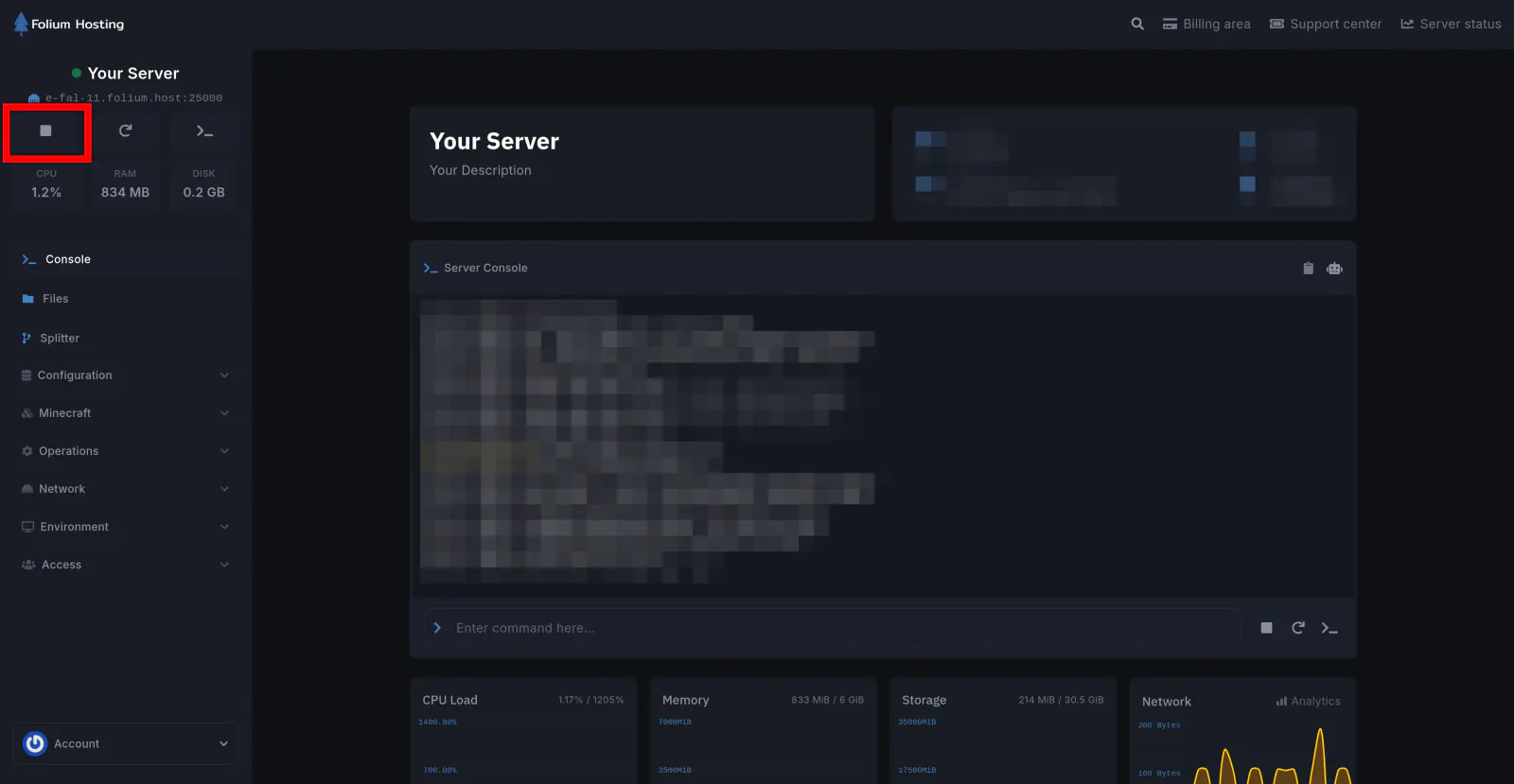
Create a Backup
If you don’t know how to make a backup, Here’s our article on How to make a backup
Open the Version Tab
Under the Minecraft Section, Go to the Version tab and click on “Paper”
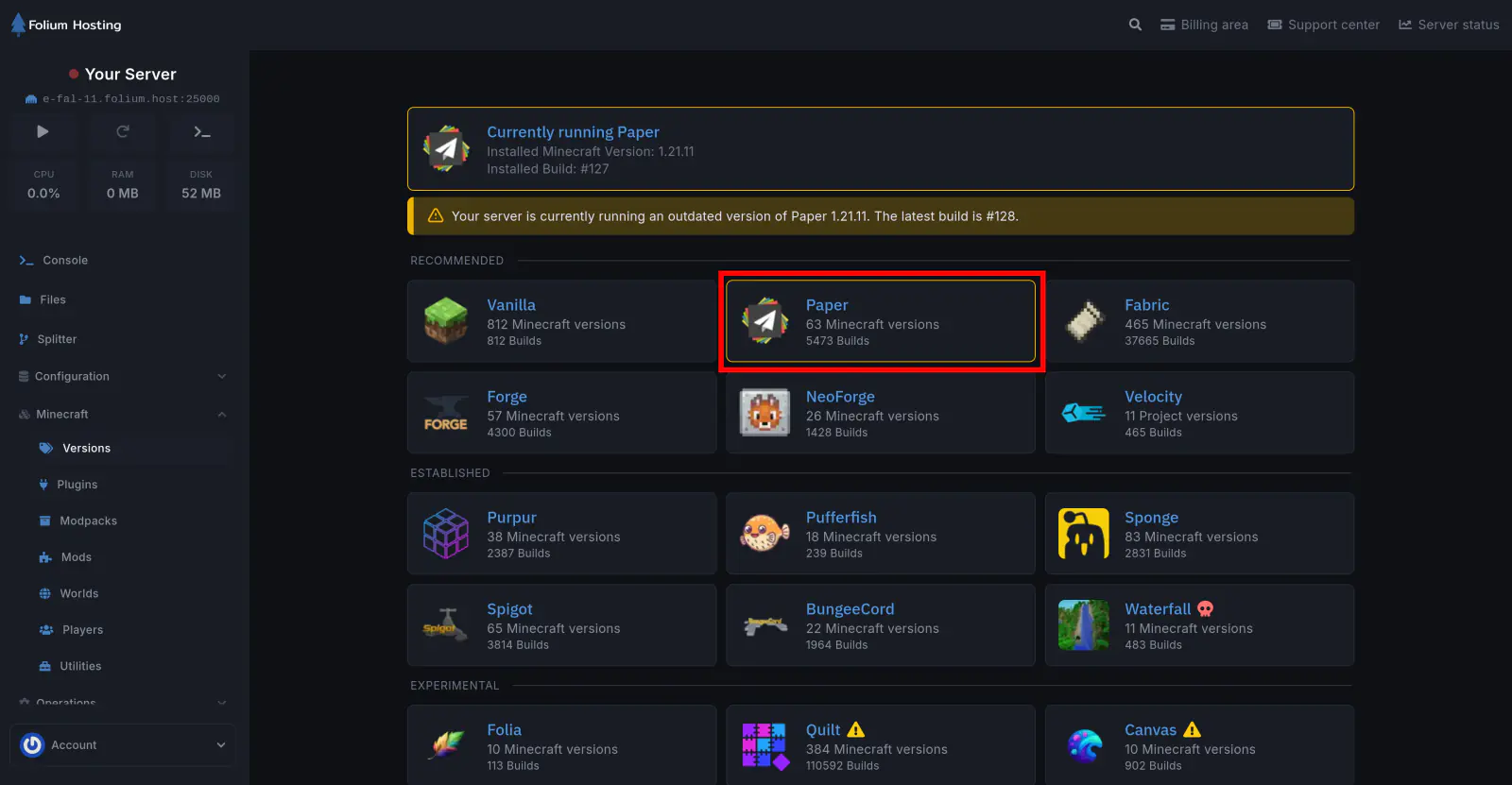
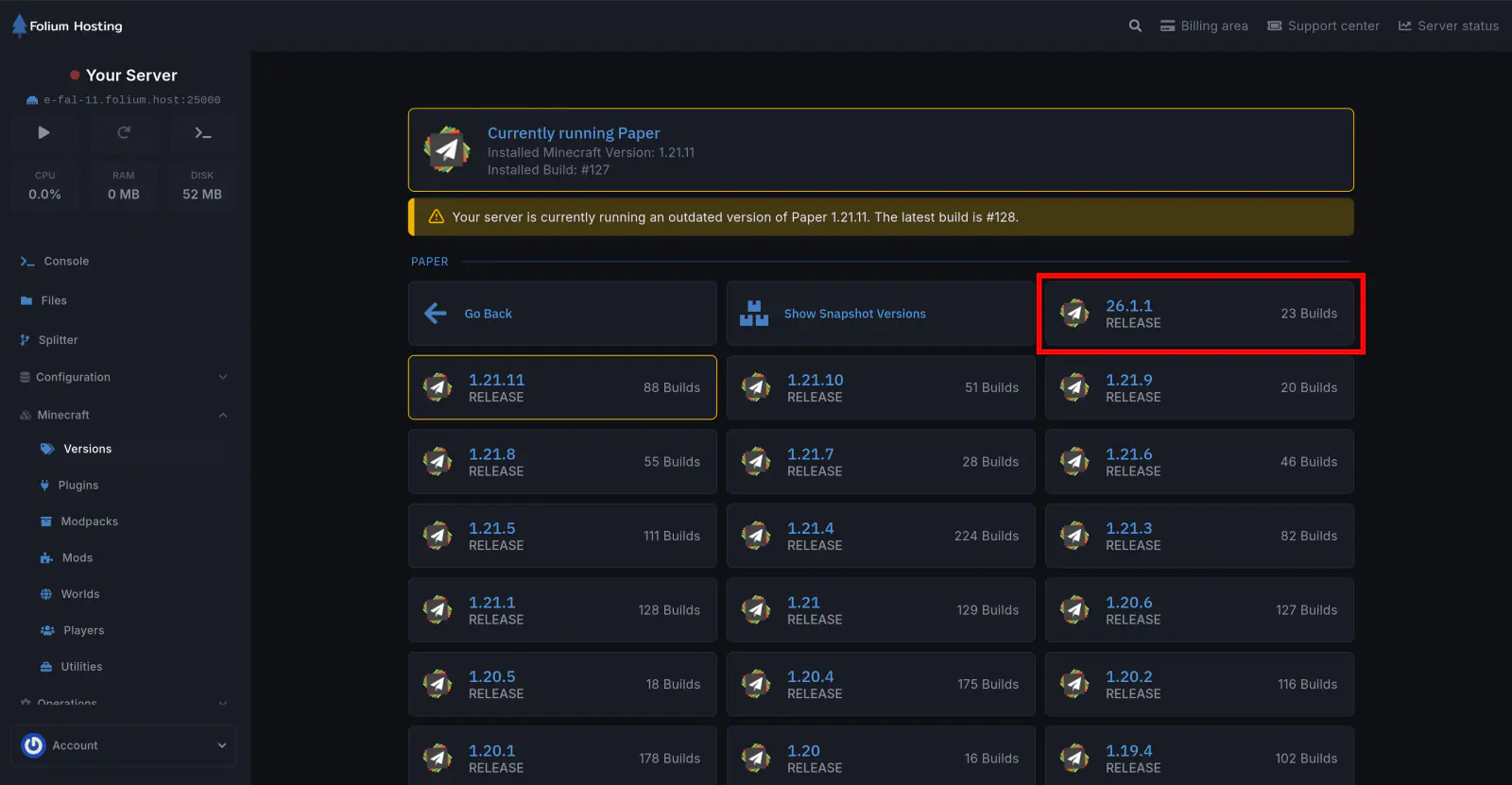
Select the Paper Version
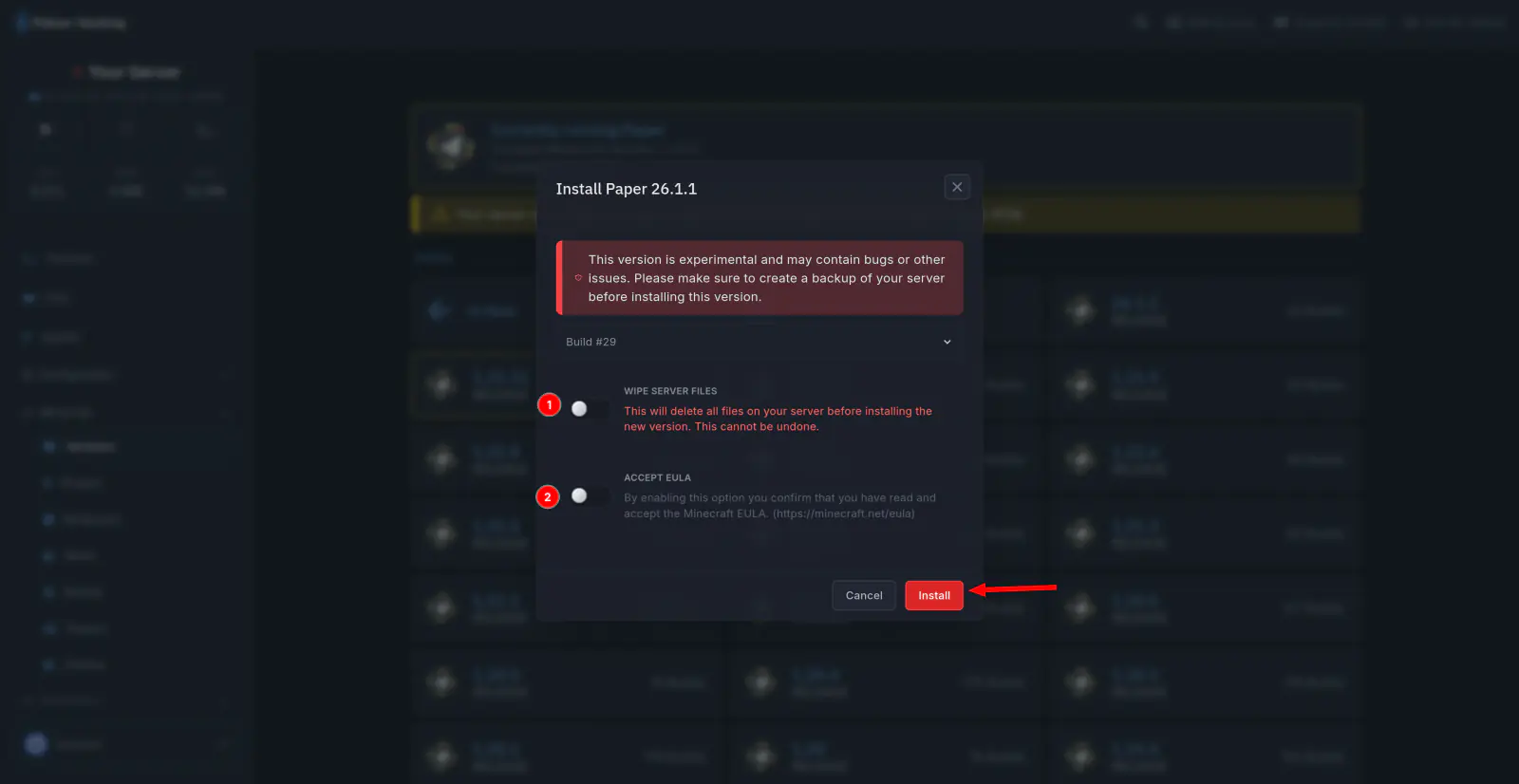
Install the Version
If you wish to simply upgrade your server, do not select the WIPE SERVER FILES option.
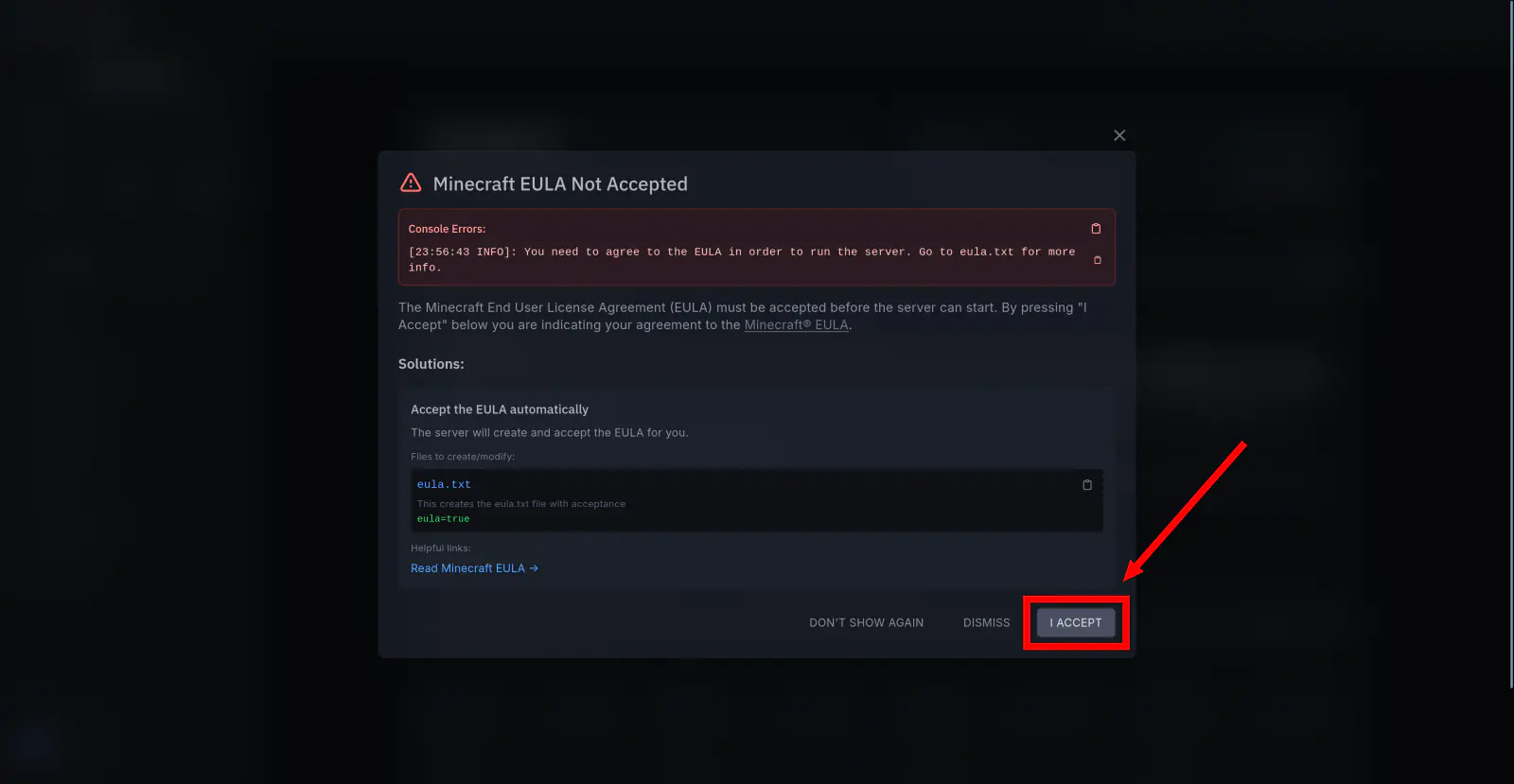
We recommend pre-selecting the eula acceptance to save time later.
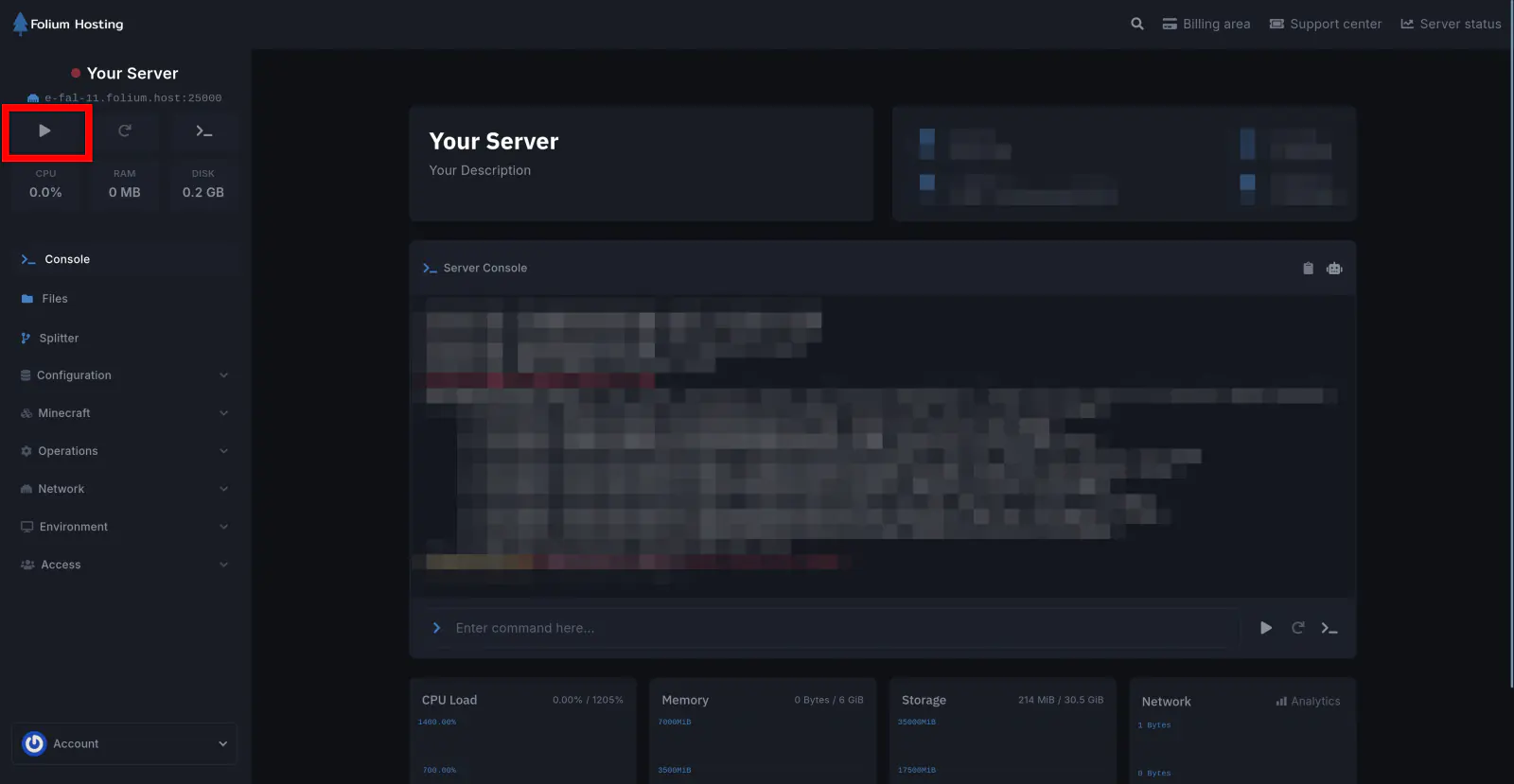
Start the Server
Note
i) Docker Image Requirement
Depending on the server version, the Docker image may also need to be updated.
To determine which Java version to use:
- 1.8 → 1.16.5 → Use Java 8 or newer
- 1.17 → 1.18 → Use Java 17 or newer
ii) Downgrading Warning
If you are downgrading your server version (for example, from 1.18.2 to 1.18.1), you must reset your world for the server to start properly.
Not sure how to reset your world?
Check out our guide: How to Reset Your World
There you go! You now know how to change your server version!