Built-In Importer
Requirements:
- Your previous hosting plan is still active
- You have access to your old host’s SFTP credentials
Log In to the Game Panel ↗

Select Your Server

Stop Your Old Server
Stop the server on your previous host to prevent file changes during transfer.
Open Configuration → Importer
Enter Your Old Host Details
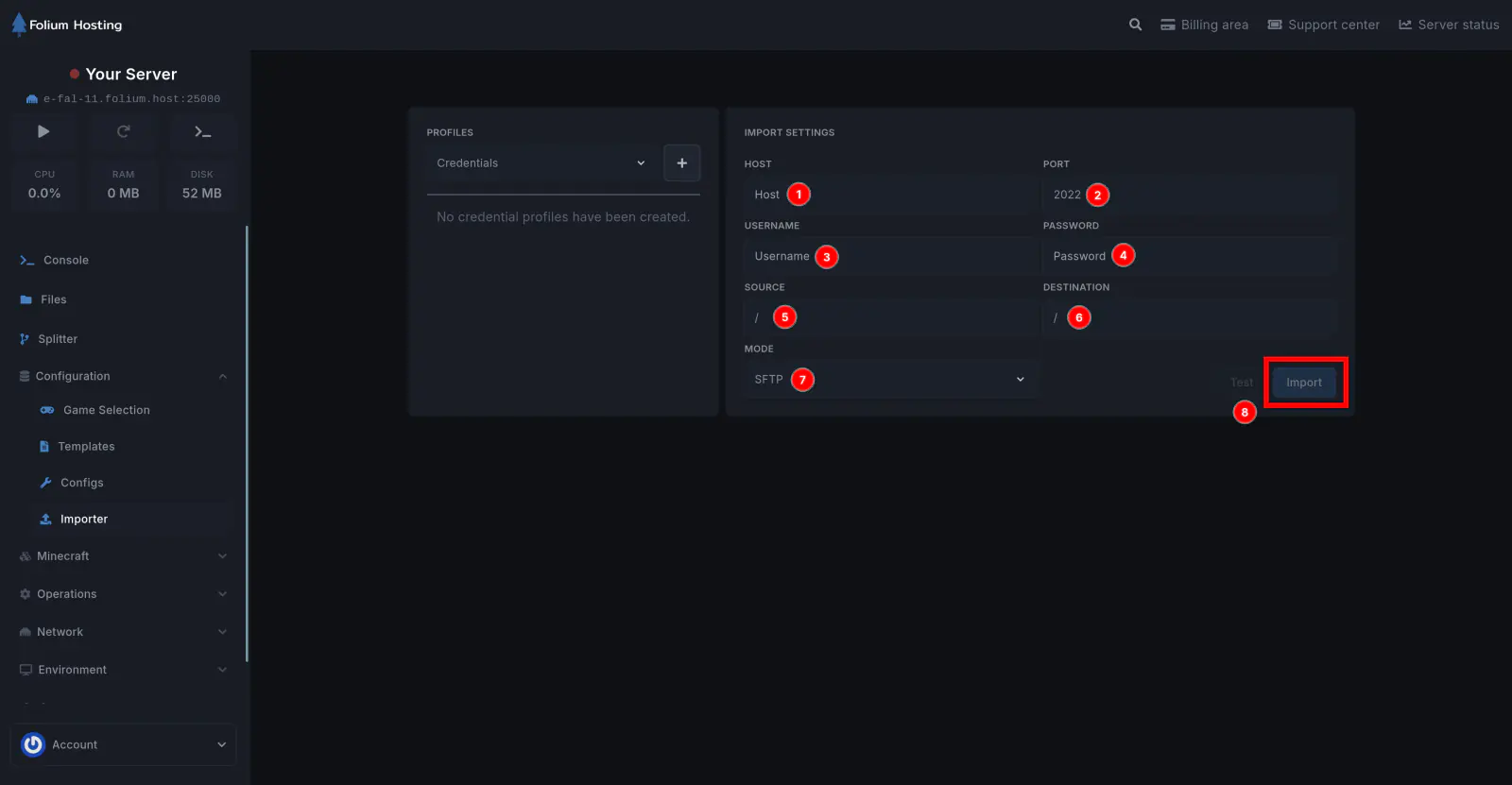
Fill in the fields as shown:
-
Host (1) – Enter the hostname or IP address
- Do not include a port or characters like
;
- Do not include a port or characters like
-
Port (2) – Common values:
22→ SFTP (default)2022→ Alternative SFTP21→ FTP
-
Username (3) – Your account username
-
Password (4) – Your account password
-
Source Path (5) – Directory to import from
-
Destination Path (6) – Where files will be placed
To import everything, set both to:
/If your old host shows
/home/container, ignore it; this is not the real root. -
Mode (7) – Select protocol:
- Use SFTP for ports
22or2022 - Use FTP for port
21
- Use SFTP for ports
Test the Connection
Click Test (8) to verify the connection works correctly. Unfortunately, some providers do block importers.
Import Your Files
Finally, if the test works, click Import to begin the transfer.
Wait for the Transfer
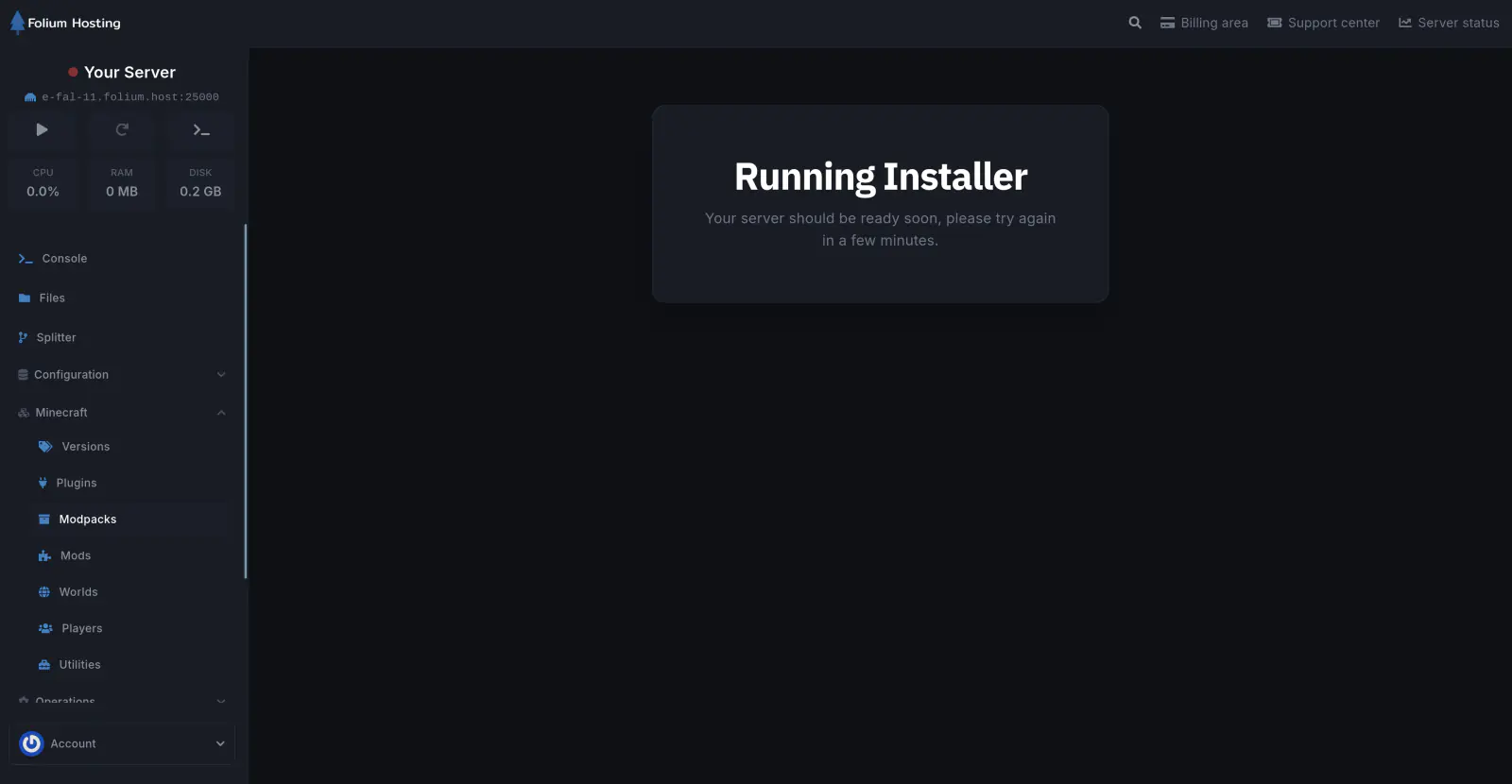
The panel will be unavailable until the transfer is complete. If your server is large and has many small files, this can take a while and cannot be stopped.
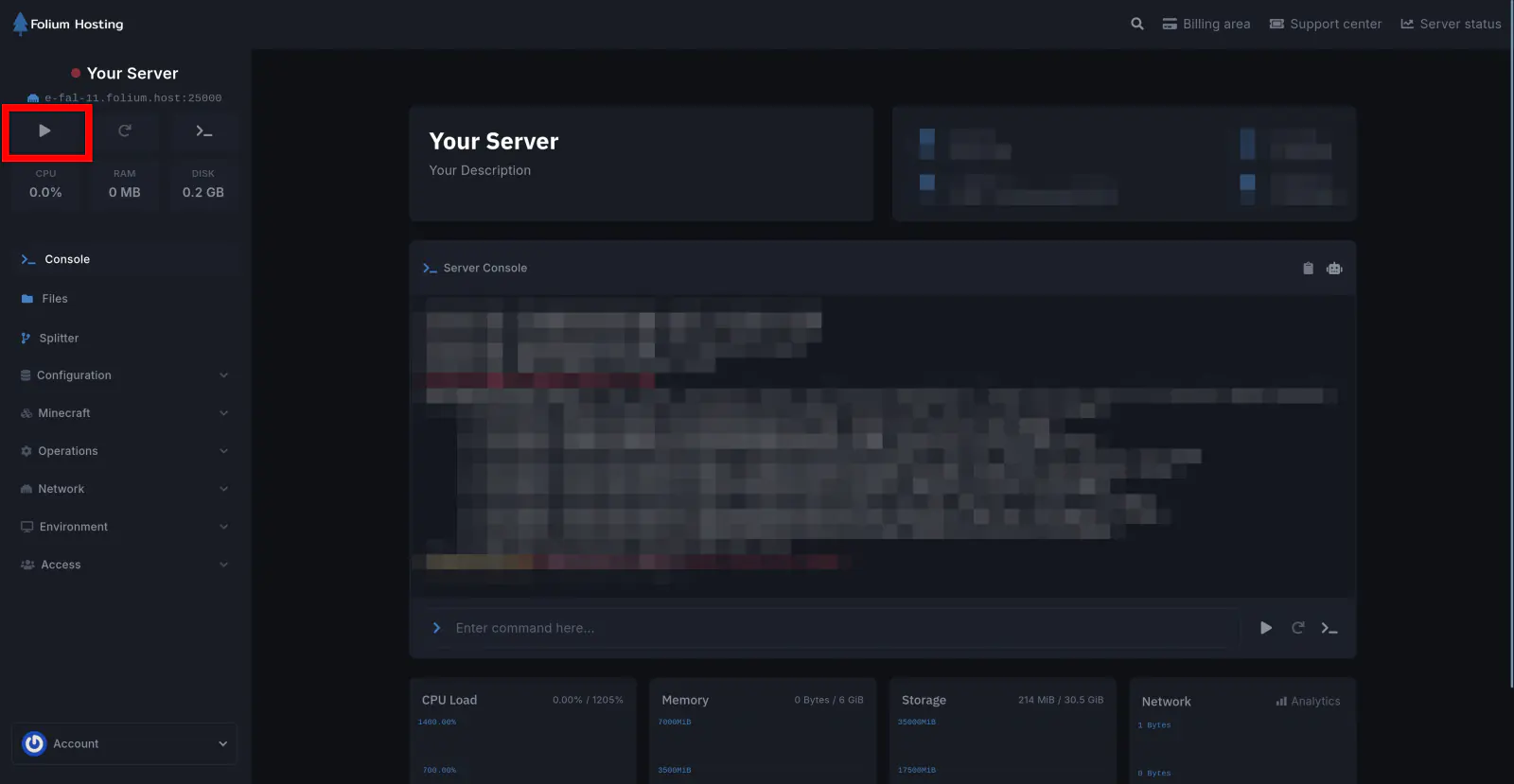
You have successfully migrated your server to Folium Hosting.