Log In to the Game Panel ↗

Select Your Server

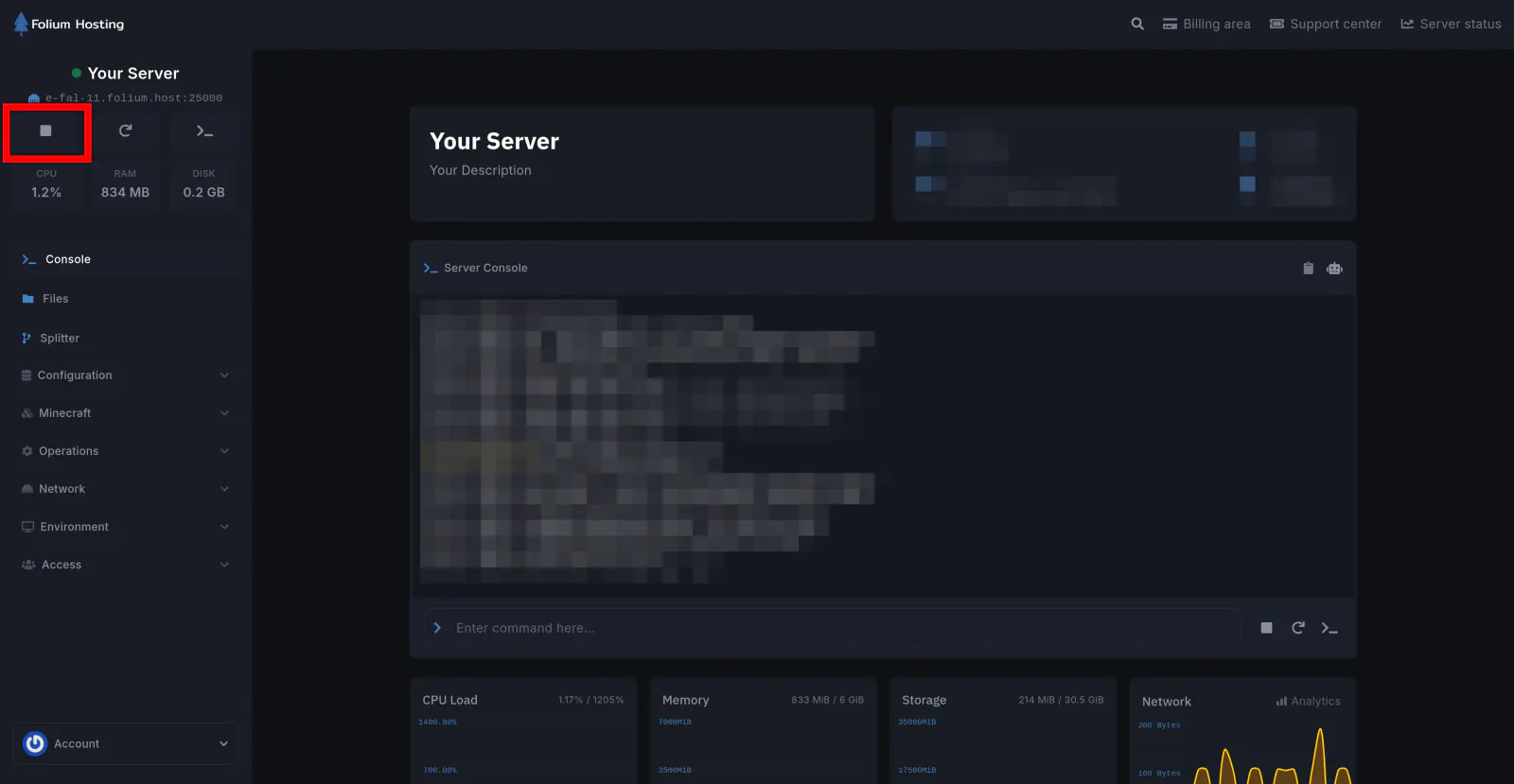
Stop the Server
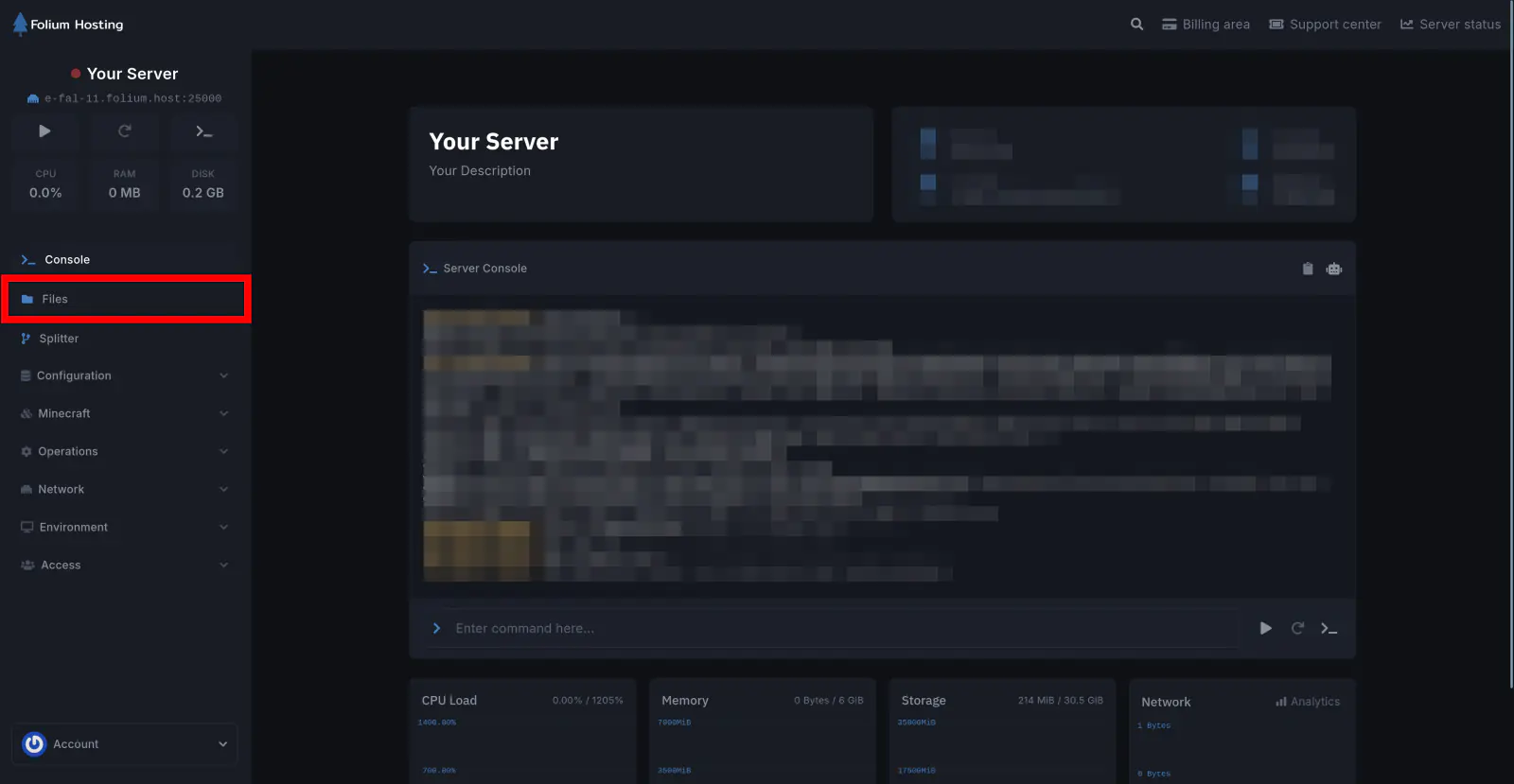
Click on the Files tab
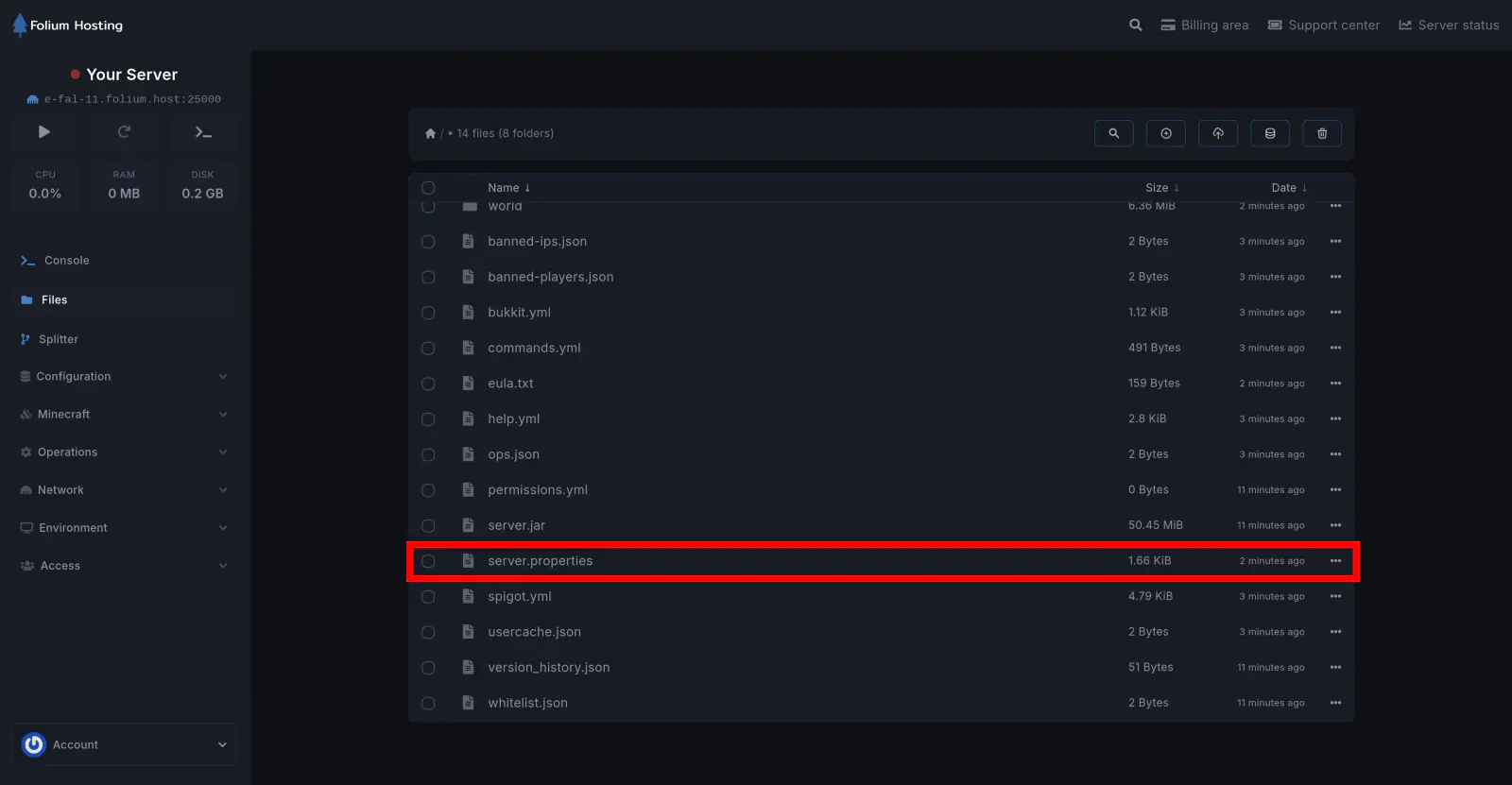
Open the server.properties file
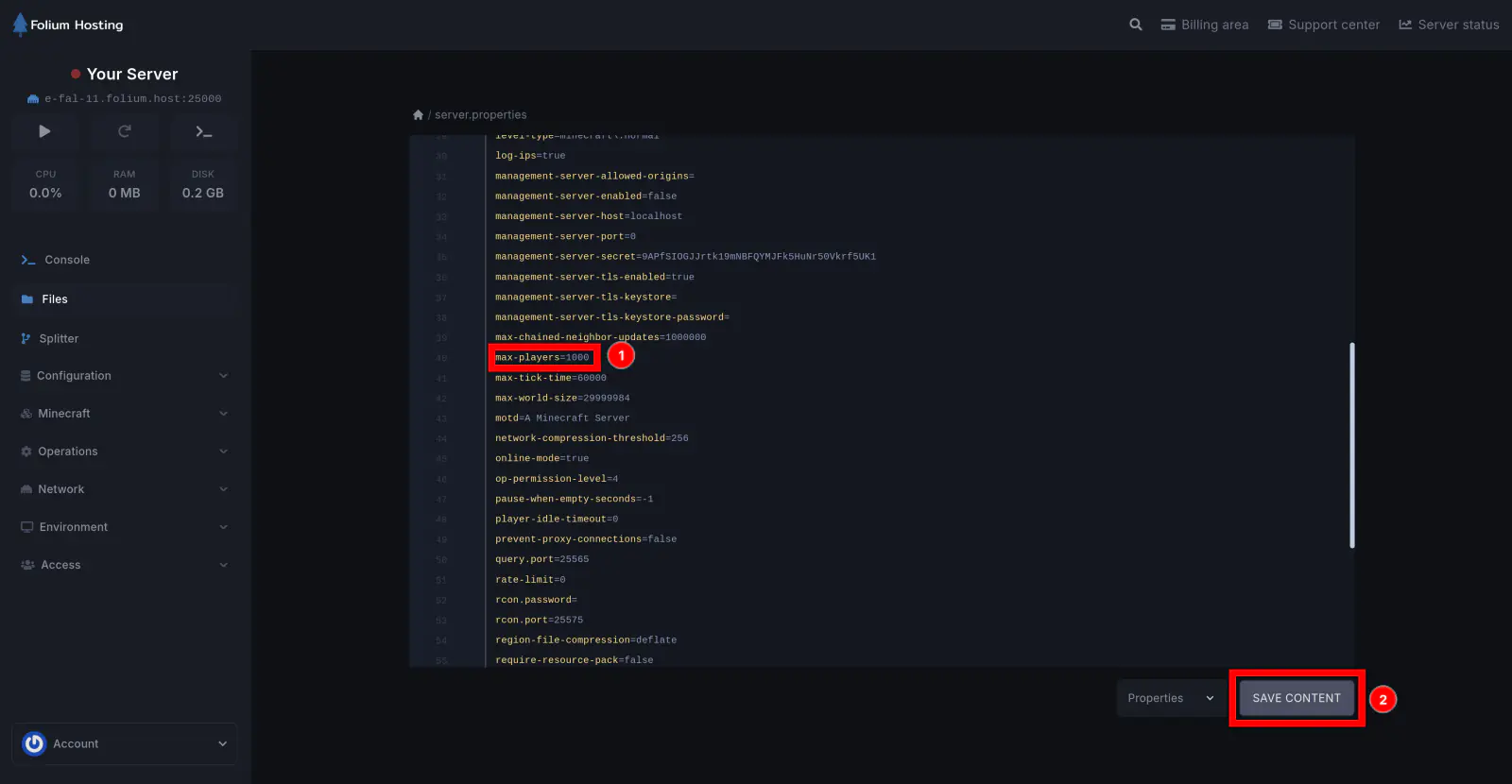
Set the Max Players Value
Scroll down until you find max-players=[value]. Change [value] to your preferred player count and click Save Content.
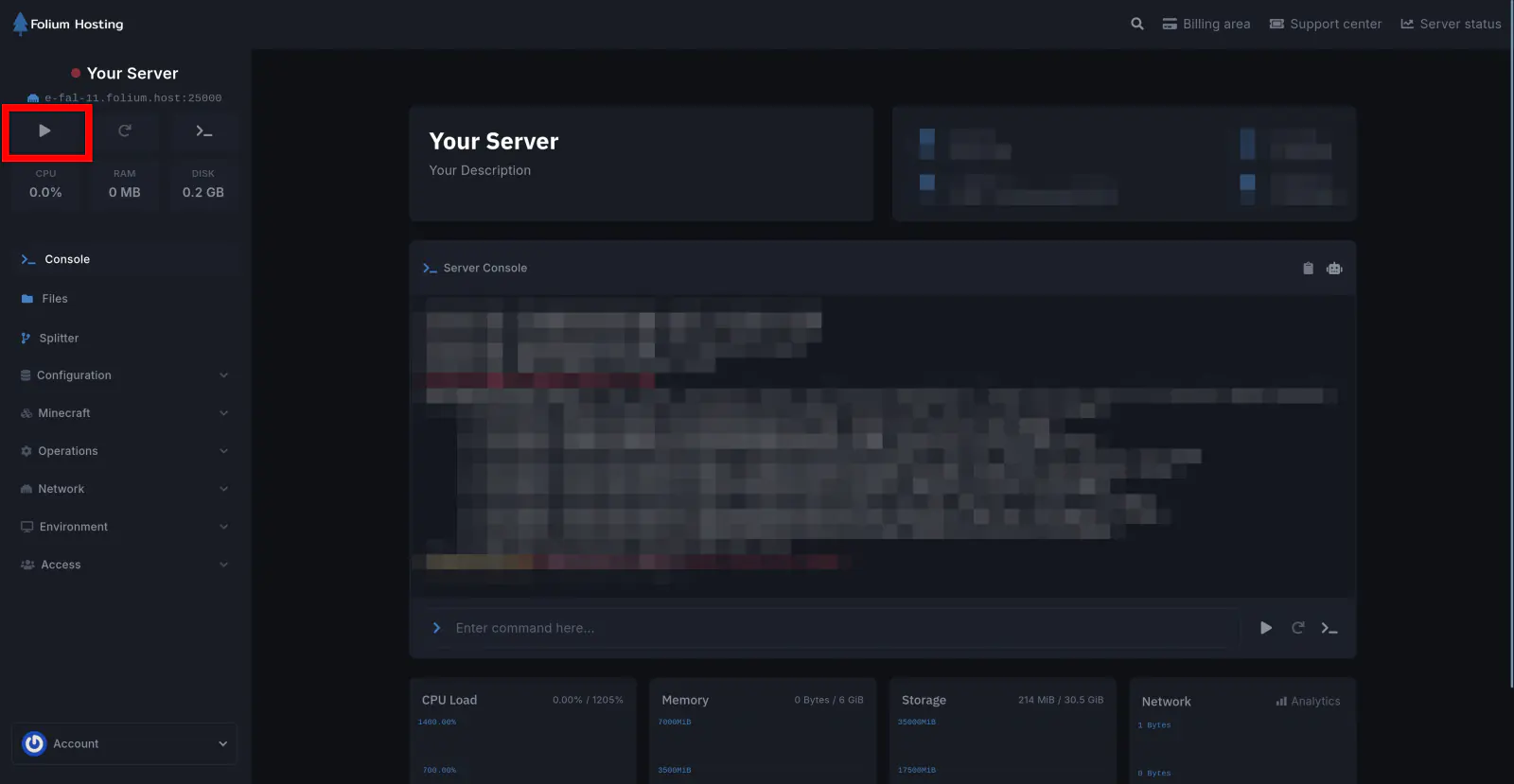
Start the Server
You have successfully changed the maximum player capacity on your server!