Folium’s default JVM version of Java 21 is suitable for almost all use cases, but some server versions or modpacks may require a different Java version.
Log In to the Game Panel ↗

Select Your Server

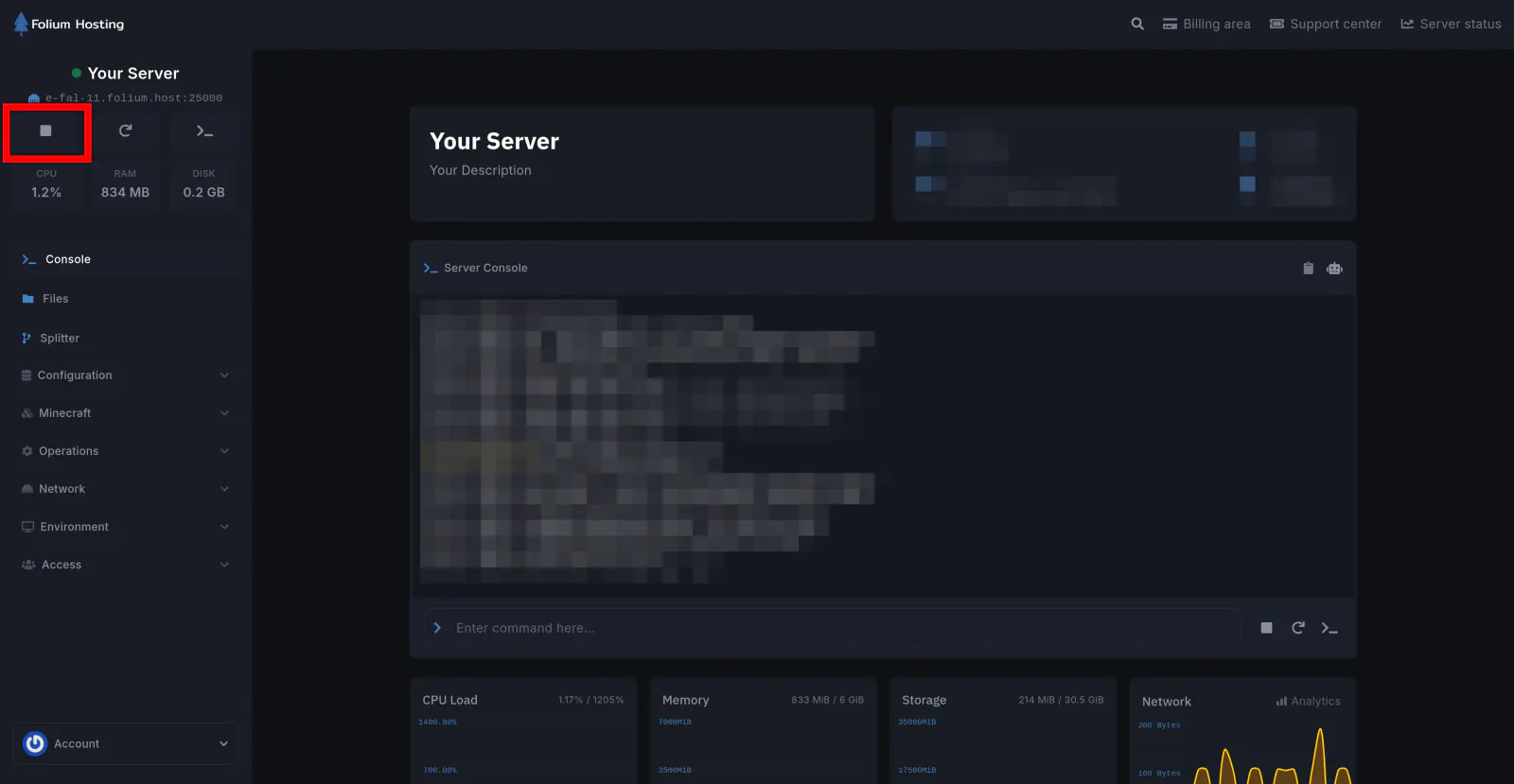
Stop the Server
Open the Startup Tab
Go to Environment → Startup.
Change the Docker Image
Under the drop-down titled Docker Image, choose the Java version you need.
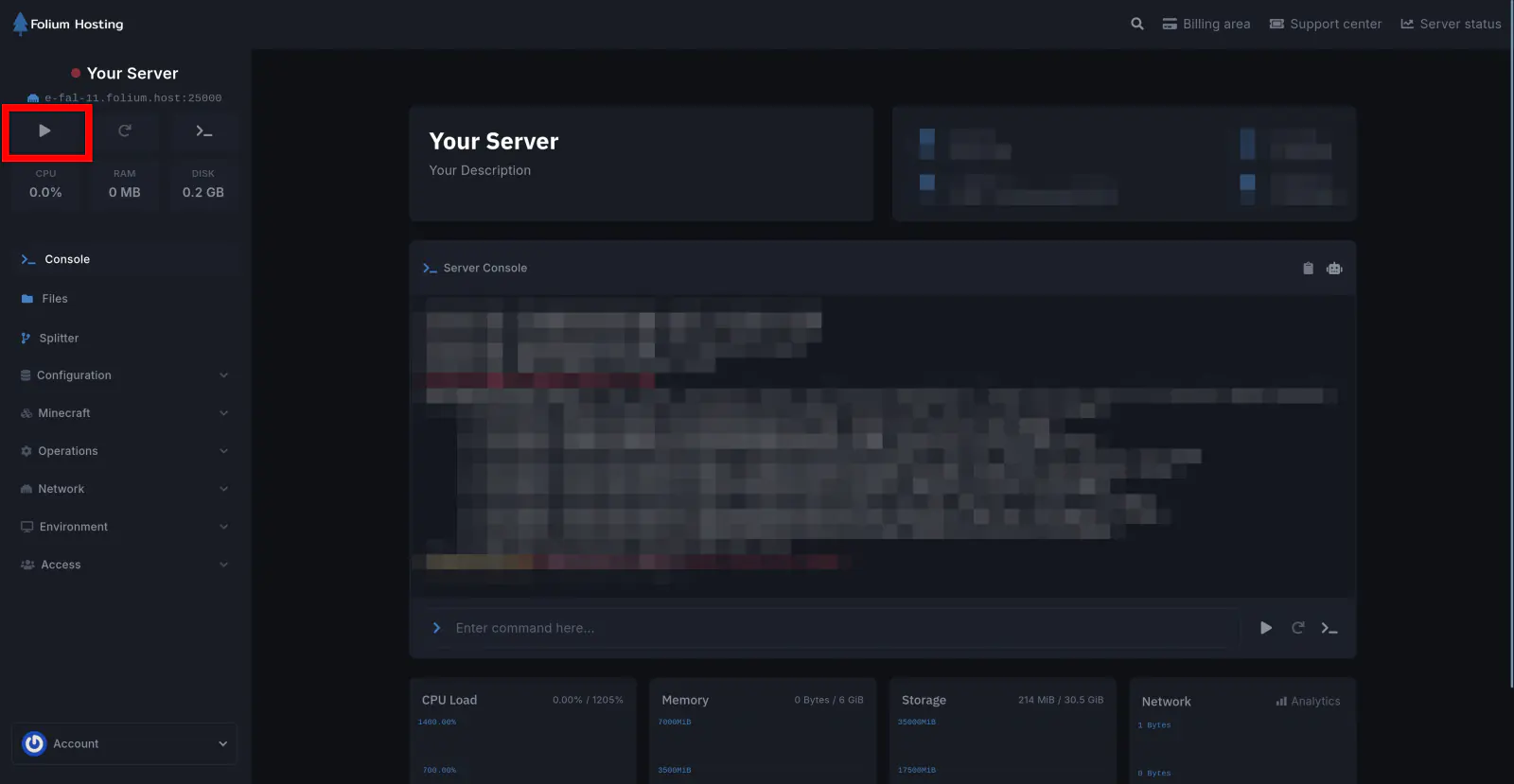
Start the Server
The new Java version will automatically install on startup.
Which Java Version Do I Need?
| Minecraft Version | Minimum Java Version |
|---|---|
| 1.8 → 1.16.5 | Java 8 |
| 1.17 | Java 16 |
| 1.18 → 1.20.4 | Java 17 |
| 1.20.5 → 1.21.x | Java 21 |
| 26.1+ | Java 25 |
You have successfully changed the Java version on your server.