

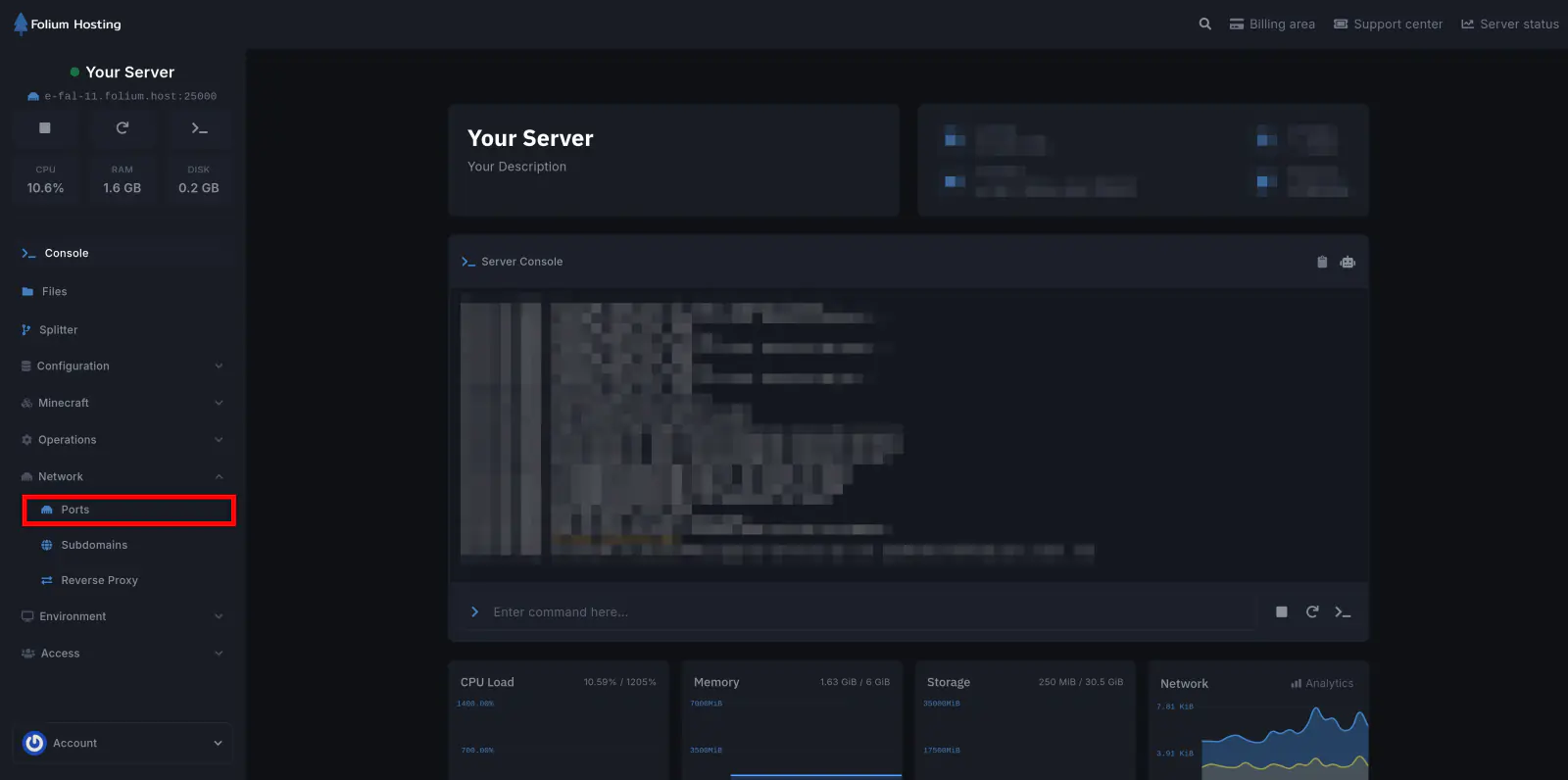
Configure Server Ports
Stop your server before making any changes. Click Create Allocation once to add an additional port.
You should now have:
- Your primary port (already created)
- One new port
Recommended Naming:
- Primary Port → Game (do not modify)
- Additional Port → RELIABLE
Set Startup Parameters
Navigate to the Startup tab. Fill in the following fields:
- Max Players - Set your desired player limit (Default: 4, higher values are not recommended)
- Reliable Port - Enter the port labeled RELIABLE from the Network tab
Save and Start
Click Save to apply all changes. Start your server. Launch Satisfactory and begin playing.
✔ Server Ready
Your server is now fully operational. You can explore, build, and automate freely with full control and stability.
Frequently Asked Questions
How do I connect to my server using the In-Game Server Browser?
- Launch Satisfactory
- Open Server Manager from the main menu
- Click Add Server
- Enter your server’s IP address and Game port
- Enter the password (if required)
- Click Connect
Important: Use the Game Port, not the Reliable Port, when connecting.
If any issues arise, contact us ↗.