Easy Method
Log In to the Game Panel ↗

Select Your Server

Open the Utilities Tab
Under the Minecraft section, click the Utilities tab.
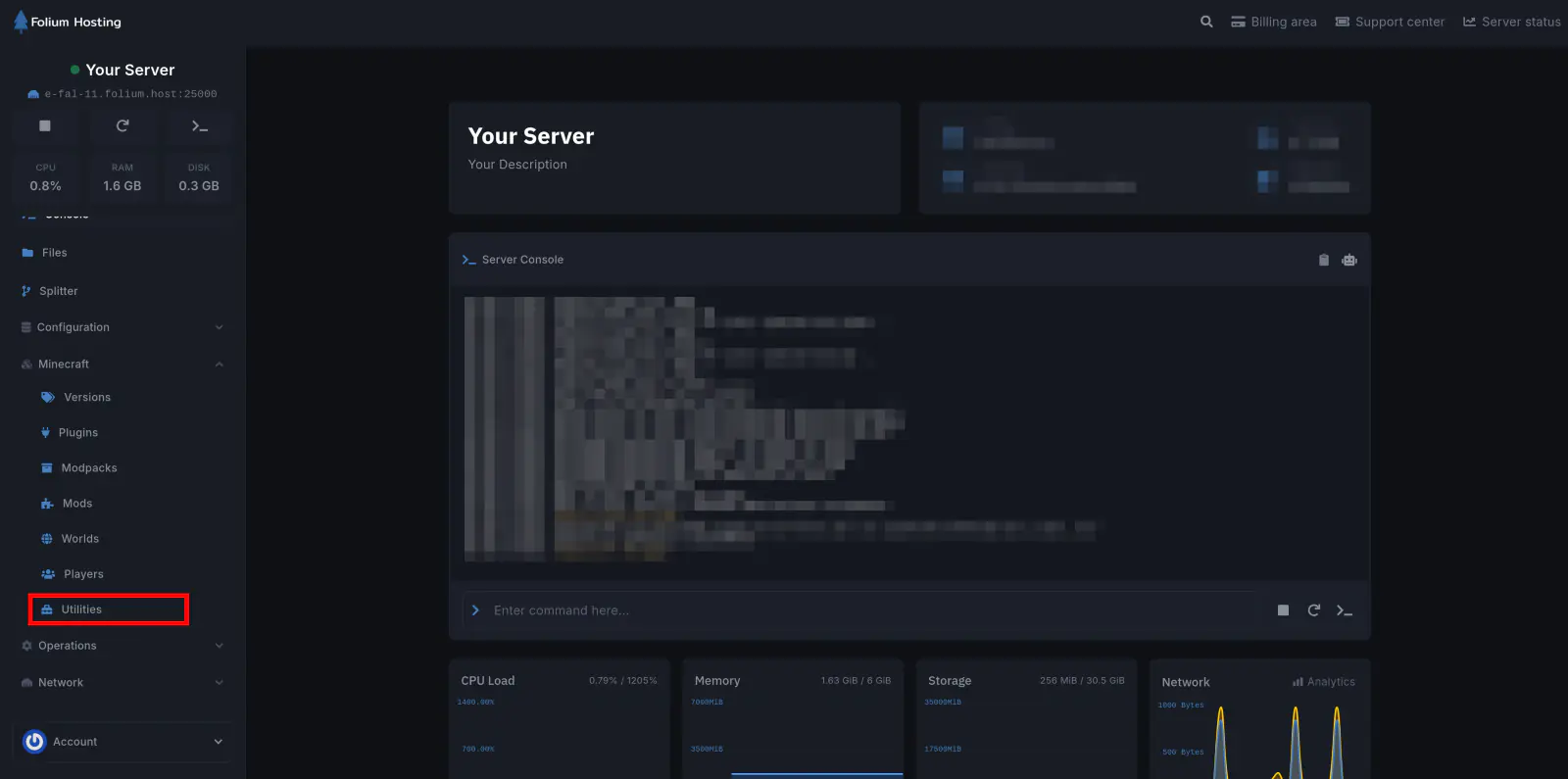
Navigate
Click on Server Customization and then Custom Server Icon
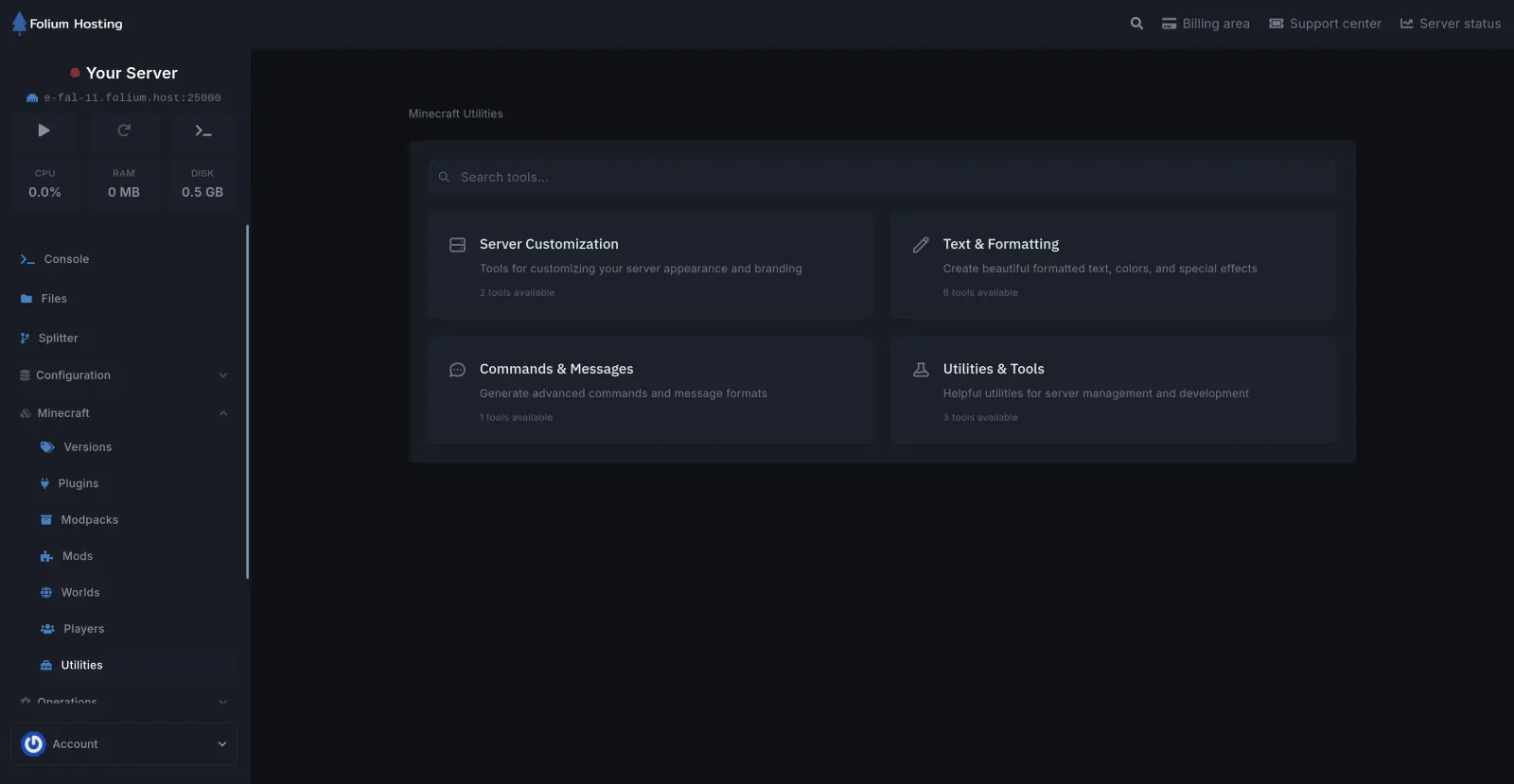
Set your Icon
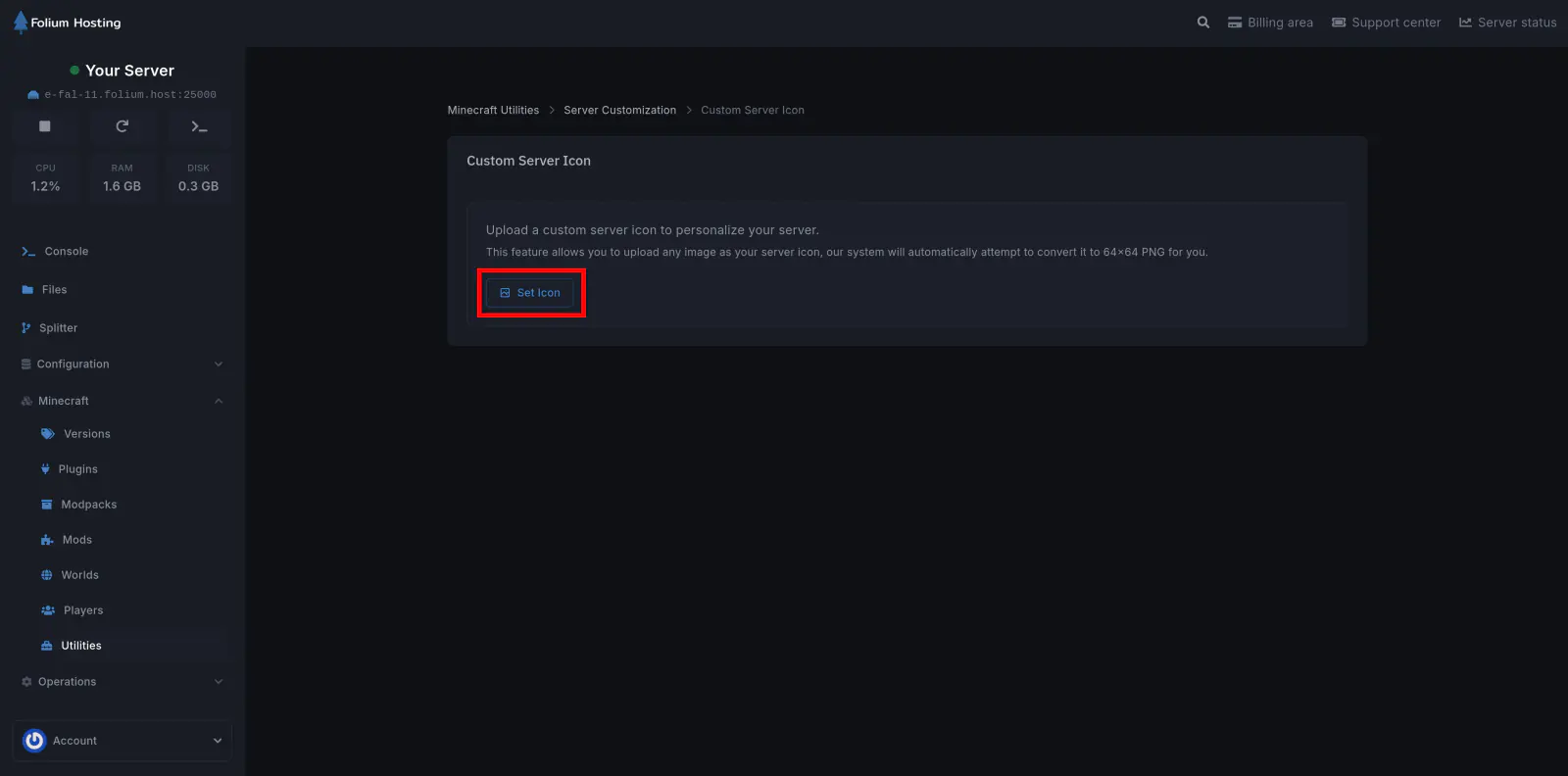
Click on the Set Icon button, this will launch a pop-up from which you can select your desired icon file.
Restart the Server
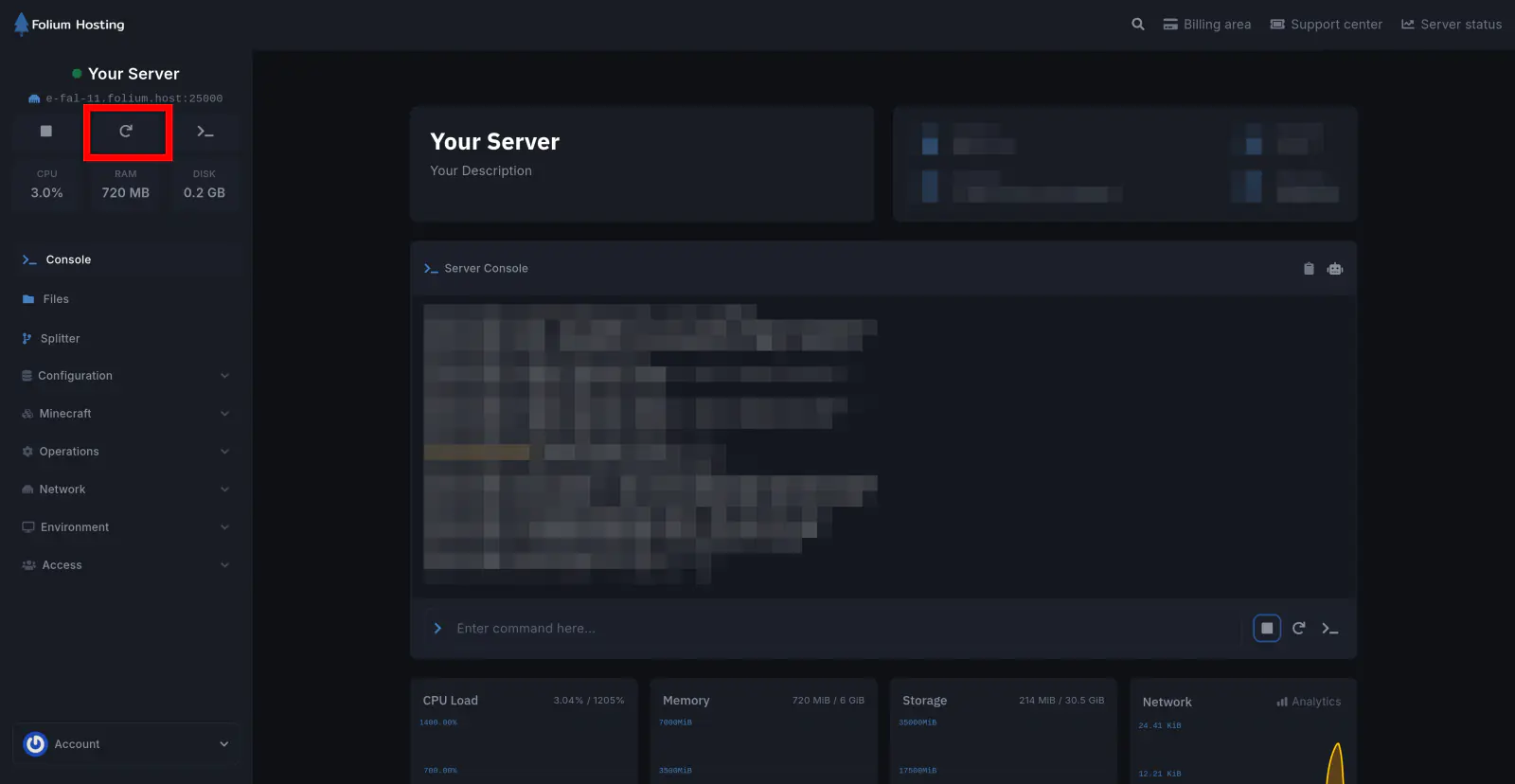
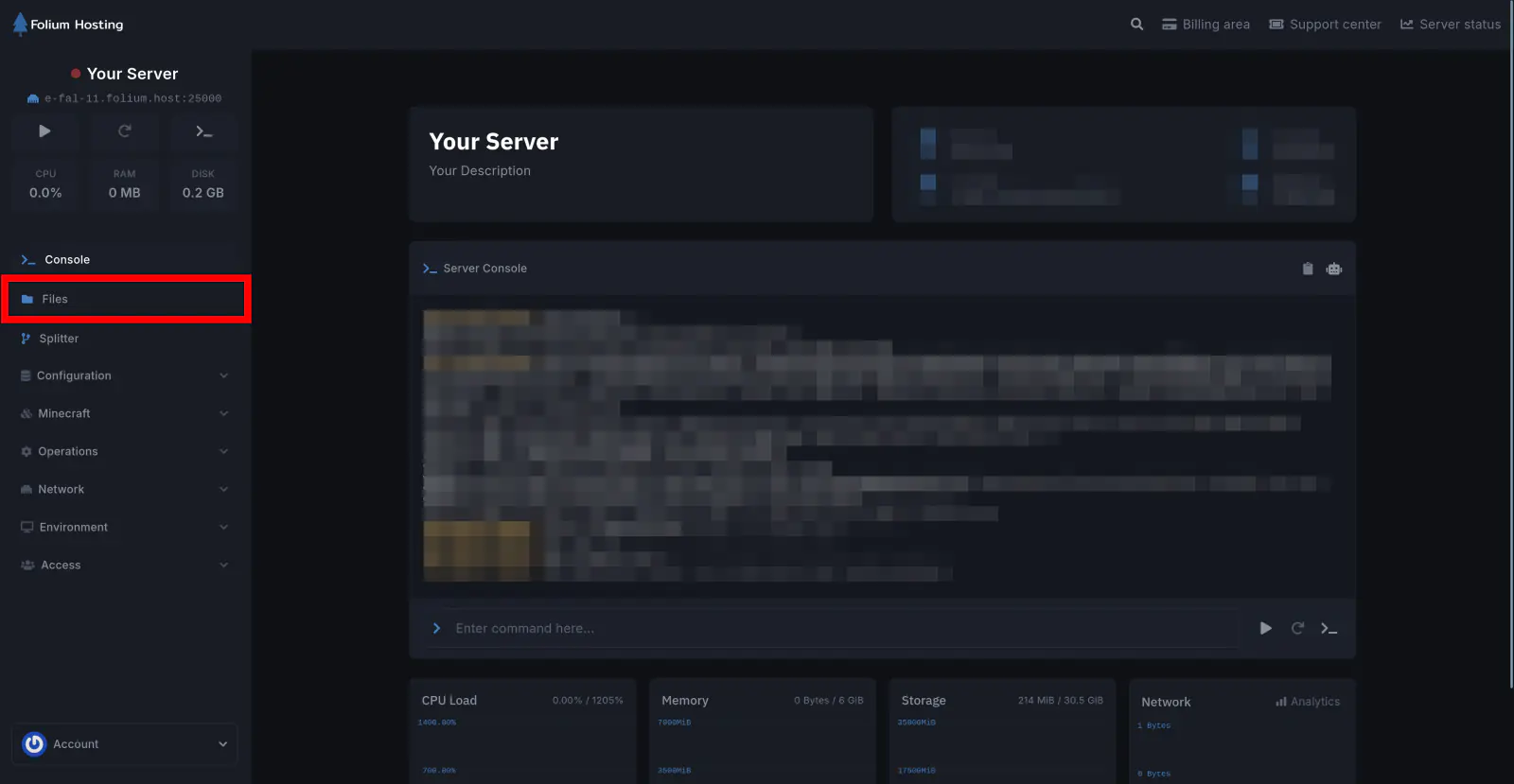
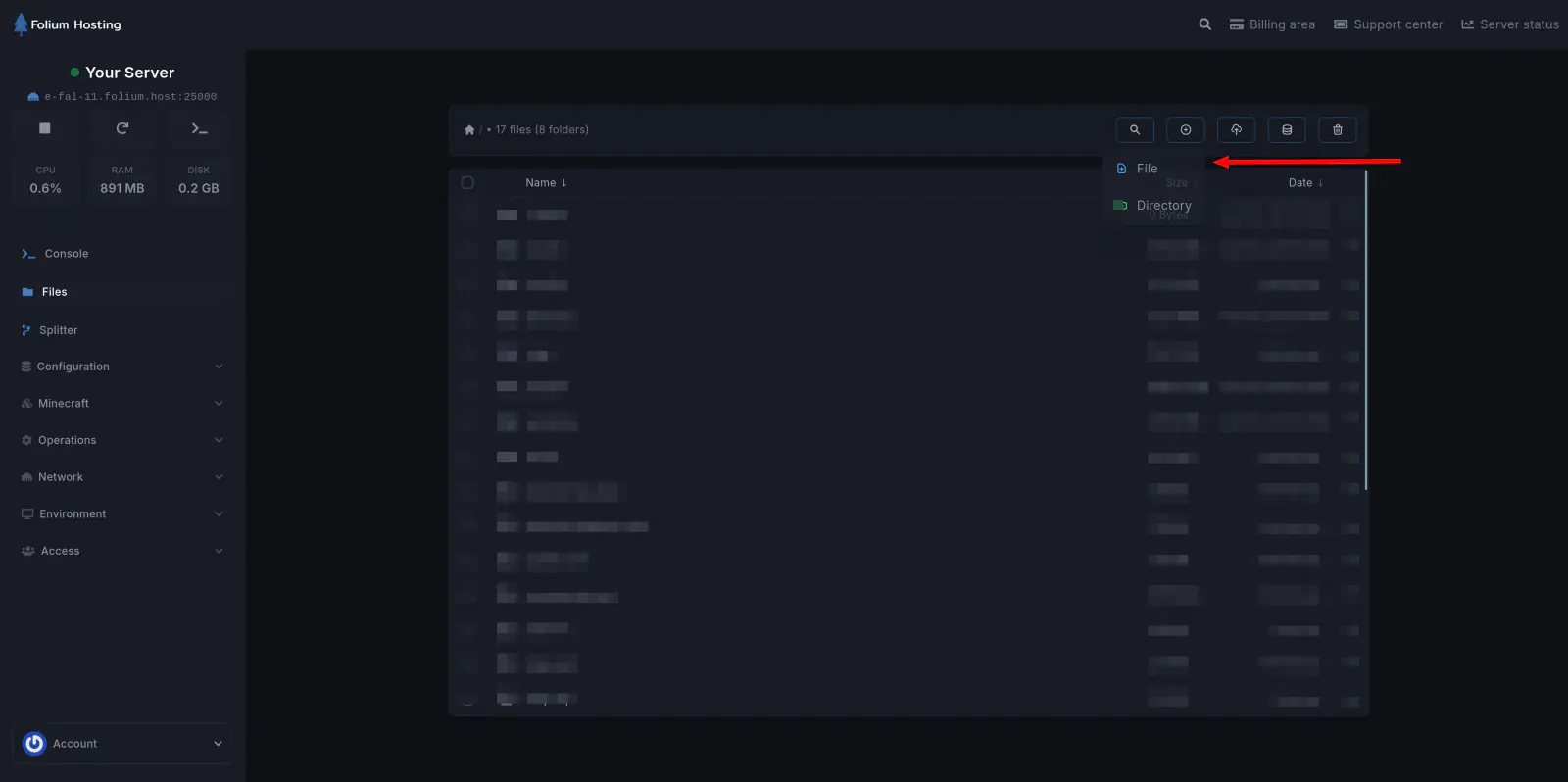
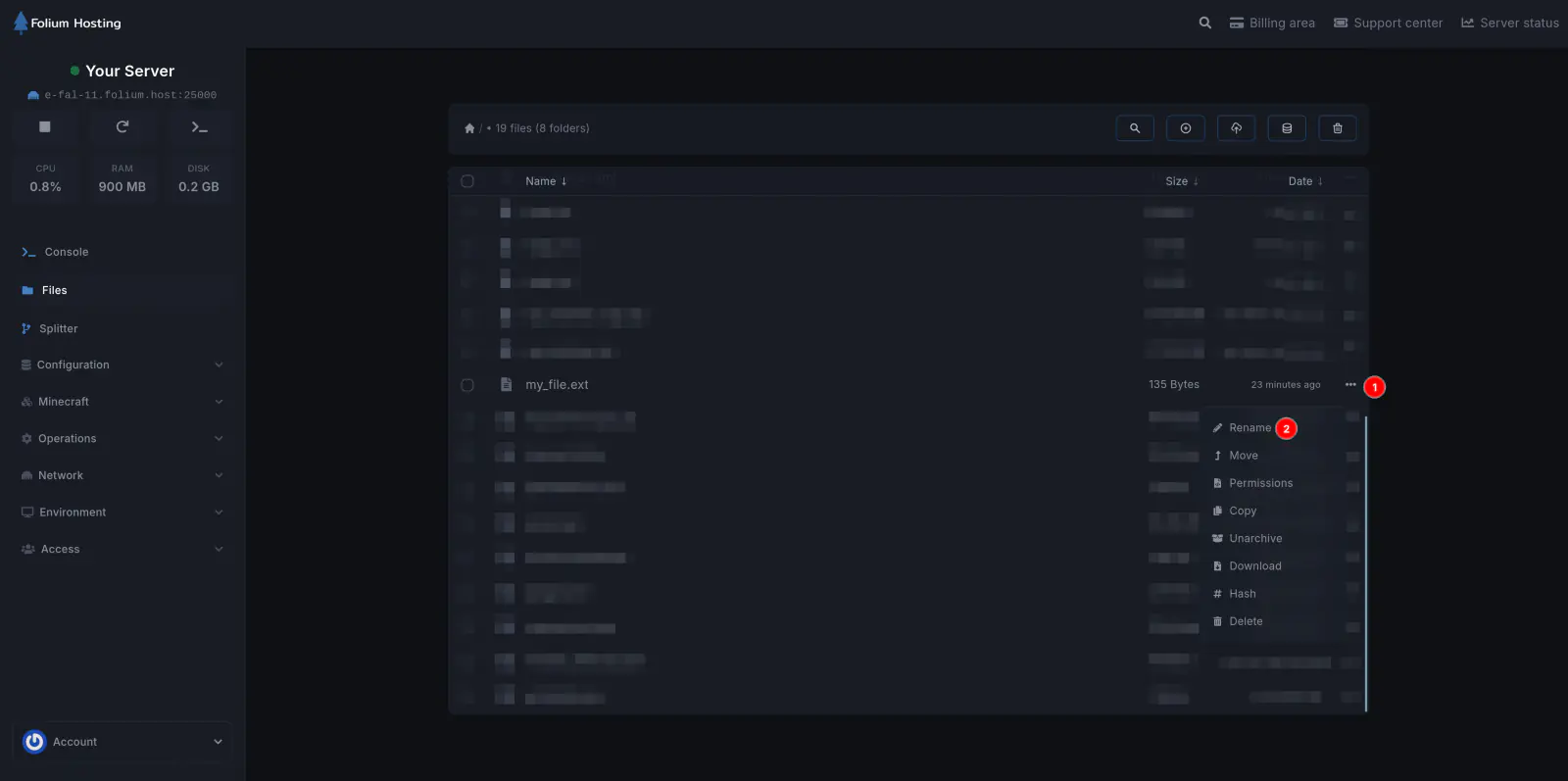
You have successfully changed your server icon.