You can change your server’s region yourself, directly from the panel. You can see our available regions at our Hardware Page .
Log In to the Game Panel ↗
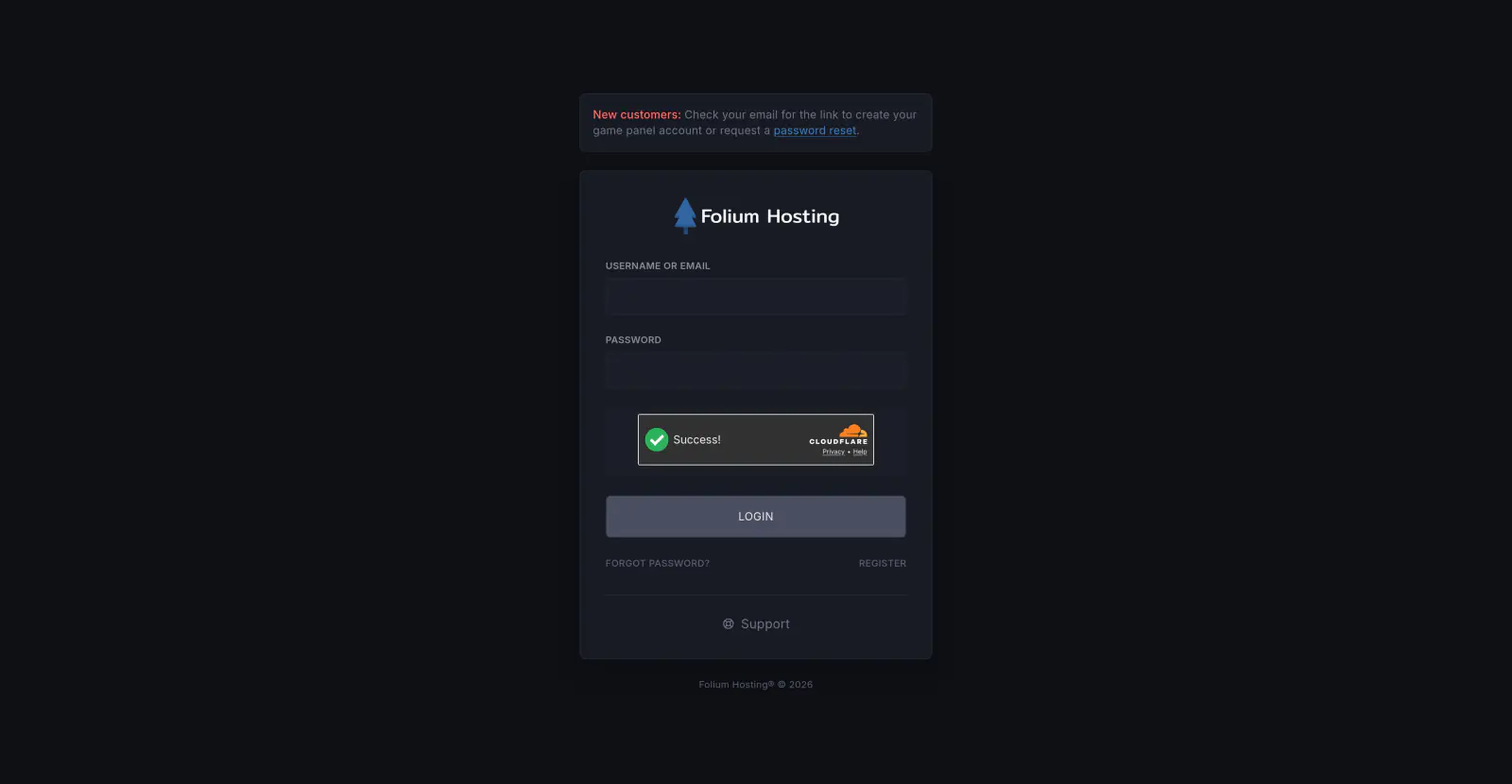
Select Your Server
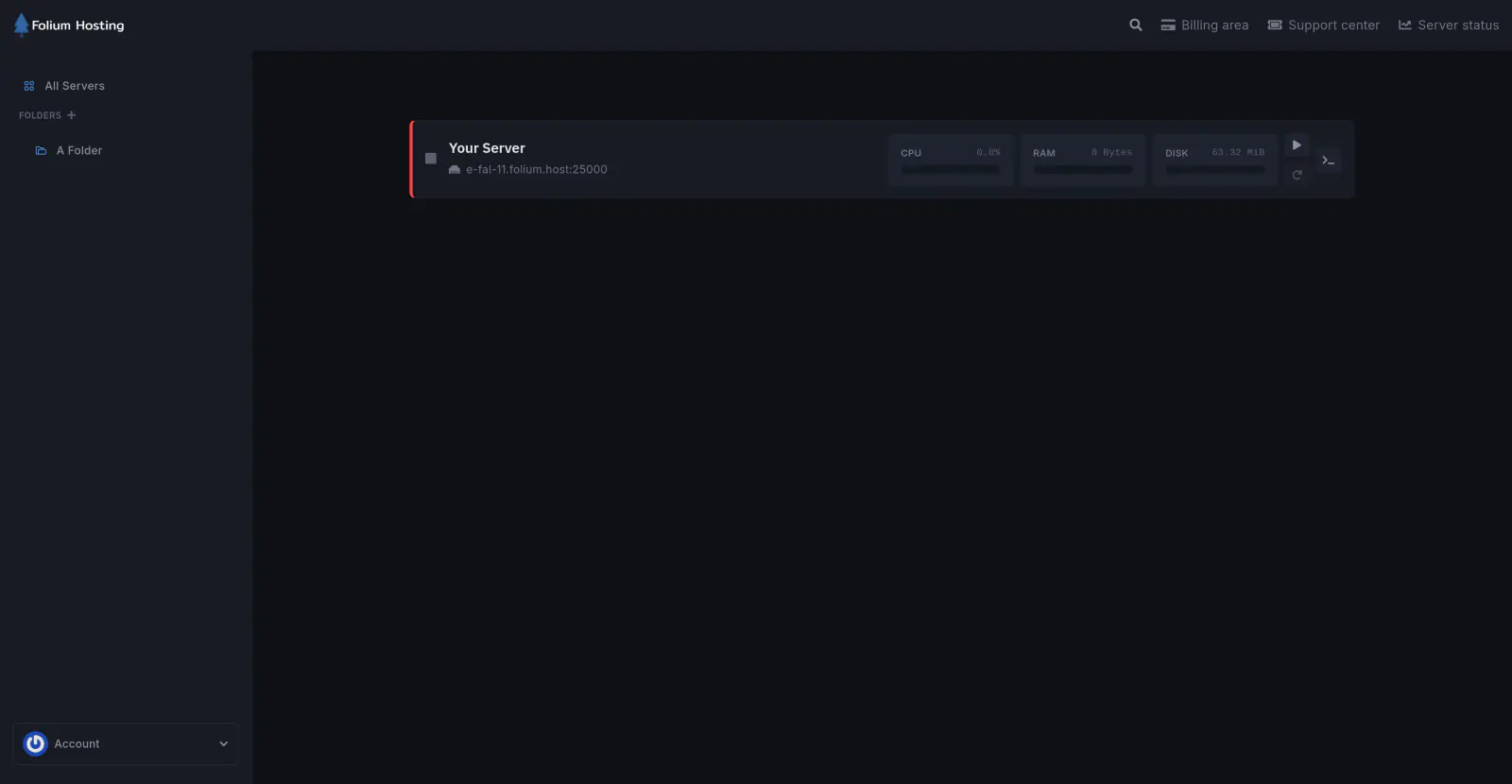
Open the Settings Tab
Navigate to Environment → Settings in the left sidebar.
Click Change Location
Find the Server Location box and click Change Location.
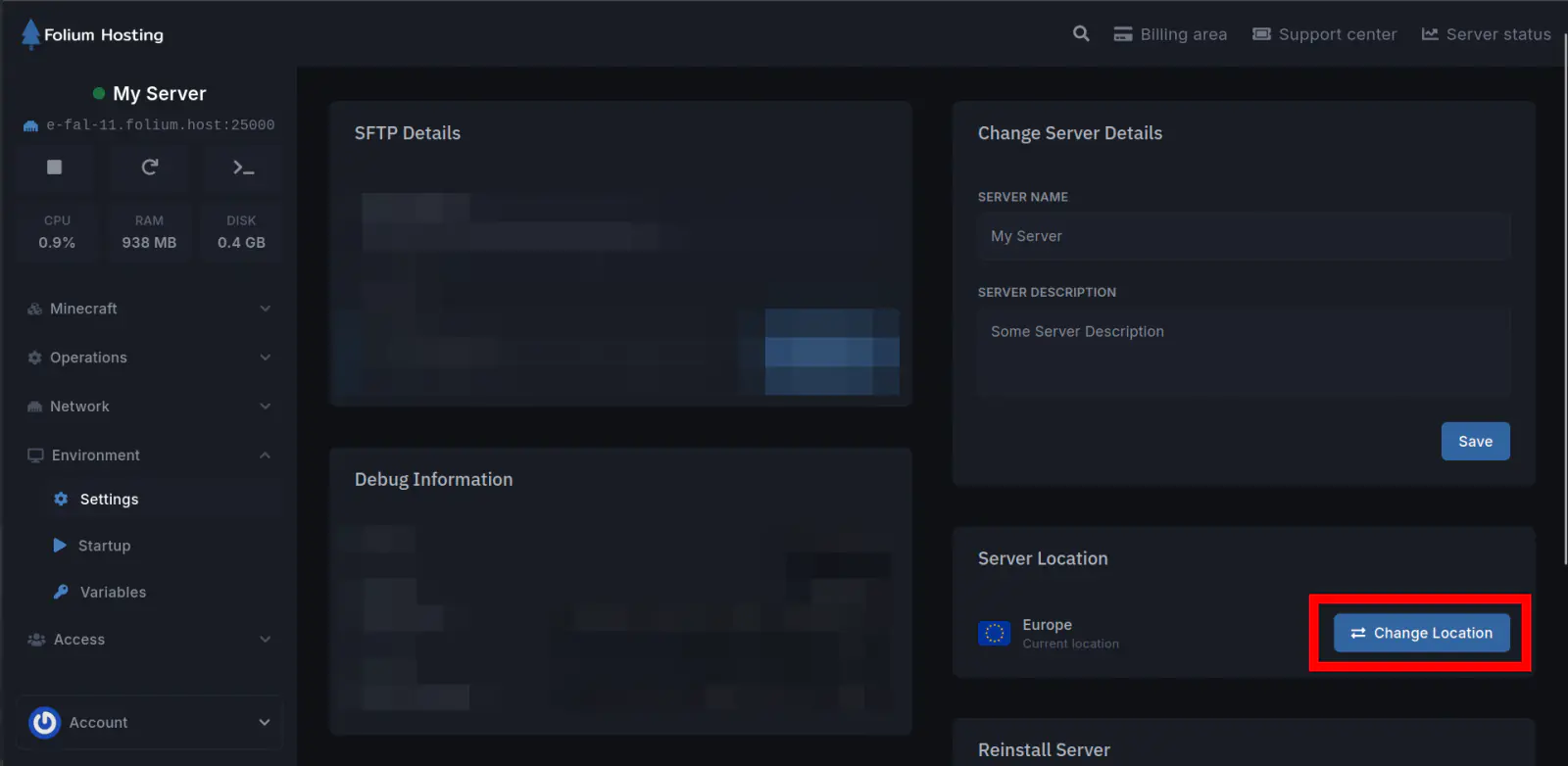
Resolve Any Blockers
If anything needs removing before you can transfer (such as backups, reverse proxies, or subdomains), the dialog will flag it at the top with quick links to resolve each one.
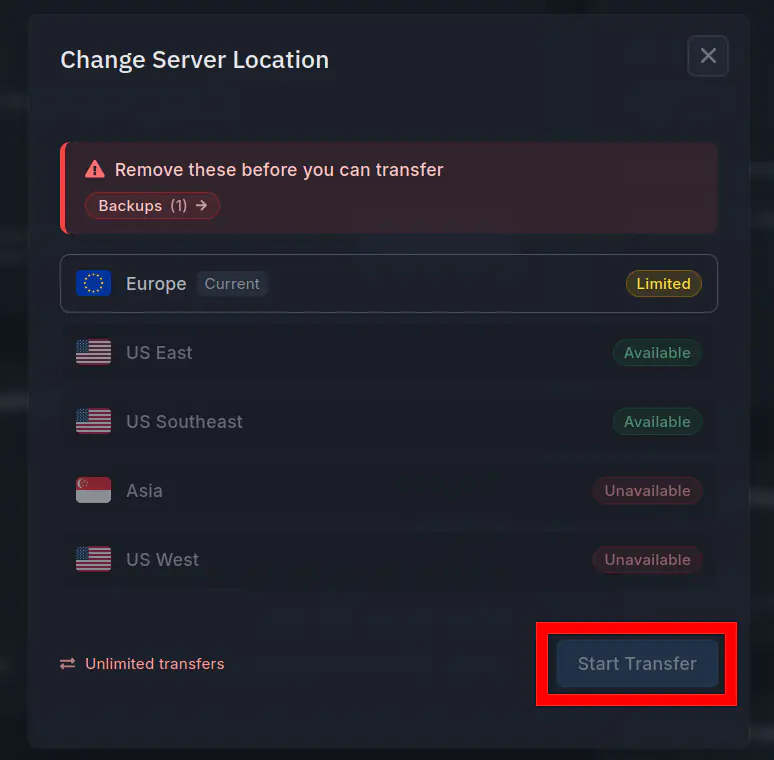
Pick a Region and Start the Transfer
Select an available region, click Start Transfer and follow the prompts.
Your server IP and port will change during the migration. If you use an external domain, update your DNS records once the transfer is done: see our Custom Domain guide.
Although the process is designed to be failsafe, please keep your own local copy of your data beforehand, as we cannot be held liable for any data loss. Since panel backups must be removed before transferring, create a backup and download it to your machine first.
If you run into any issues, submit a ticket via our Billing Area and we’ll be happy to help.