Game Selection lets you change what game your server runs. You can switch between any supported game without needing a new server.


Select a New Game
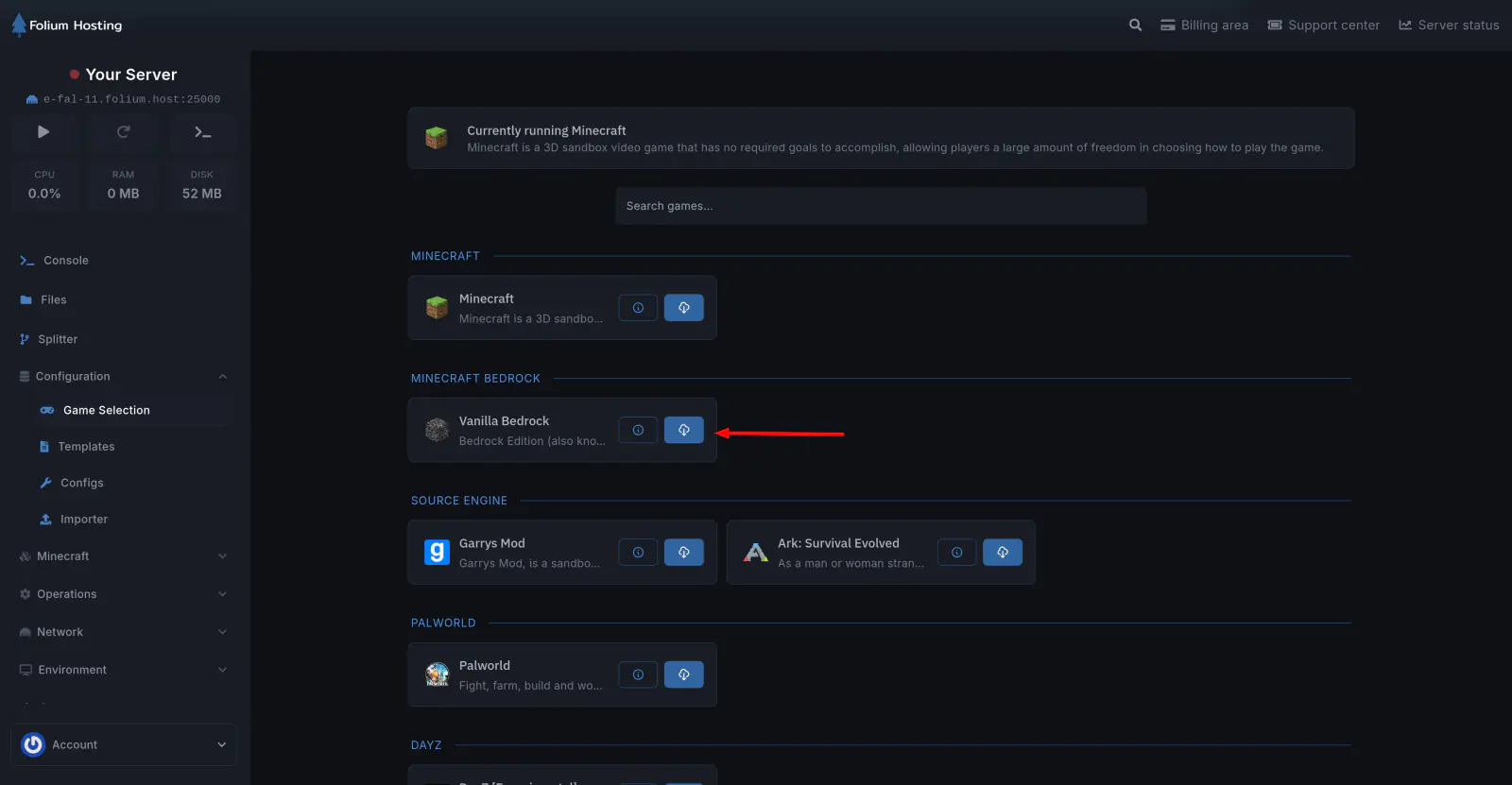
Browse the list of available games and click on the one you want to switch to.
Confirm the Game Change
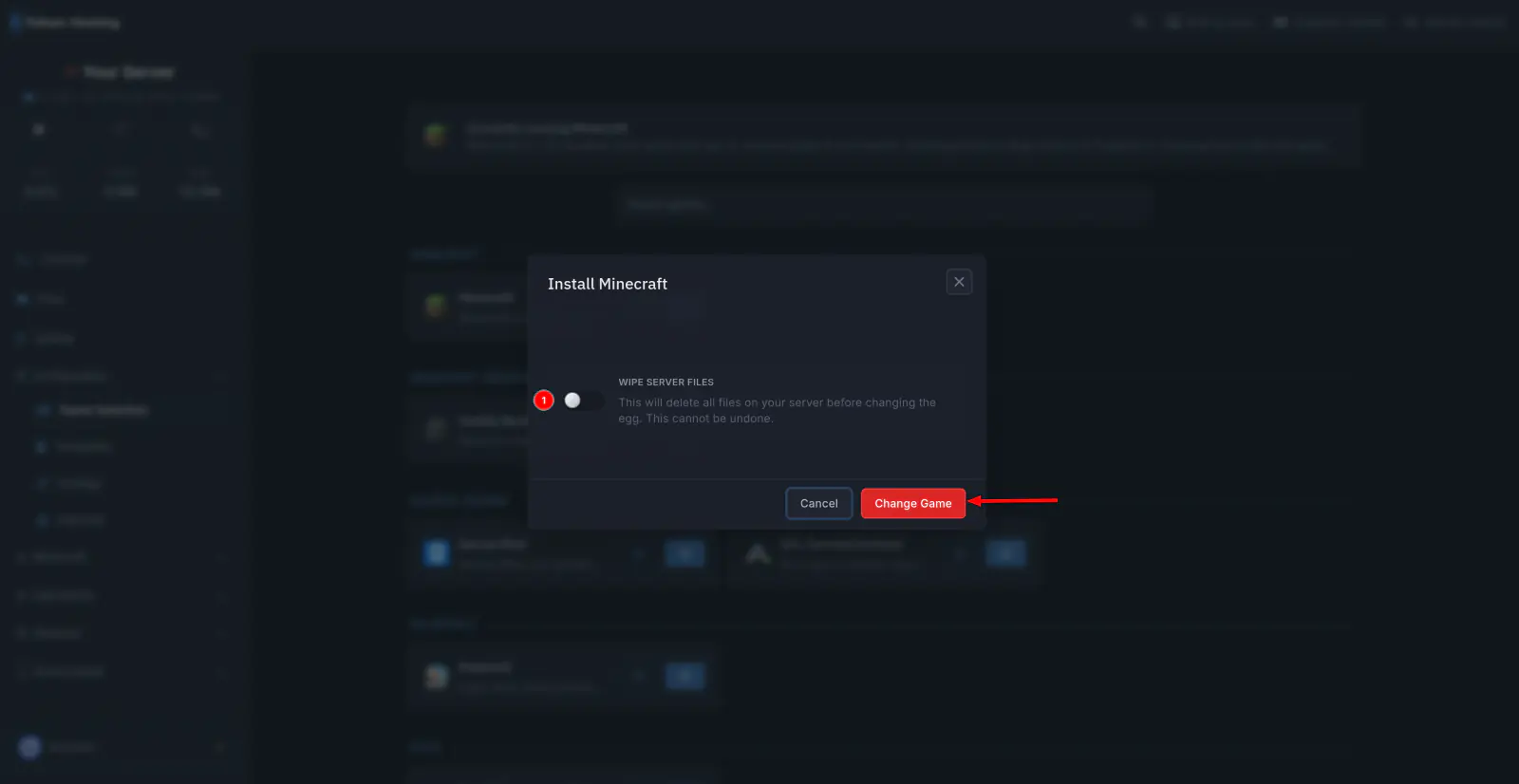
After selecting a game, confirm the change. The server will reinstall with the selected game’s configuration.
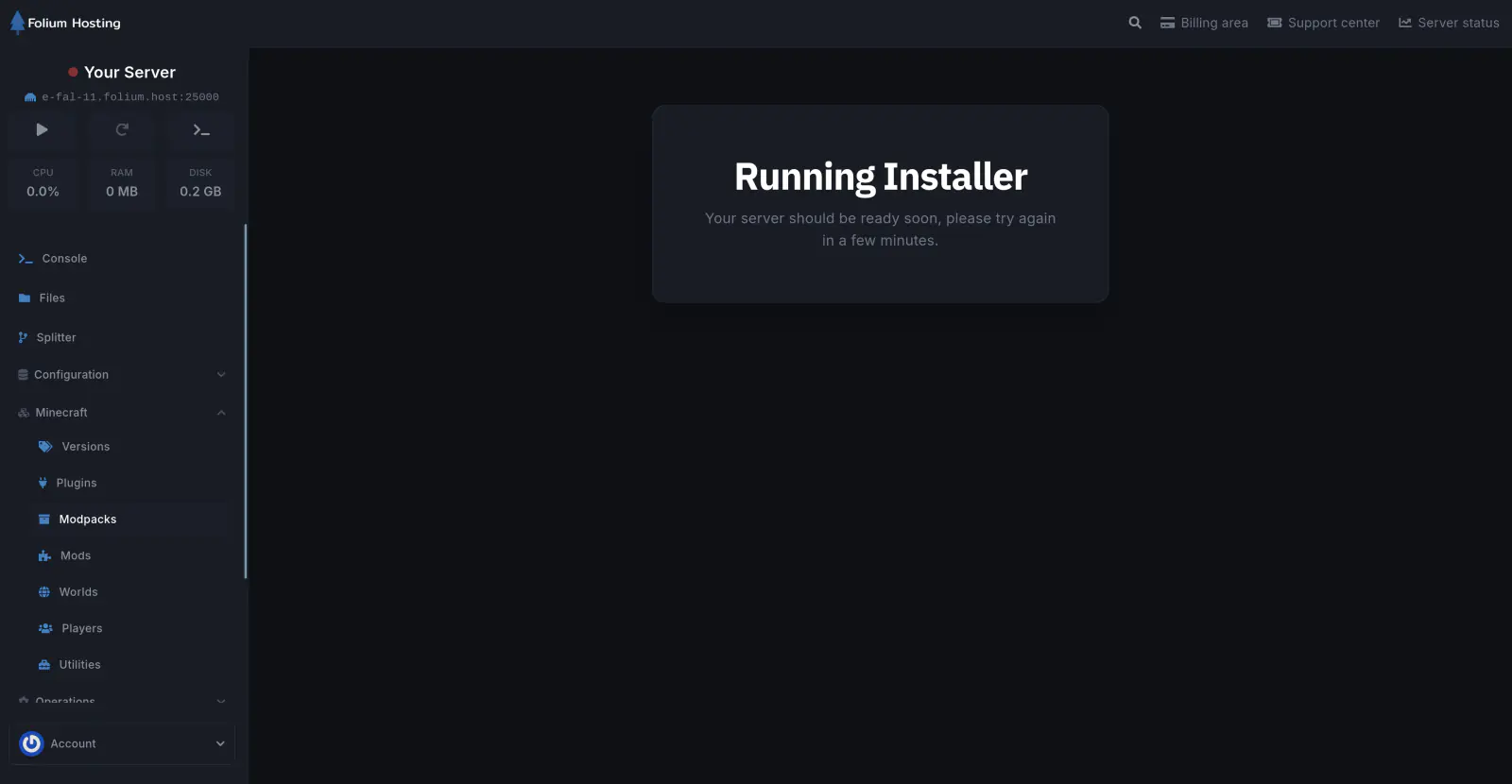
The installer will run automatically after confirming.
Switching games will reinstall your server. Make sure to back up any important files before proceeding.
If any issues arise, contact us ↗.