The Importer lets you migrate your server from any other hosting provider by connecting to their SFTP. This is great for transferring all your files without manually downloading and re-uploading them.


On this page, you can:
Import a Server
Enter the SFTP connection details from your previous hosting provider:
- Host - The SFTP server address from your old host.
- Port - Usually
2022for most game hosting providers. - Username - Your SFTP username from the old host.
- Password - Your SFTP password from the old host.
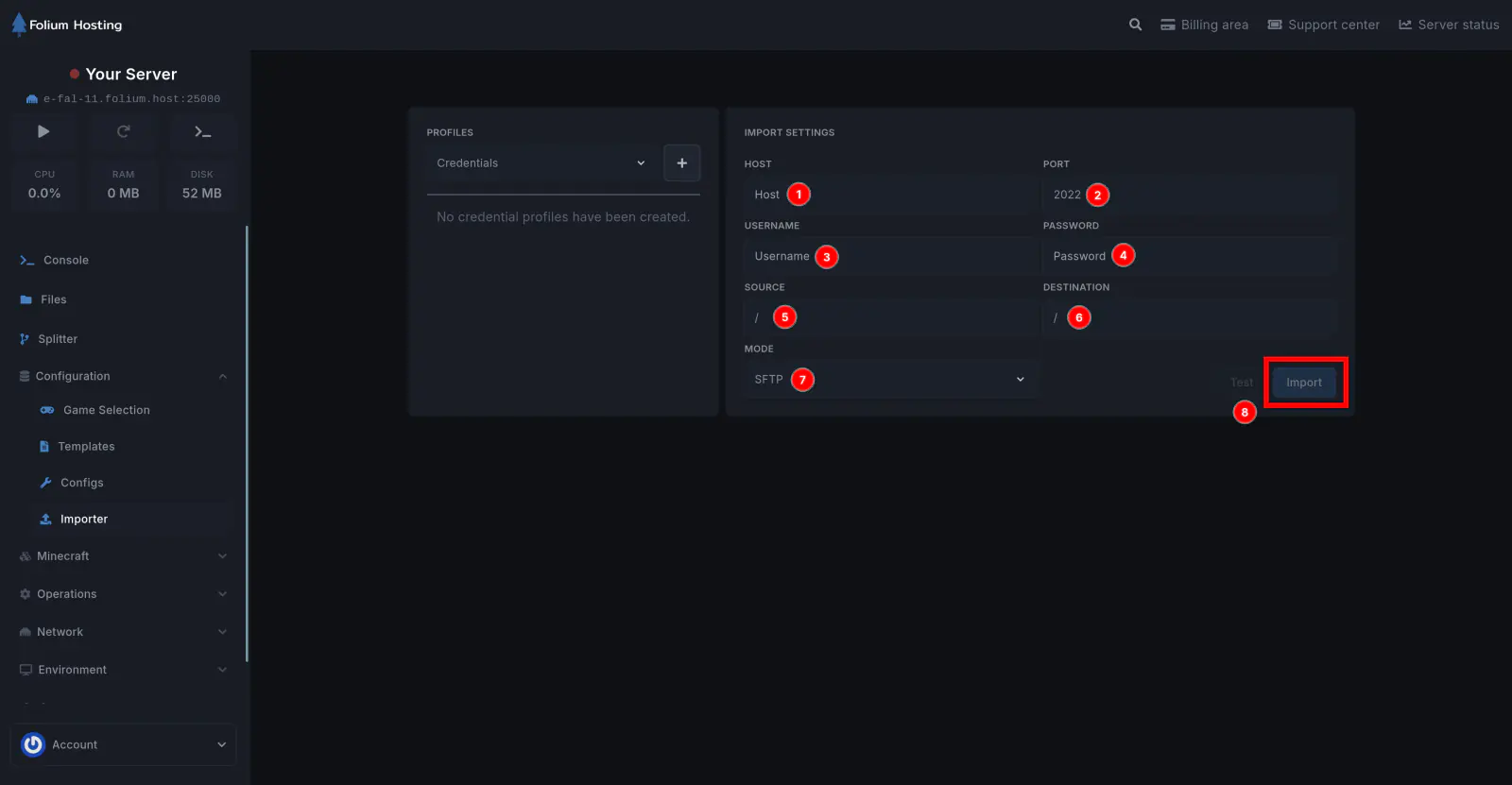
The importer only supports SFTP connections. Make sure you have the correct SFTP details from your previous provider before starting.
Importing files may overwrite existing files on your server. Back up any important data before proceeding.
If any issues arise, contact us ↗.