Log In to the Game Panel ↗

Select Your Server

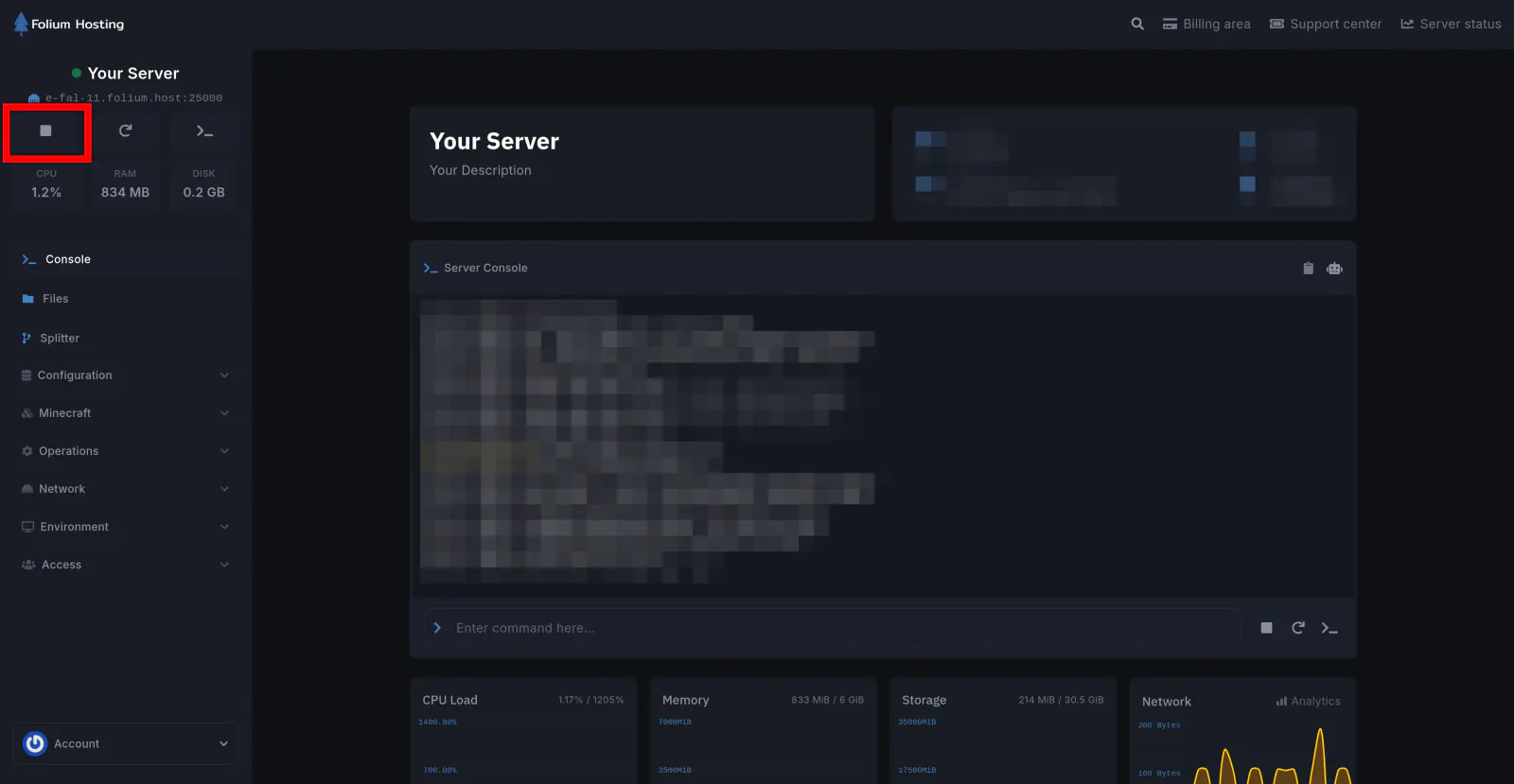
Stop the Server
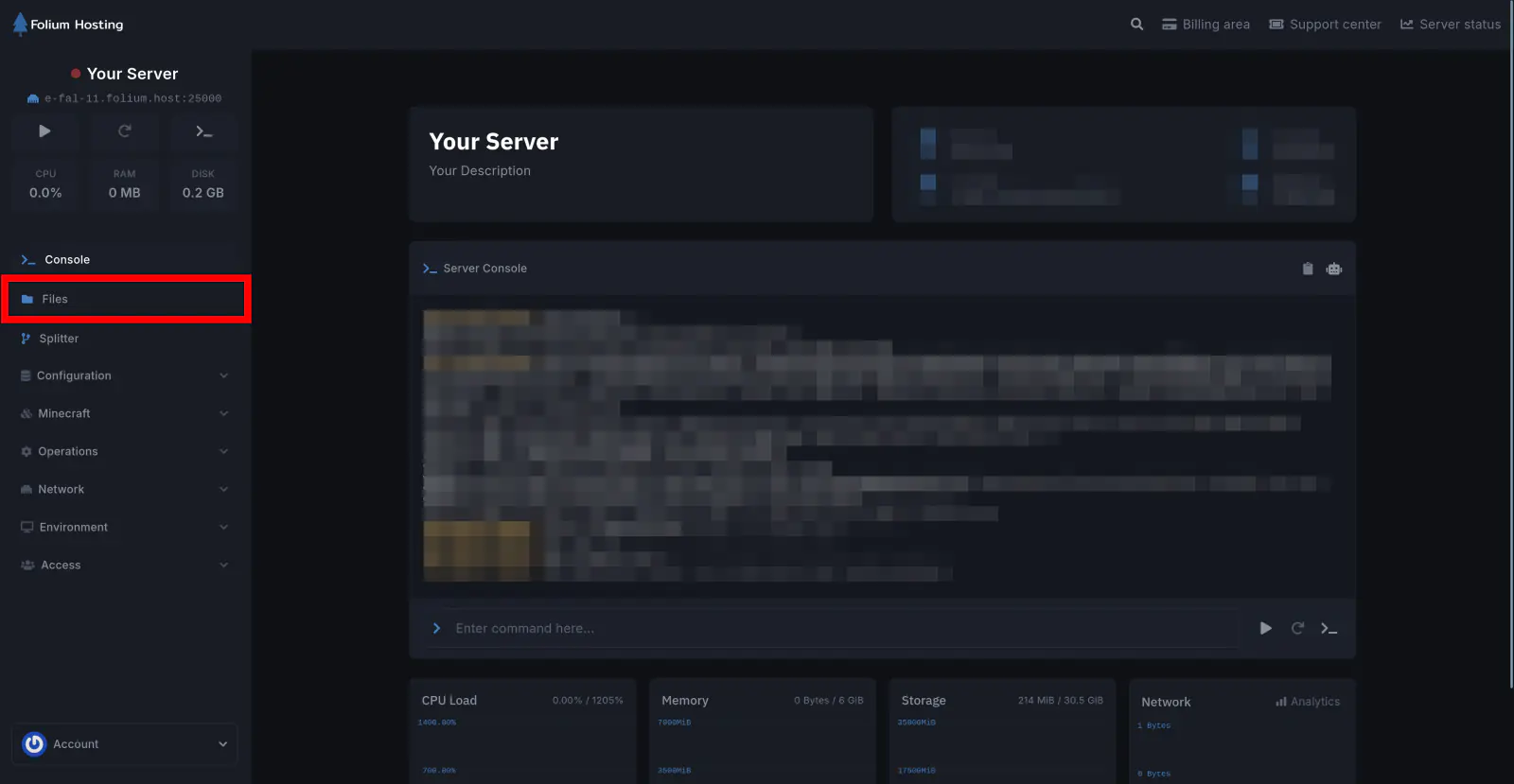
Click on the Files tab
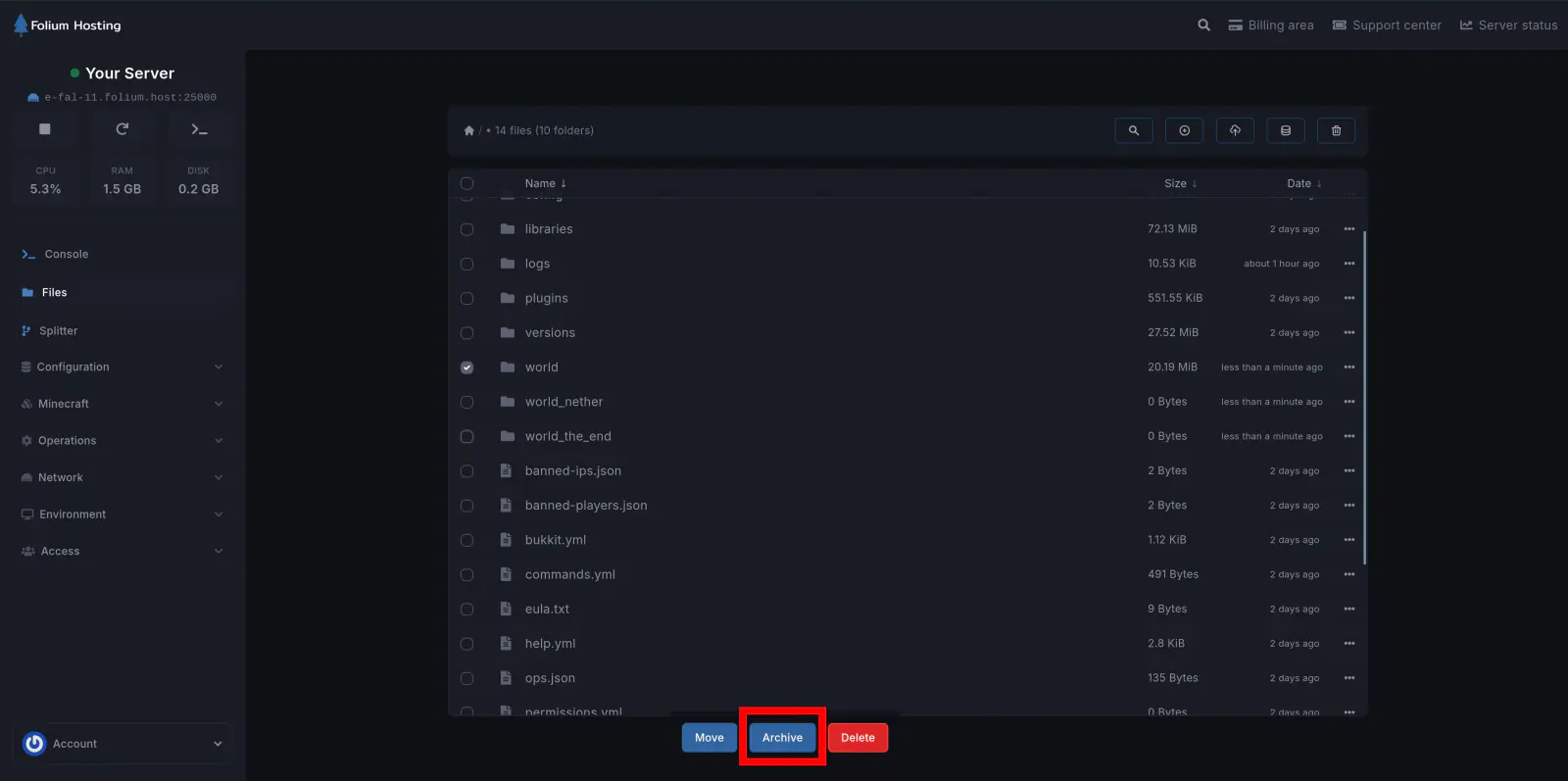
Archive the World Folder
Click the Three Dots on the extreme right of your world folder and click on Archive
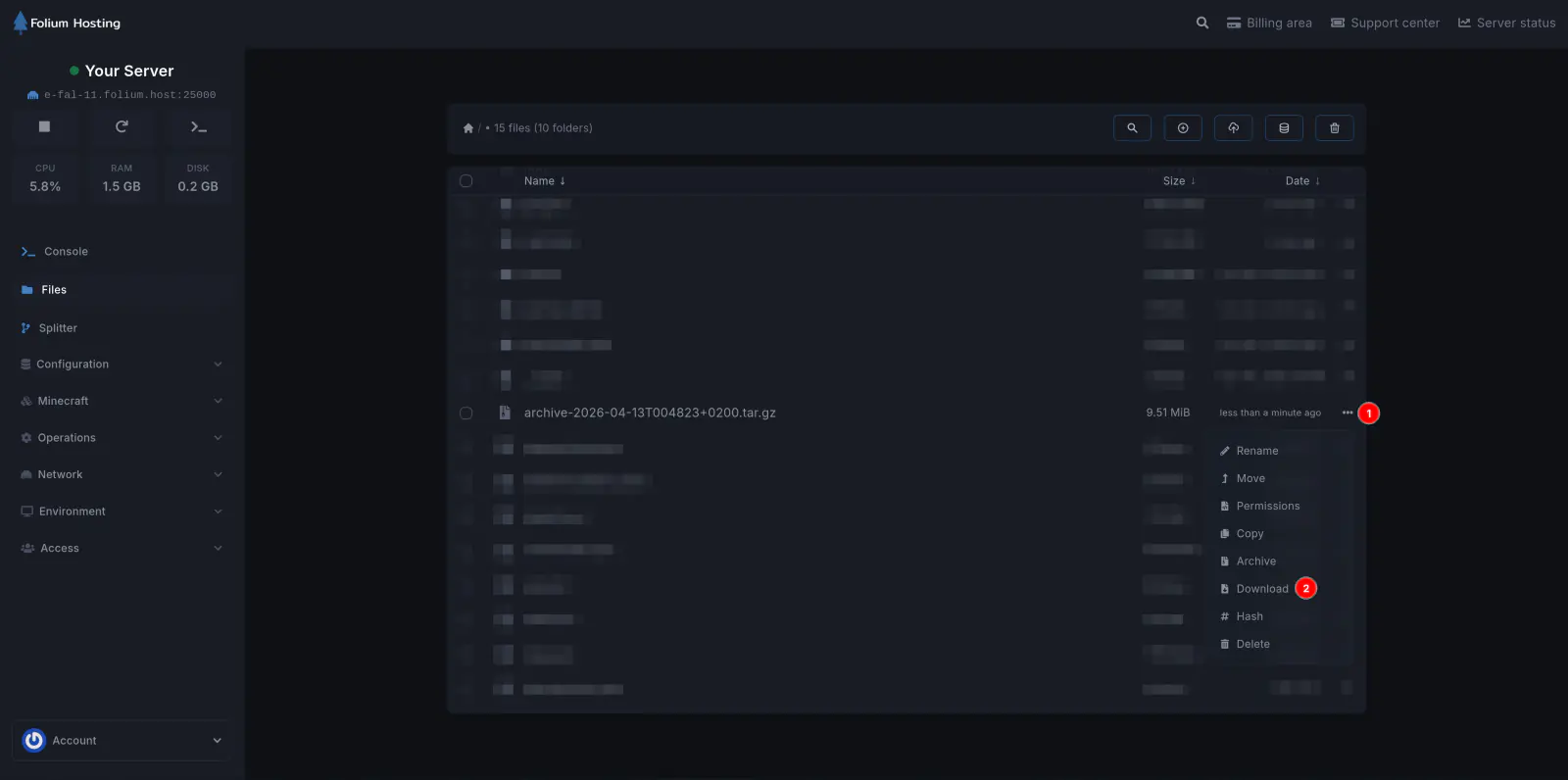
Download the Archive
A new archive will be made. Click on the Three Dots on the extreme right of the archive and click Download
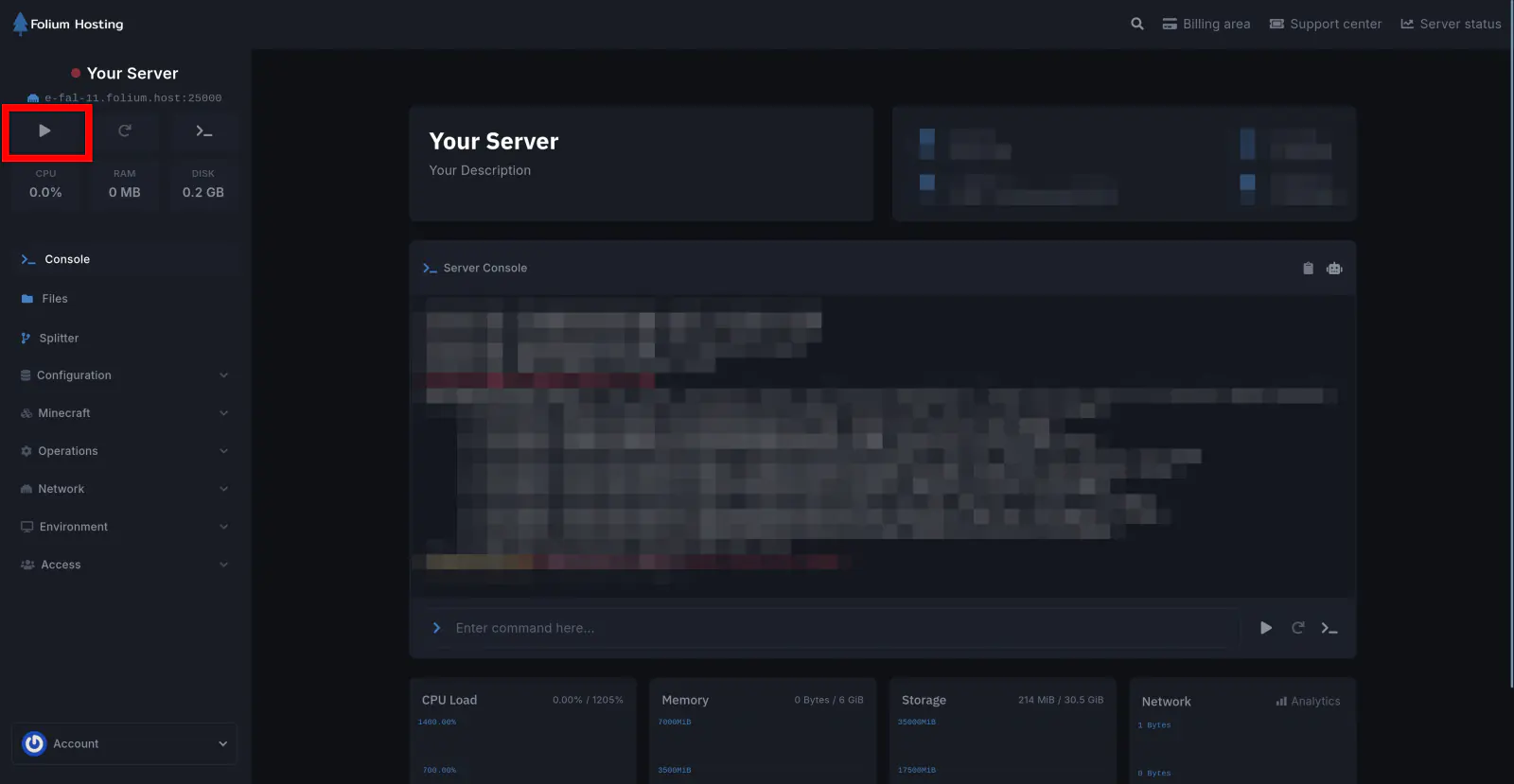
Start the Server
You can Start the server afterward if you desire to do so. Under General tab, Click on Console and Start the server.
There you go! You just downloaded your server’s world into your local storage!