Log In to the Game Panel ↗

Select Your Server
Go to My Servers and choose the server you want to create a MySQL database on.

Create the Database
Under Management, select Databases, then input the name and press Create Database.
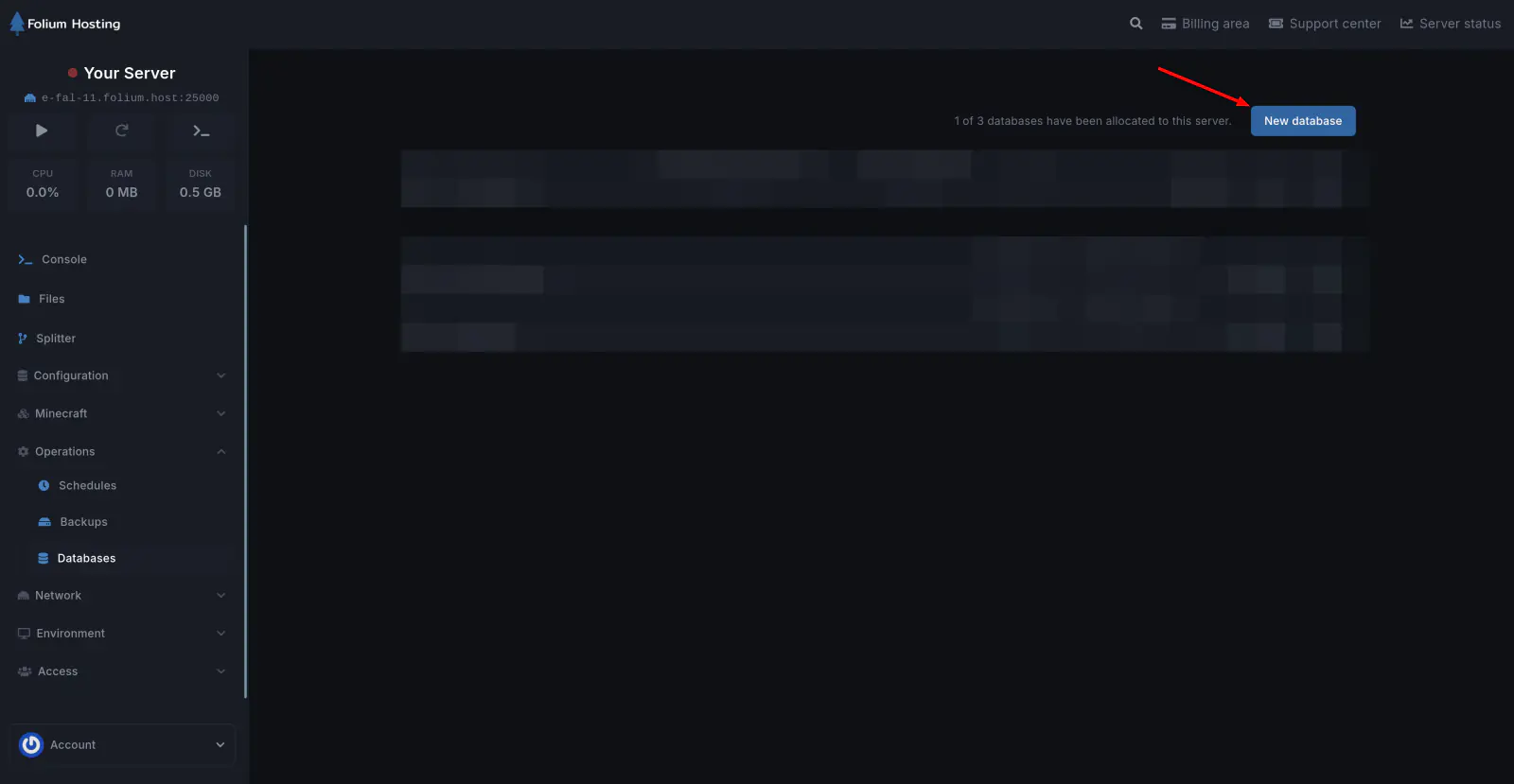
Once created it will then give you the IP, Port, Username, Password, and Database name in Configured Databases.