The view-distance determines the maximum render distance players can use. It acts as a limit on how high players can set their render distance while on your server.
Log In to the Game Panel ↗

Select Your Server

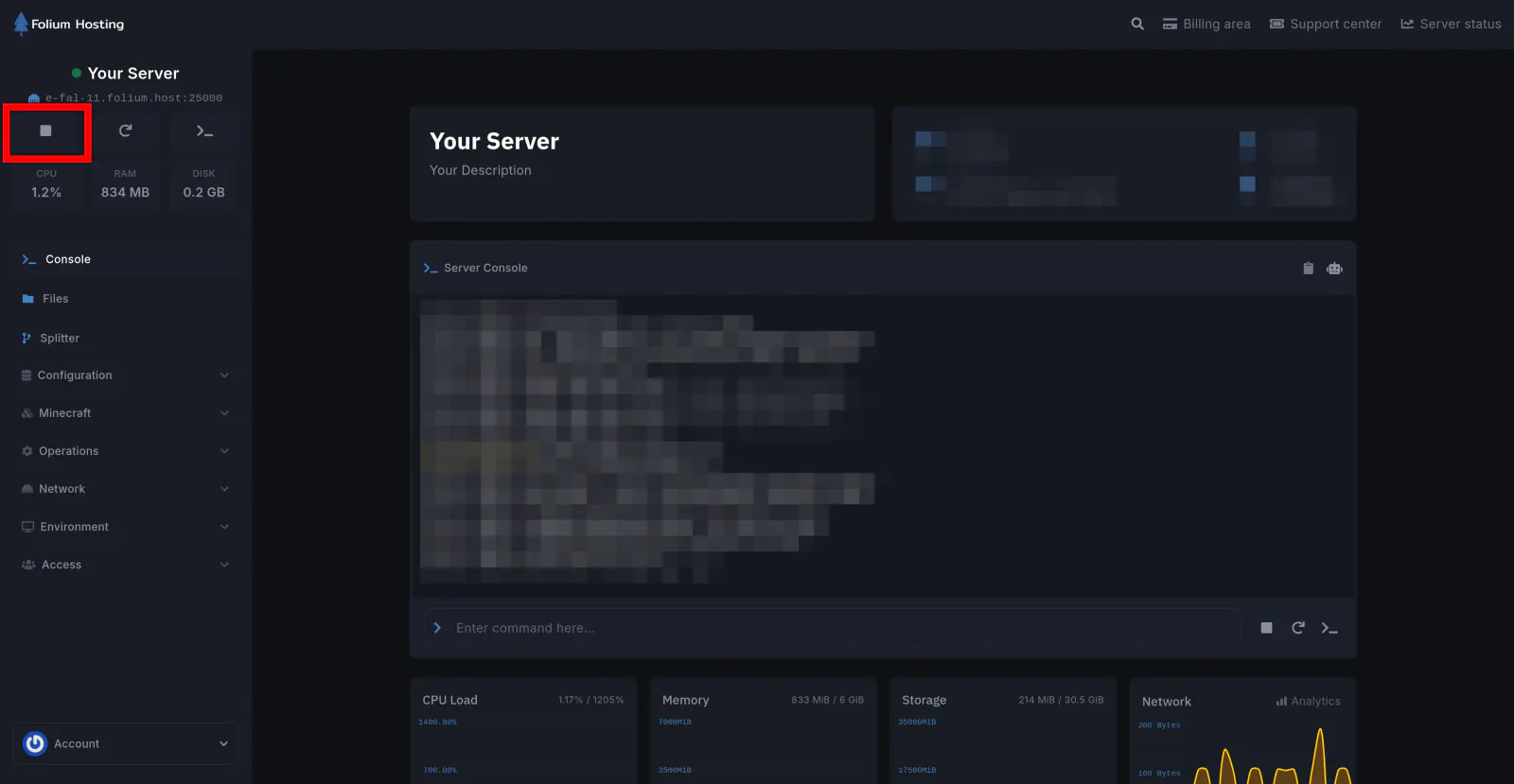
Stop the Server
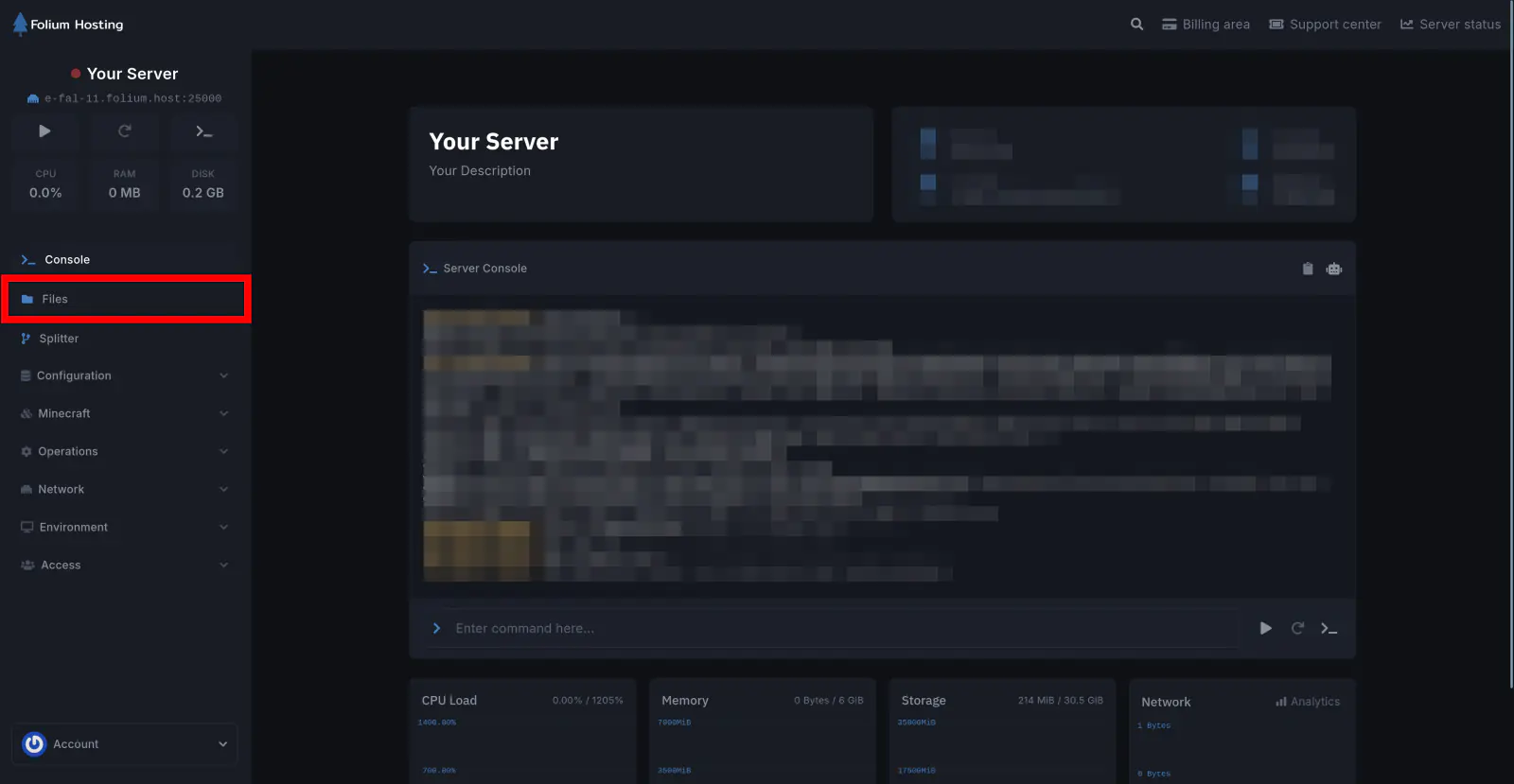
Click on the Files tab
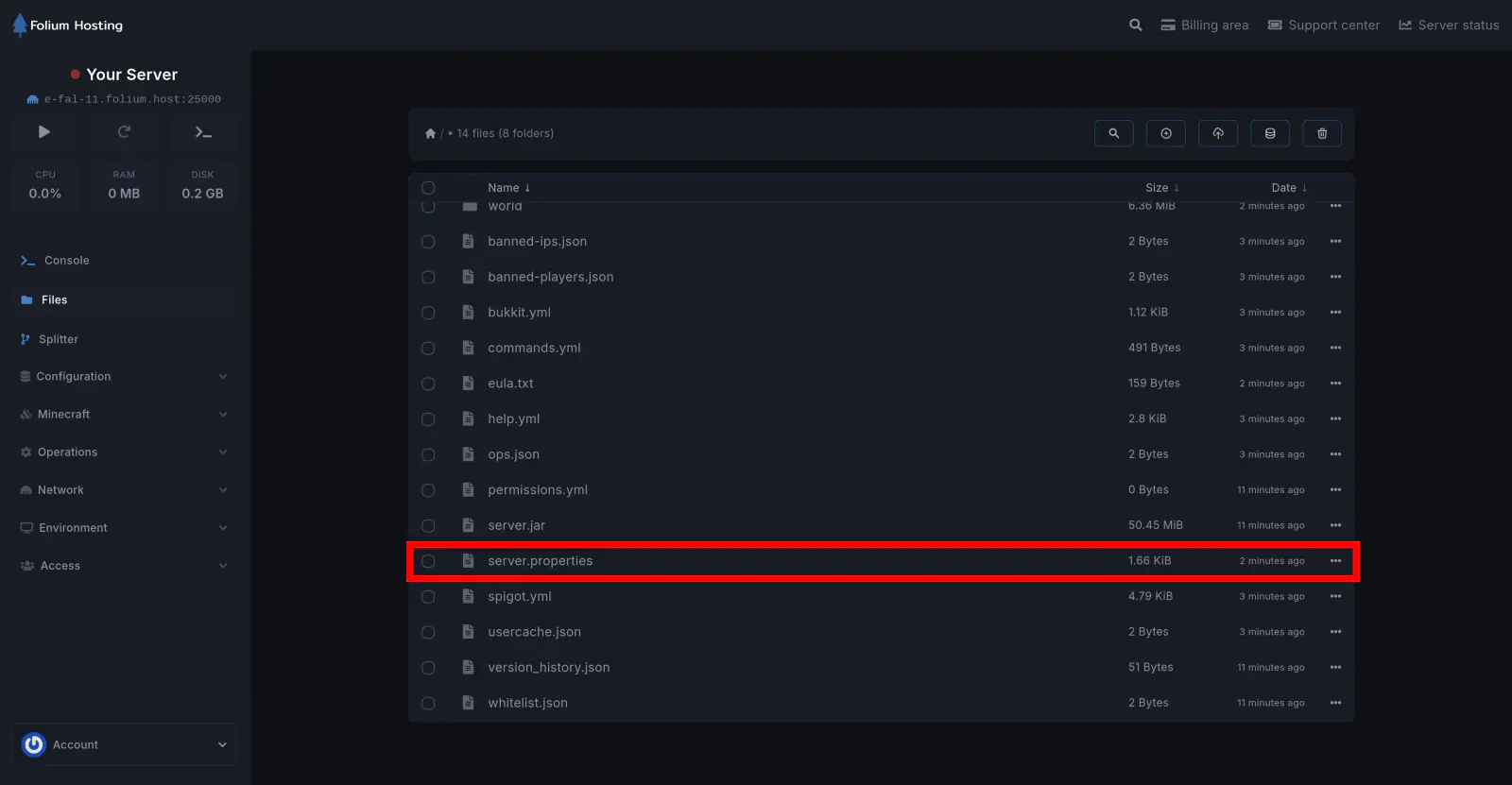
Open the server.properties file
Set the View Distance Value
Scroll down until you find view-distance=[value]. Change [value] to your preferred distance and click Save Content.
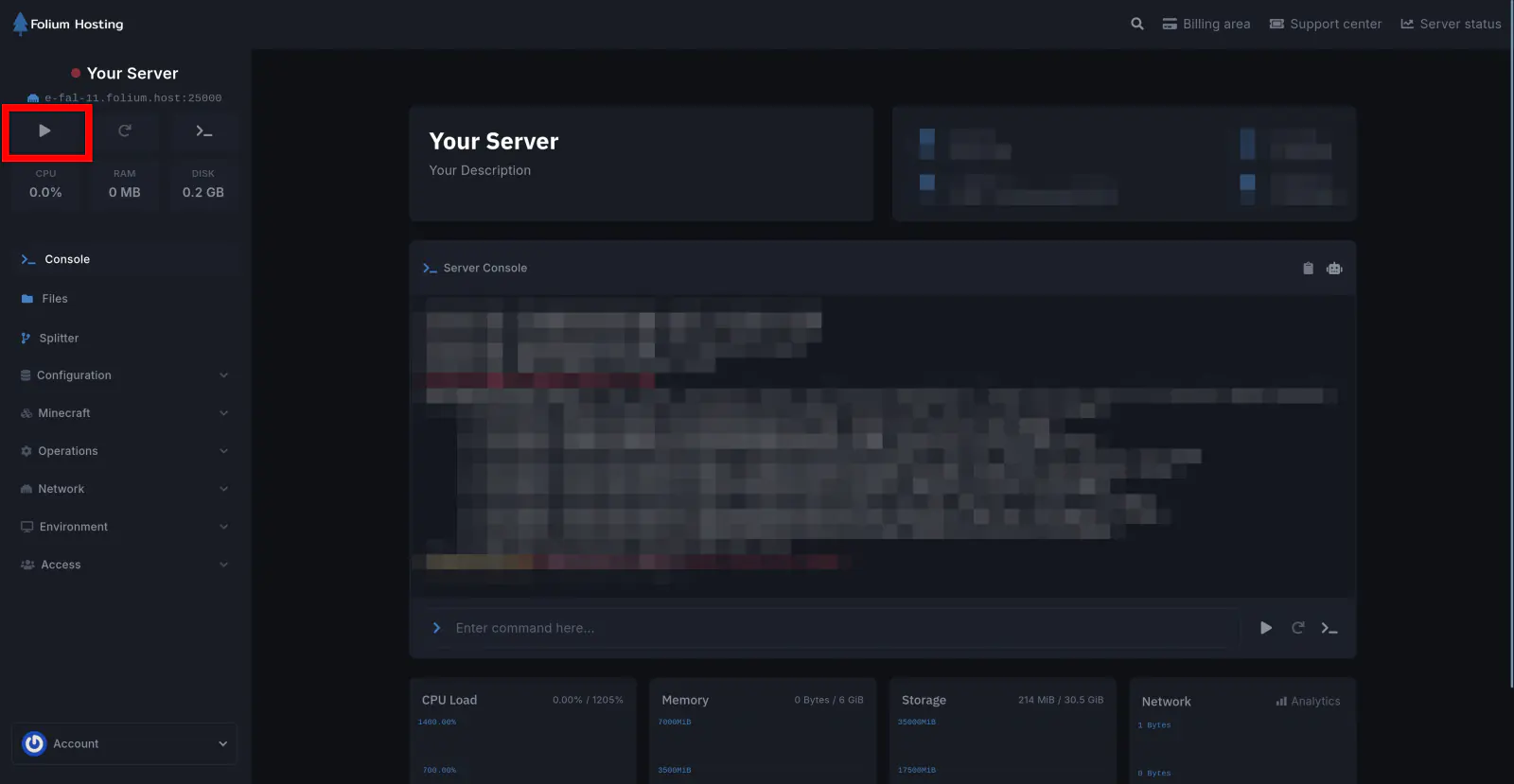
Start the Server
Recommended View Distance
The view distance you choose depends on:
- The number of players on your server
- Your server’s plan (how much RAM you have)
- How important a high view distance is to you and your players
A high view distance does not usually affect your server’s TPS and MSPT. However, it does increase RAM usage. For example:
- View distance of
24→ ~1GB of RAM per player - View distance of
10→ ~200MB of RAM per player
If you have 8GB+ of RAM and a few friends, feel free to increase it. For larger servers, keep it lower.
For 100+ player servers, we recommend a lower view distance in the range of 5 - 8.
You have successfully changed the view distance on your server.