Log In to the Game Panel ↗

Select Your Server

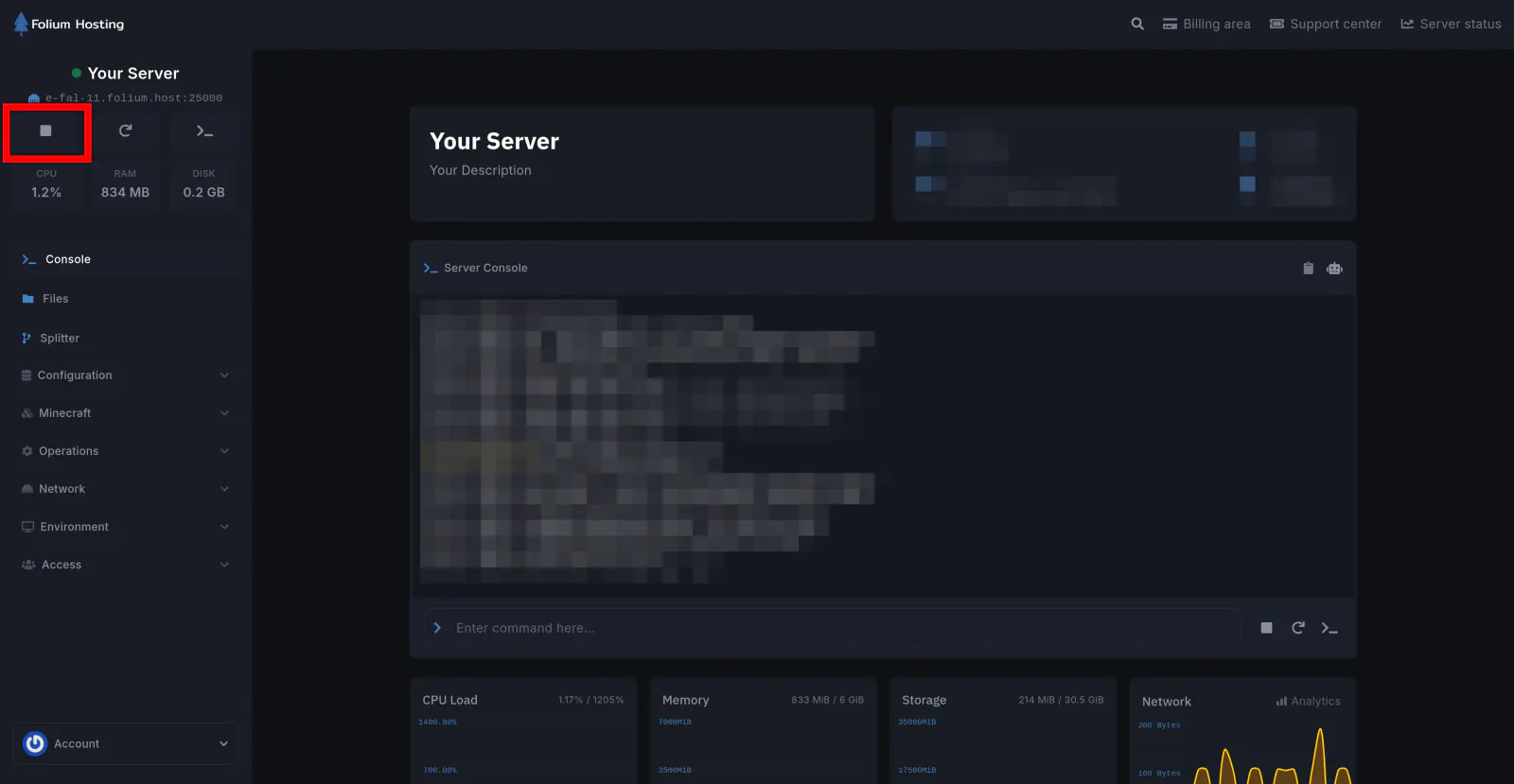
Stop the Server
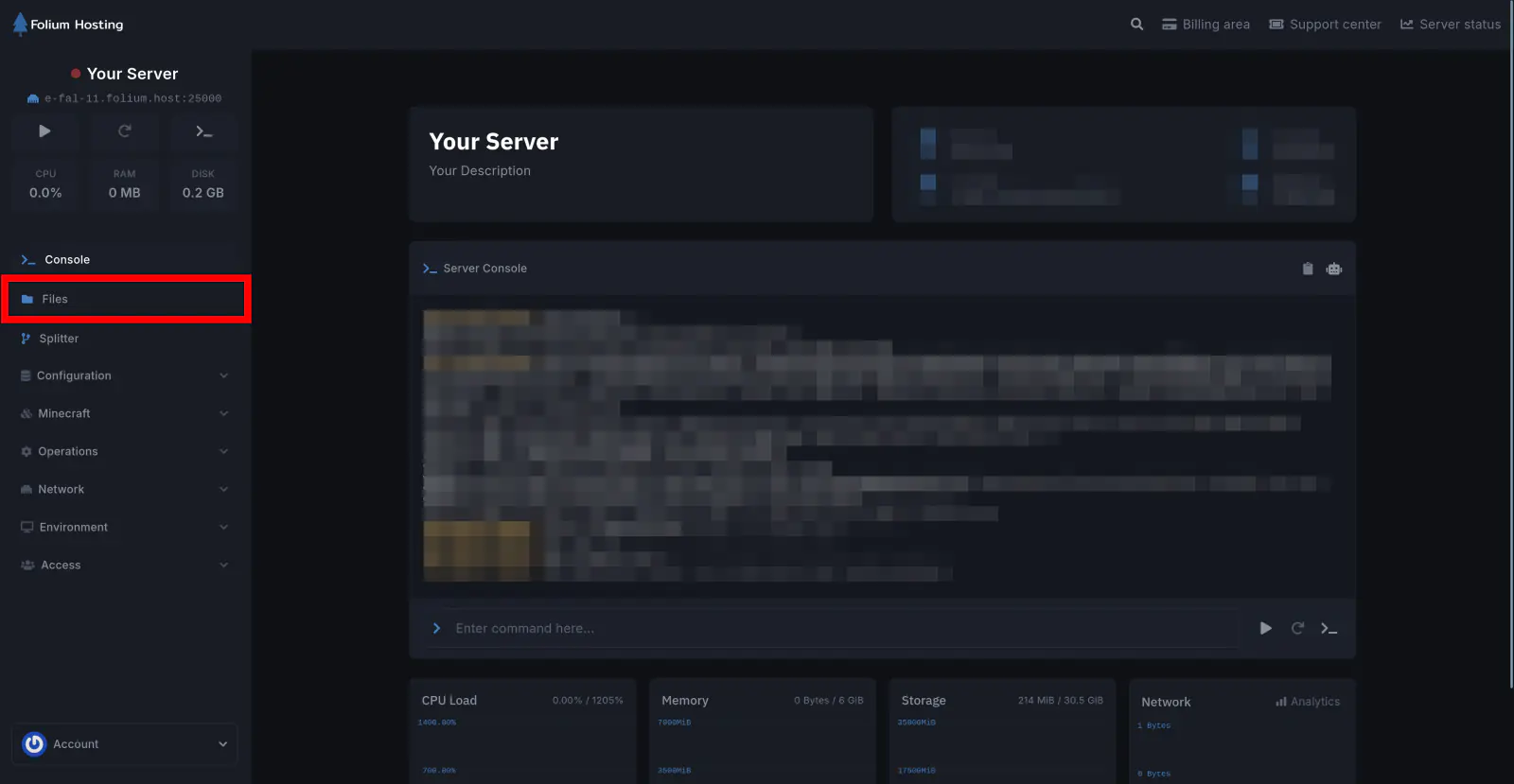
Click on the Files tab
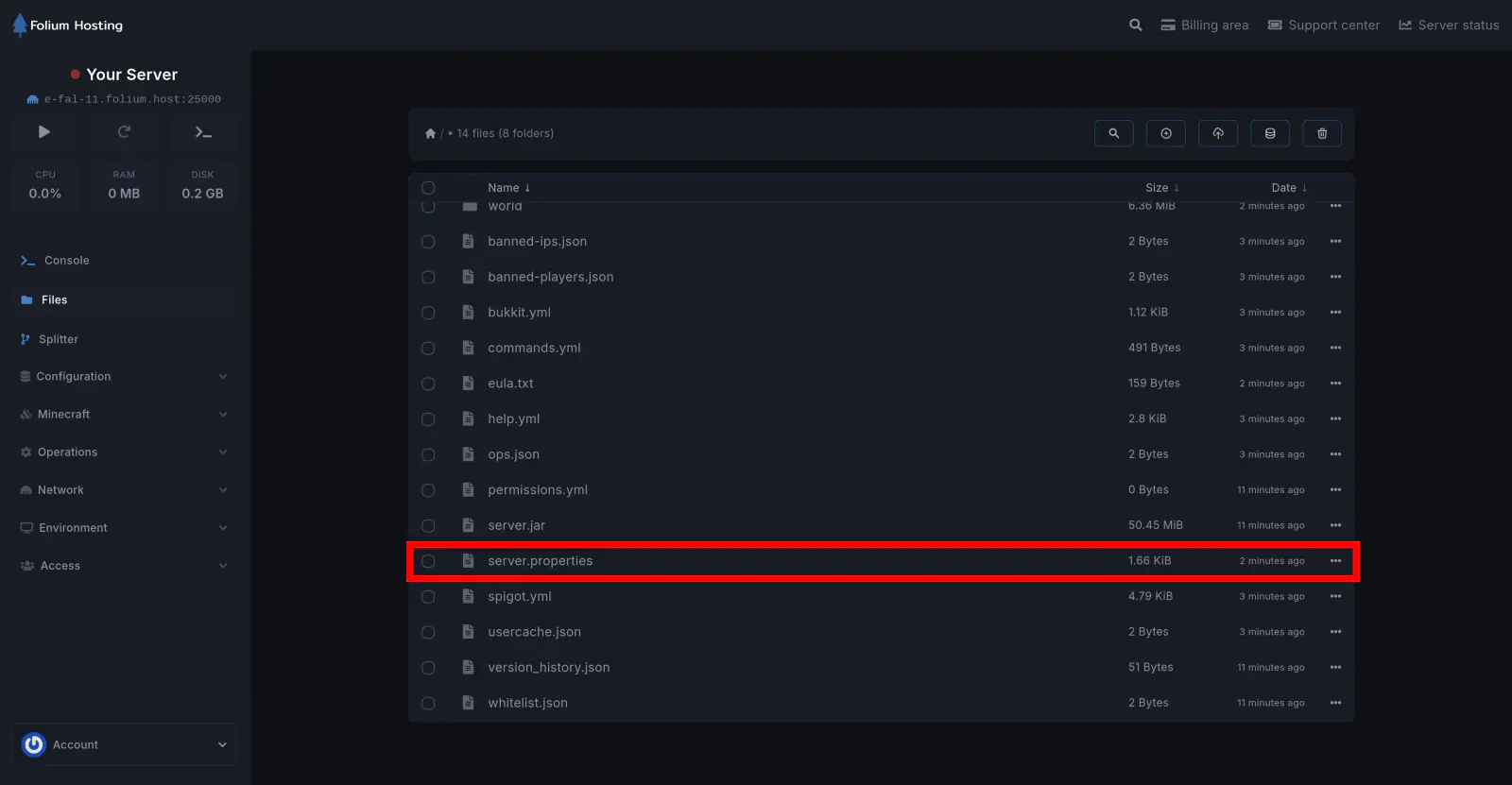
Open the server.properties file
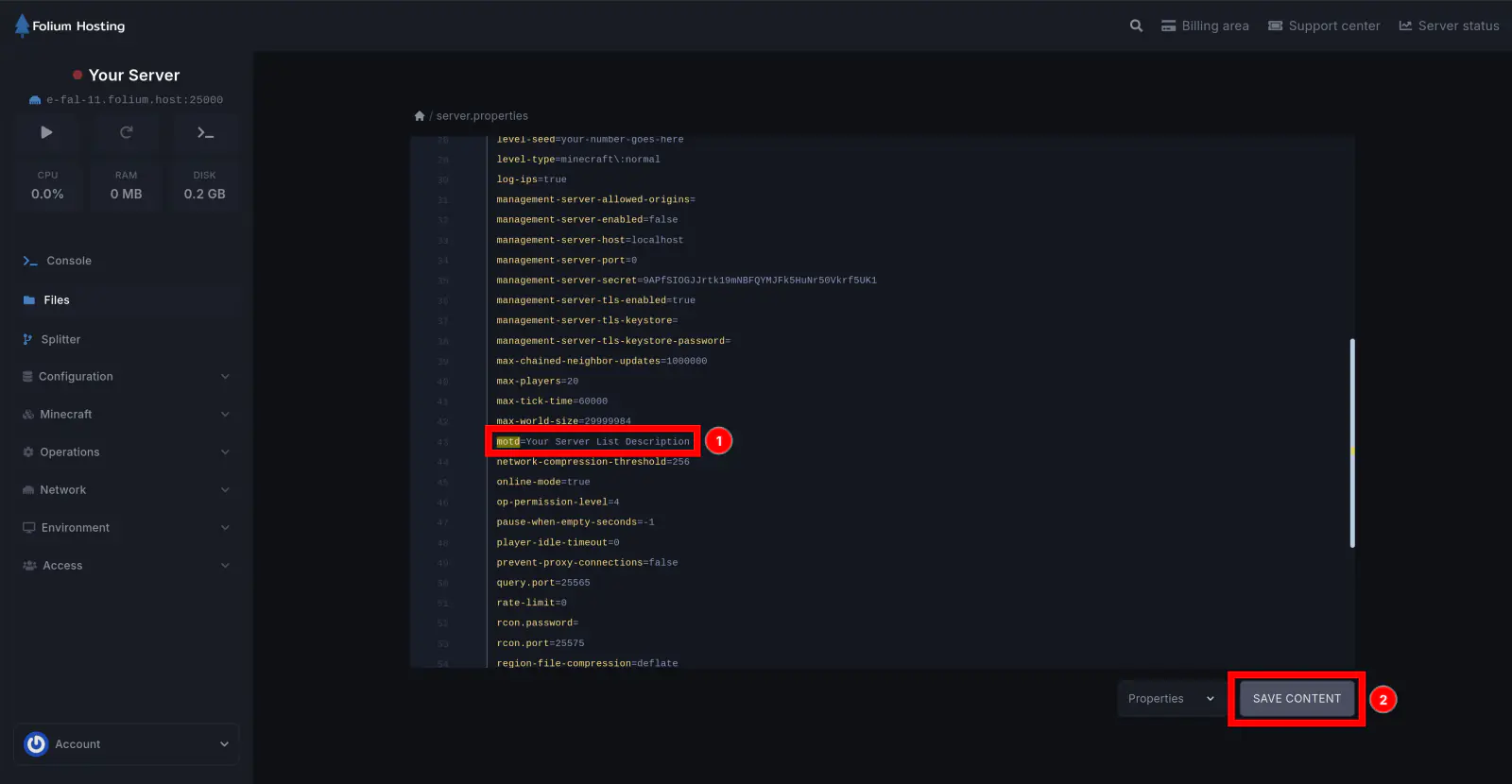
Edit the MOTD Value
Near the top of the file, you’ll see motd=A minecraft server. Change this value to whatever you want displayed on your server.
To create a colored MOTD, you can use our MOTD creator in the Minecraft > Utilities section.
After pasting the code, click Save Content.
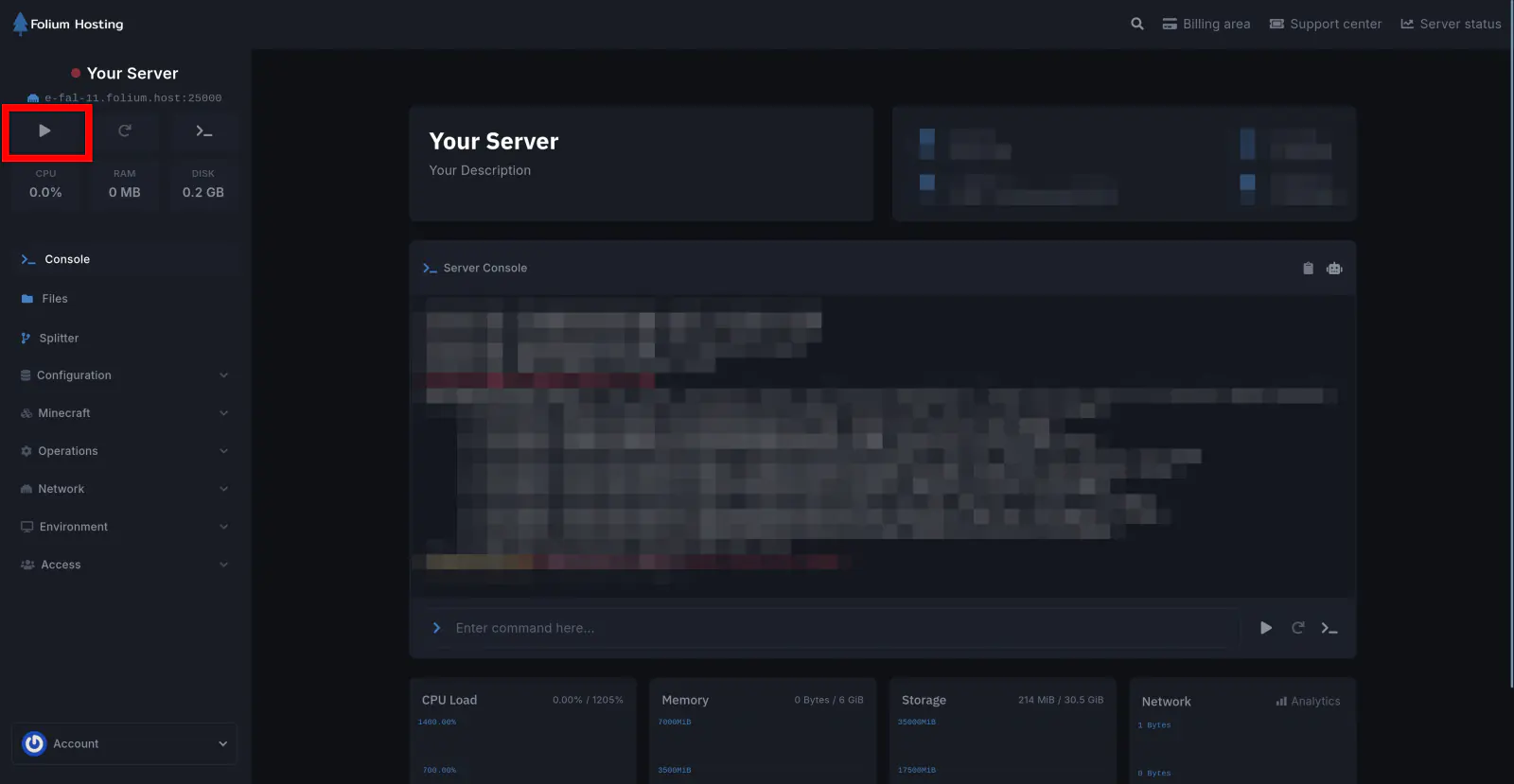
Start the Server
You have successfully changed the MOTD on your server!