The simulation-distance determines the radius of chunks around each player that are actively ticked. Increasing this will exponentially increase the number of chunks that tick, which can increase lag.
The default simulation distance on Paper servers is
10. You probably don’t need to go higher than this.
Log In to the Game Panel ↗

Select Your Server

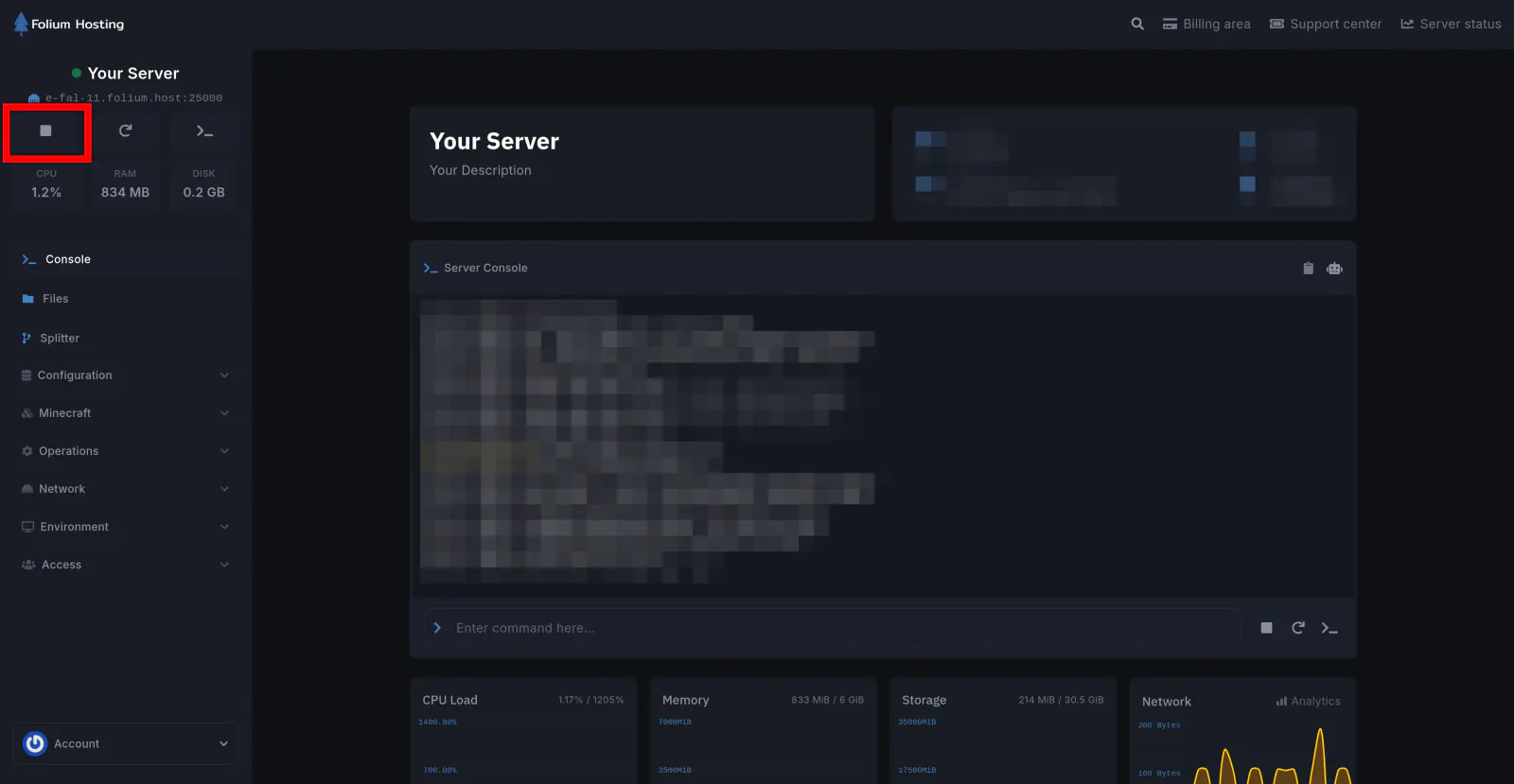
Stop the Server
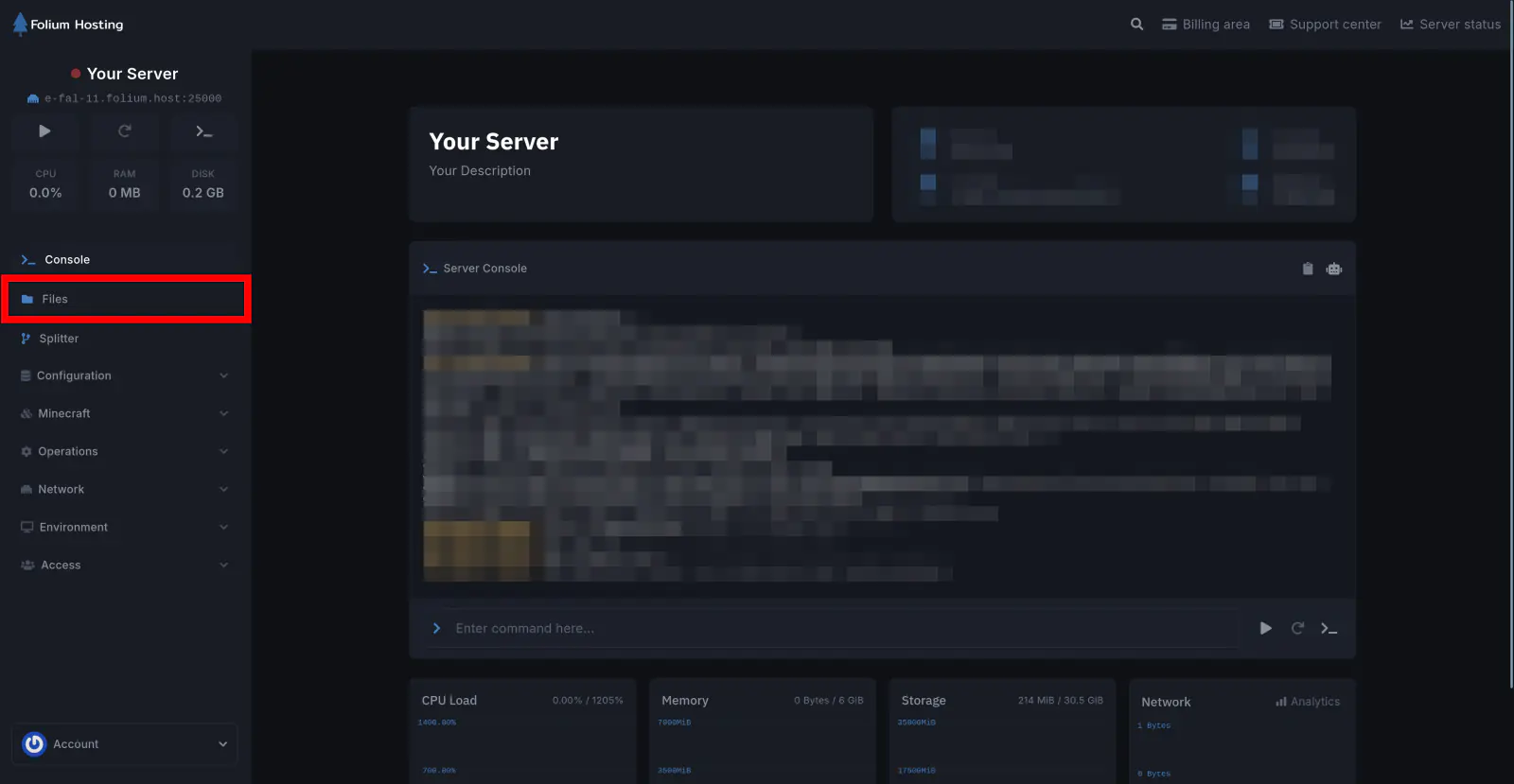
Click on the Files tab
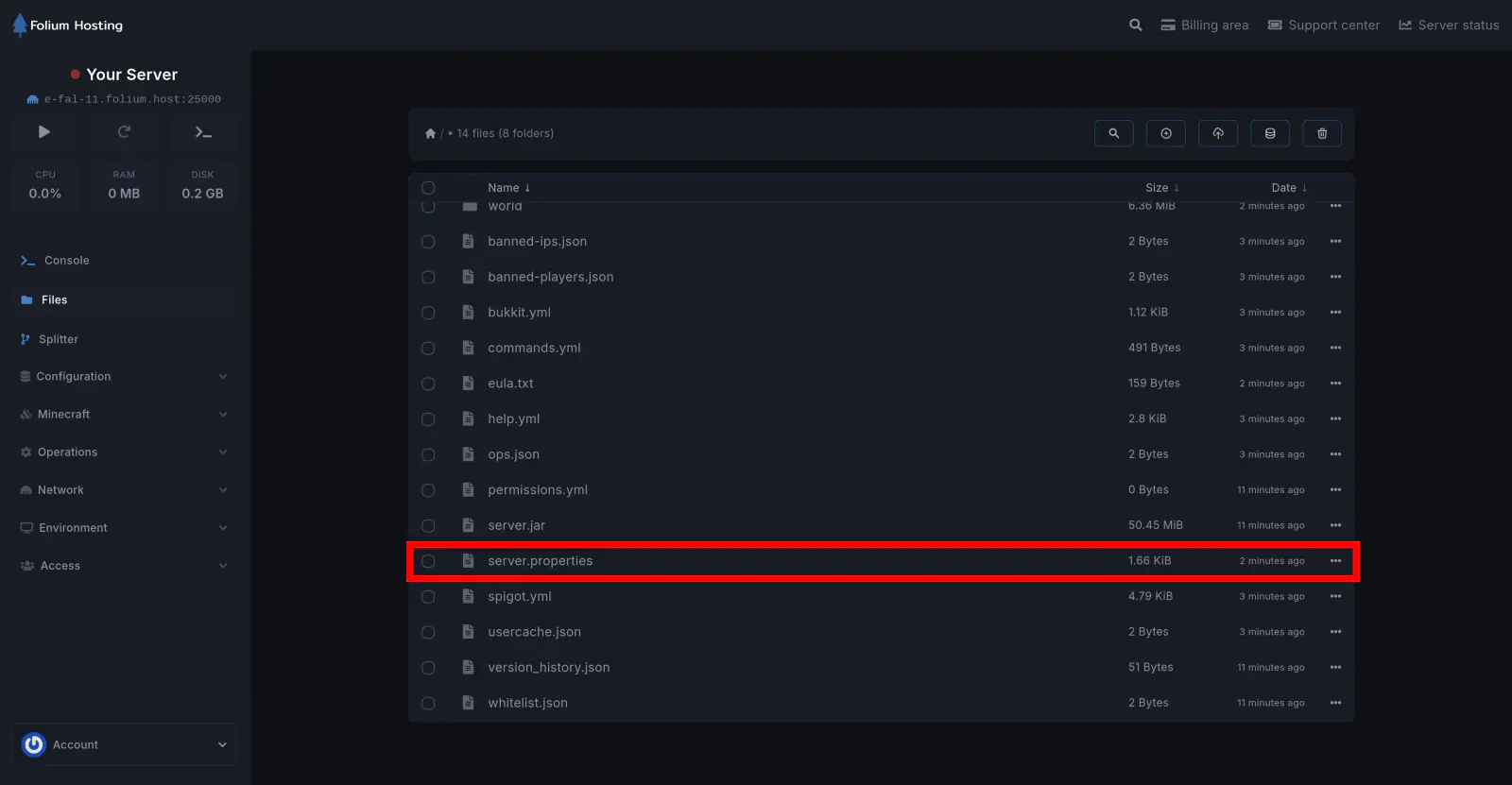
Open the server.properties file
Set the Simulation Distance Value
Scroll down until you find simulation-distance=[value]. Change [value] to your preferred distance and click Save Content.
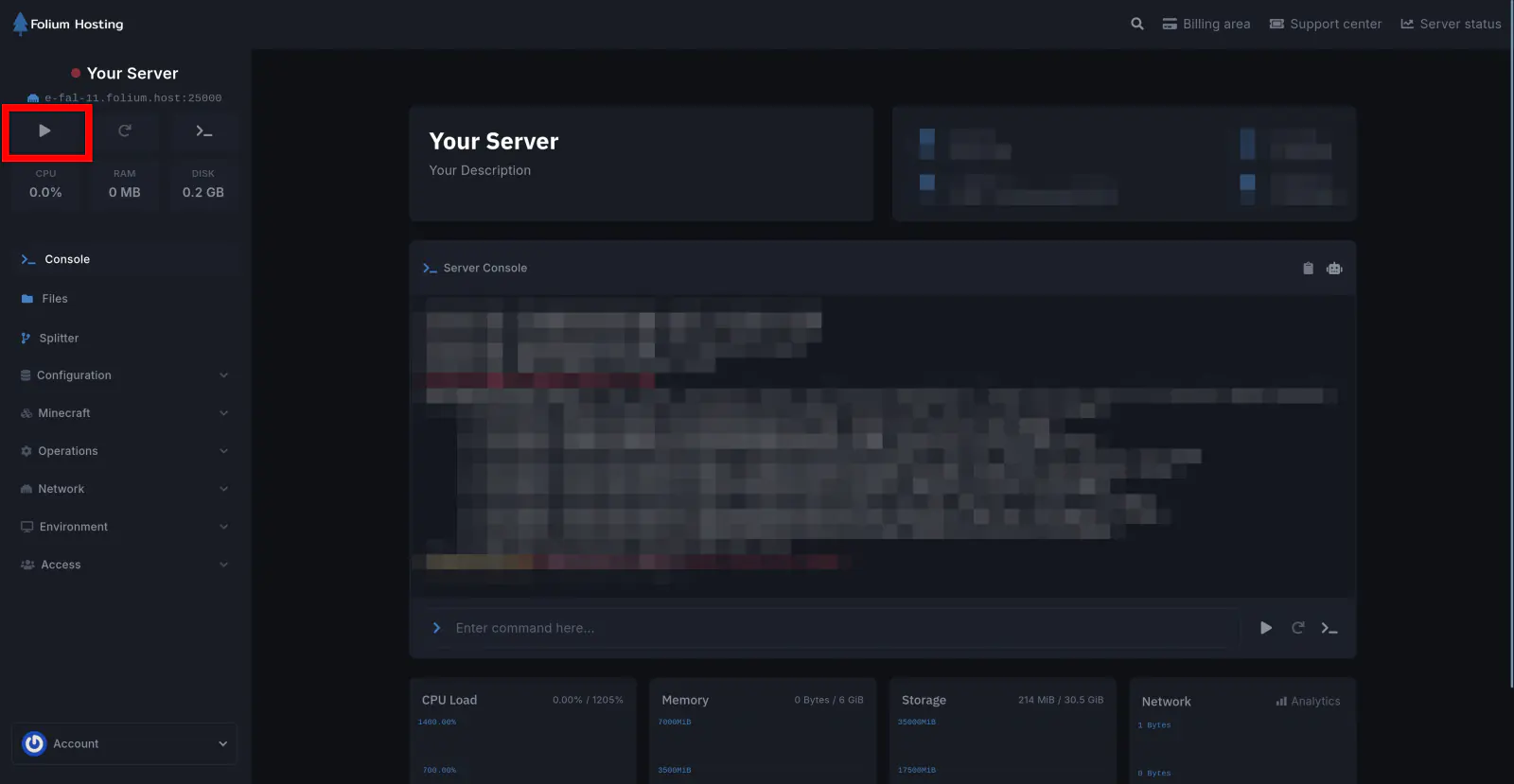
Start the Server
Recommended Simulation Distance
The simulation distance you choose depends on:
- The number of players on your server
- How well optimised your server is
- How important a high simulation distance is (e.g. technical players who build farms relying on 10–12 simulation distance)
For a few friends, you can set it to whatever you need. For larger servers, stick to a lower value.
You have successfully changed the simulation distance on your server.