If you get the message “Command blocks are not enabled on this server”, you need to enable command blocks in server.properties.
Log In to the Game Panel ↗

Select Your Server

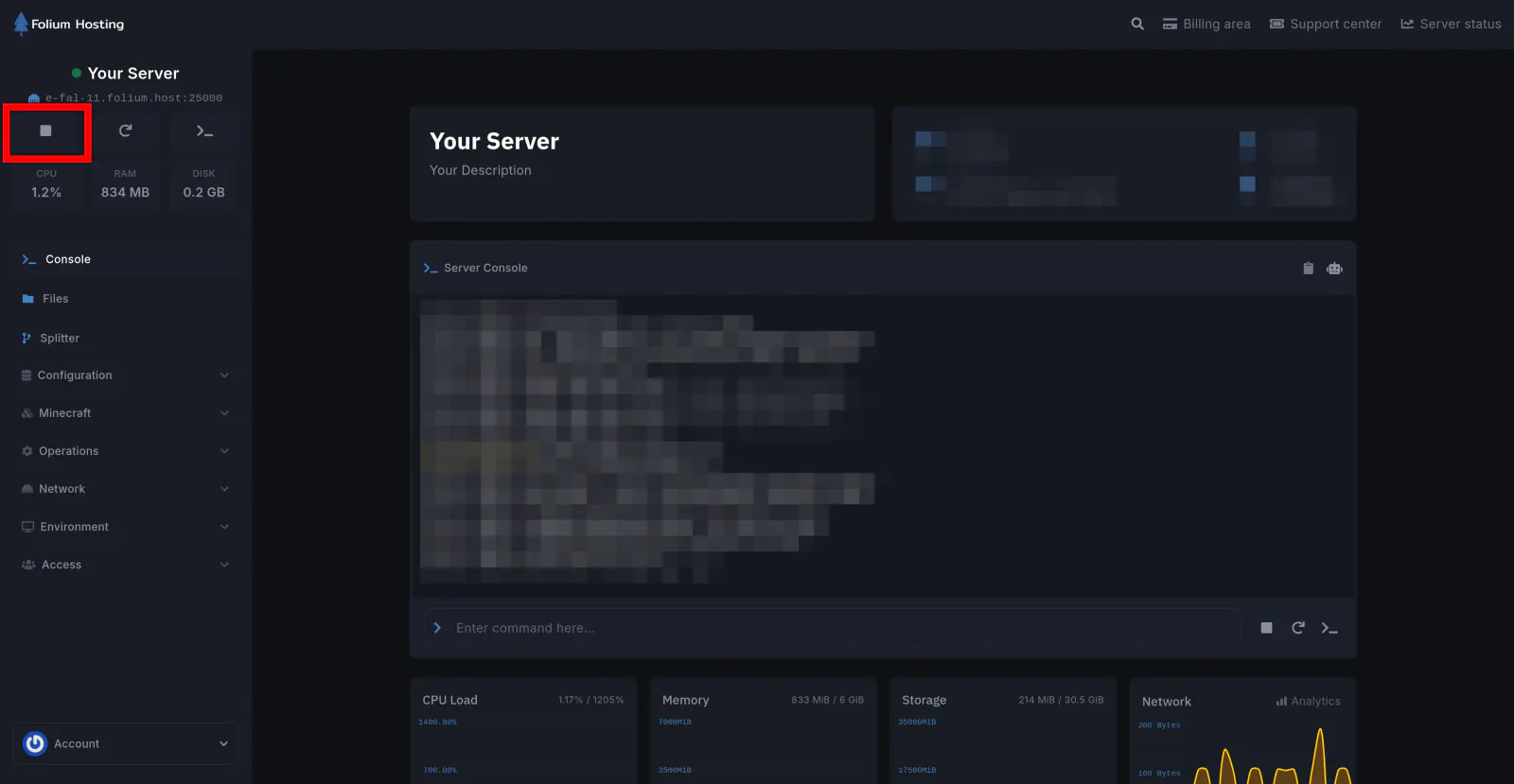
Stop the Server
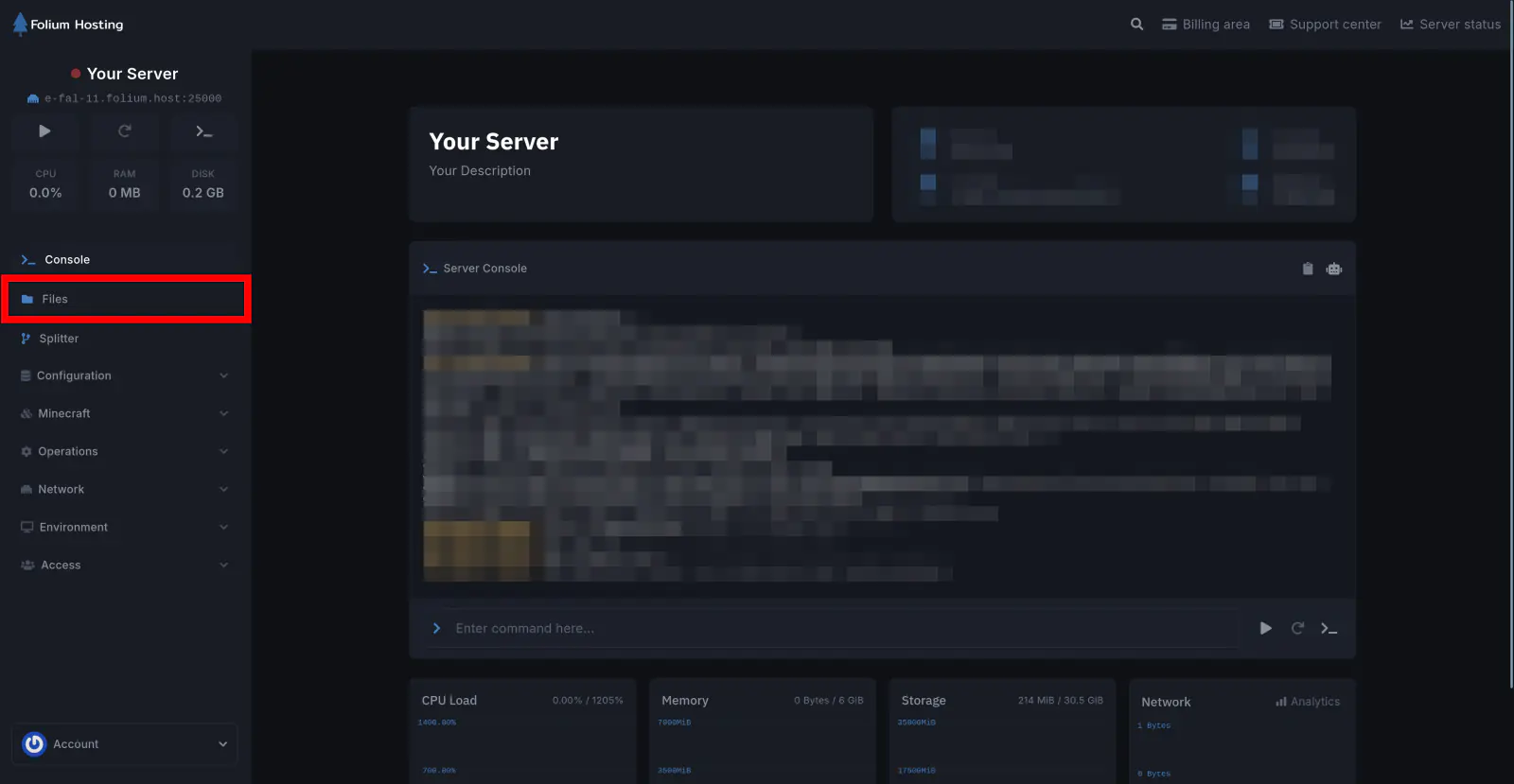
Click on the Files tab
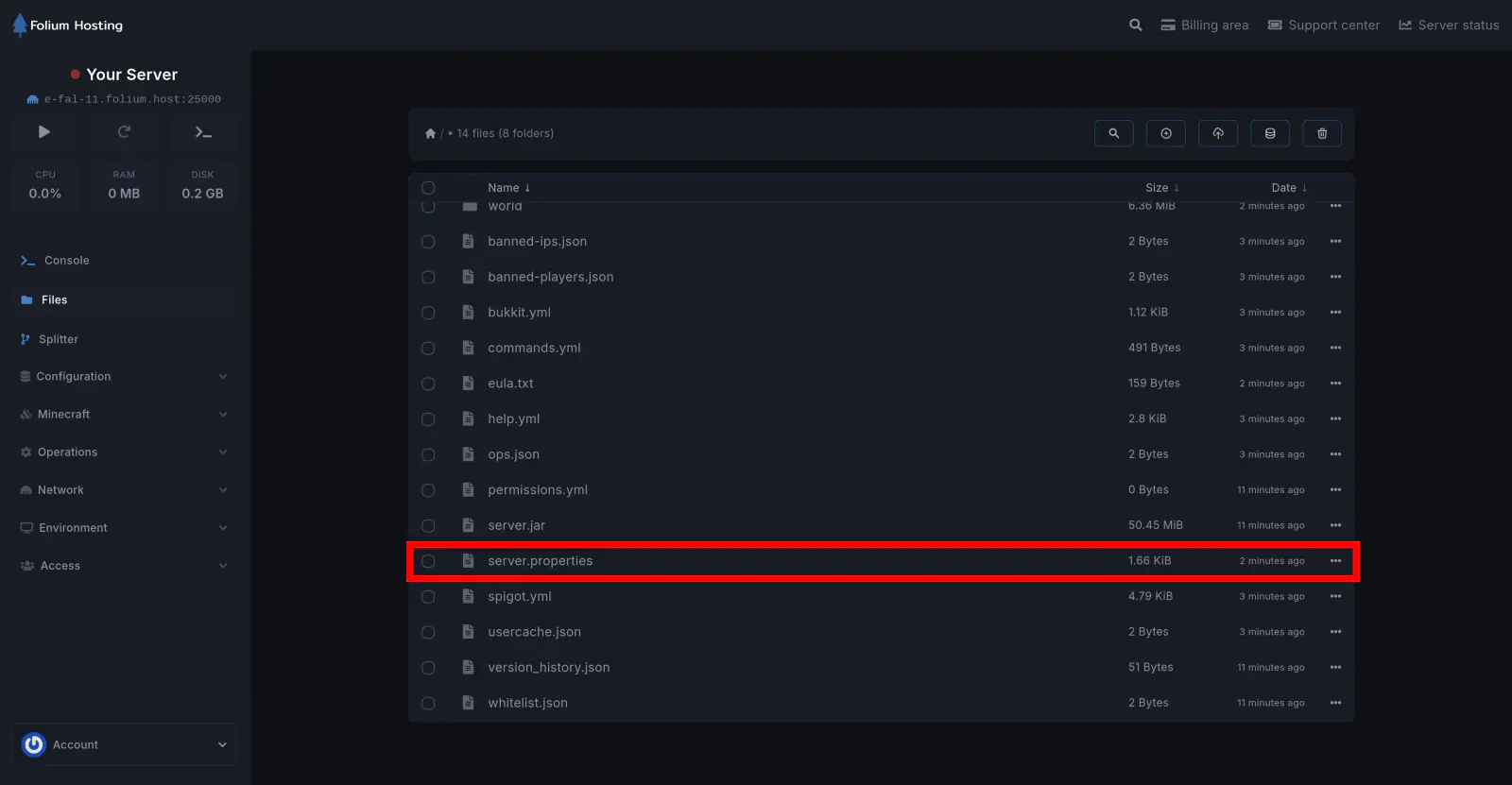
Open the server.properties file
Set the Command Block Value
Find enable-command-block=[value]. Change [value] to true to enable command blocks, or false to disable them. Click Save Content.
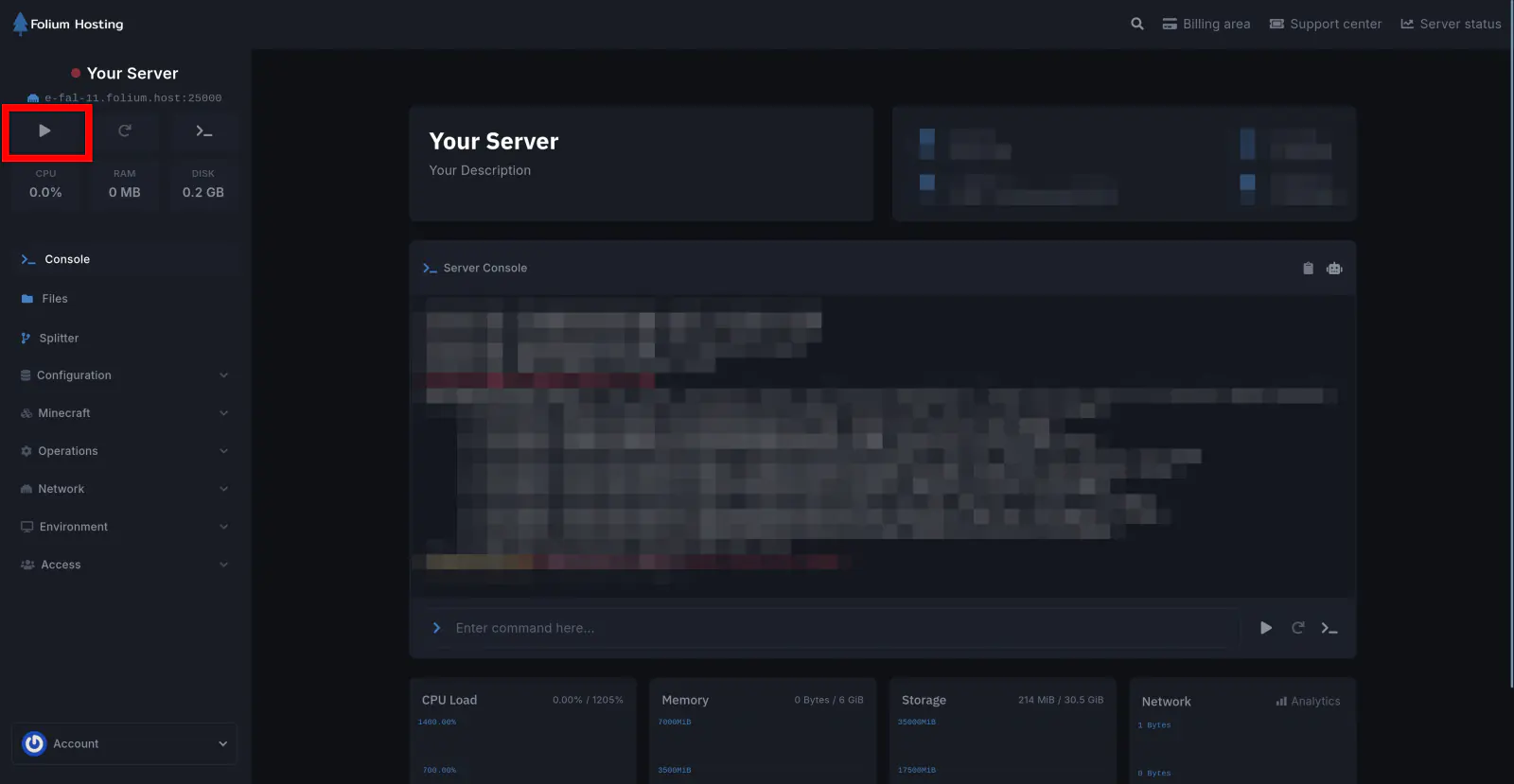
Start the Server
You have successfully toggled command blocks on your server.