Direct Upload
This method only work for files smaller than 1GB. For bigger files, use the SFTP method.
Log In to the Game Panel ↗

Select Your Server

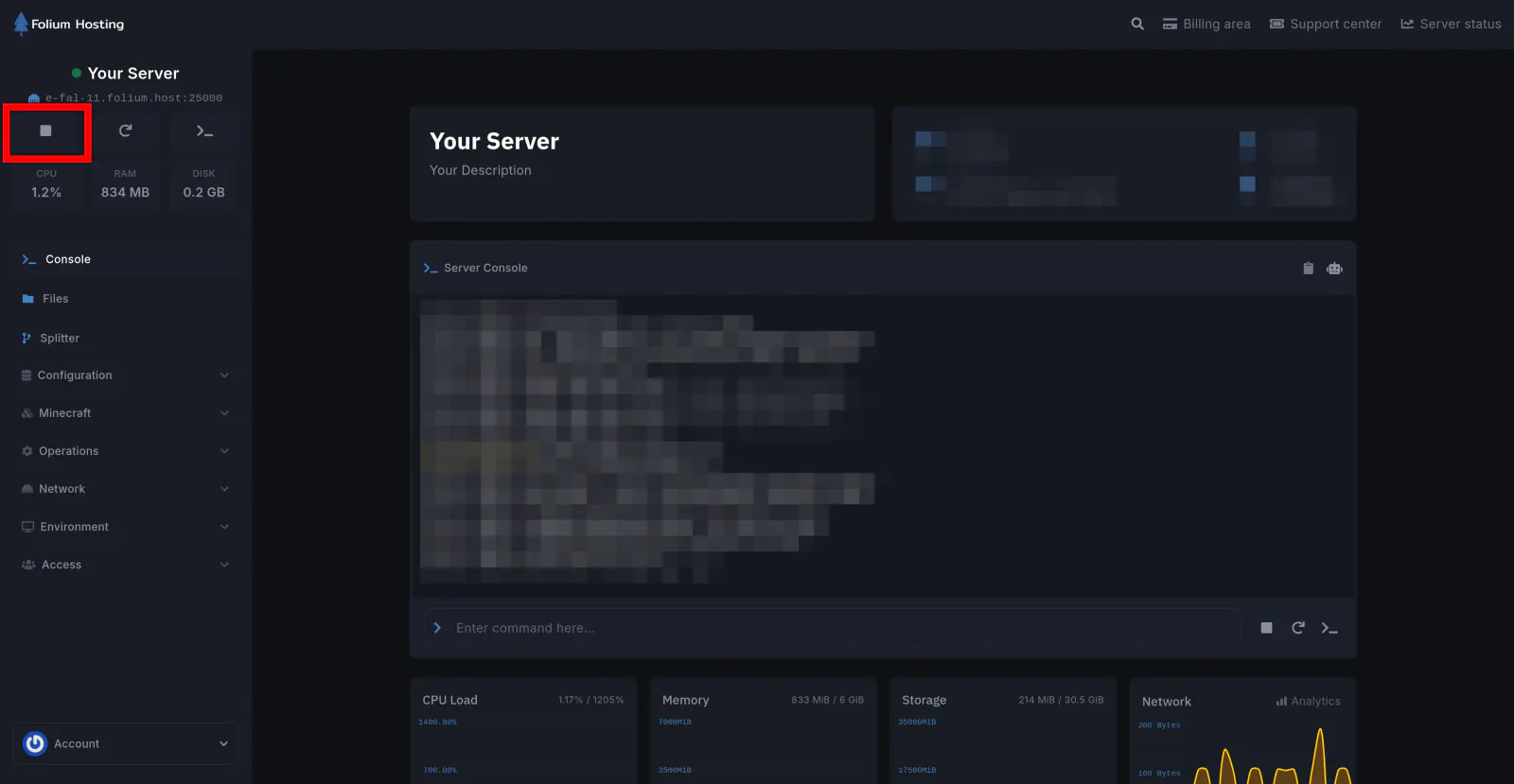
Stop the Server
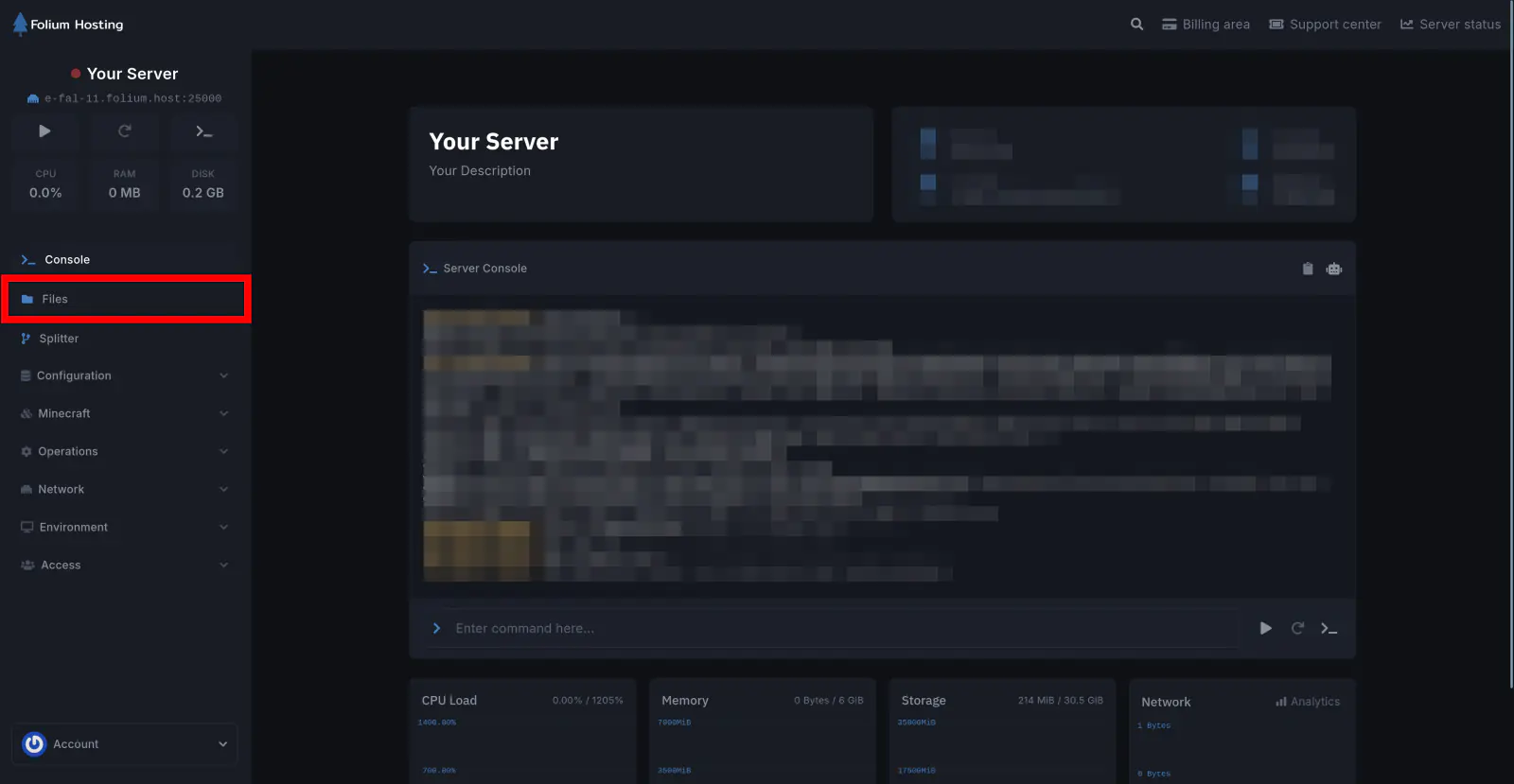
Click on the Files tab
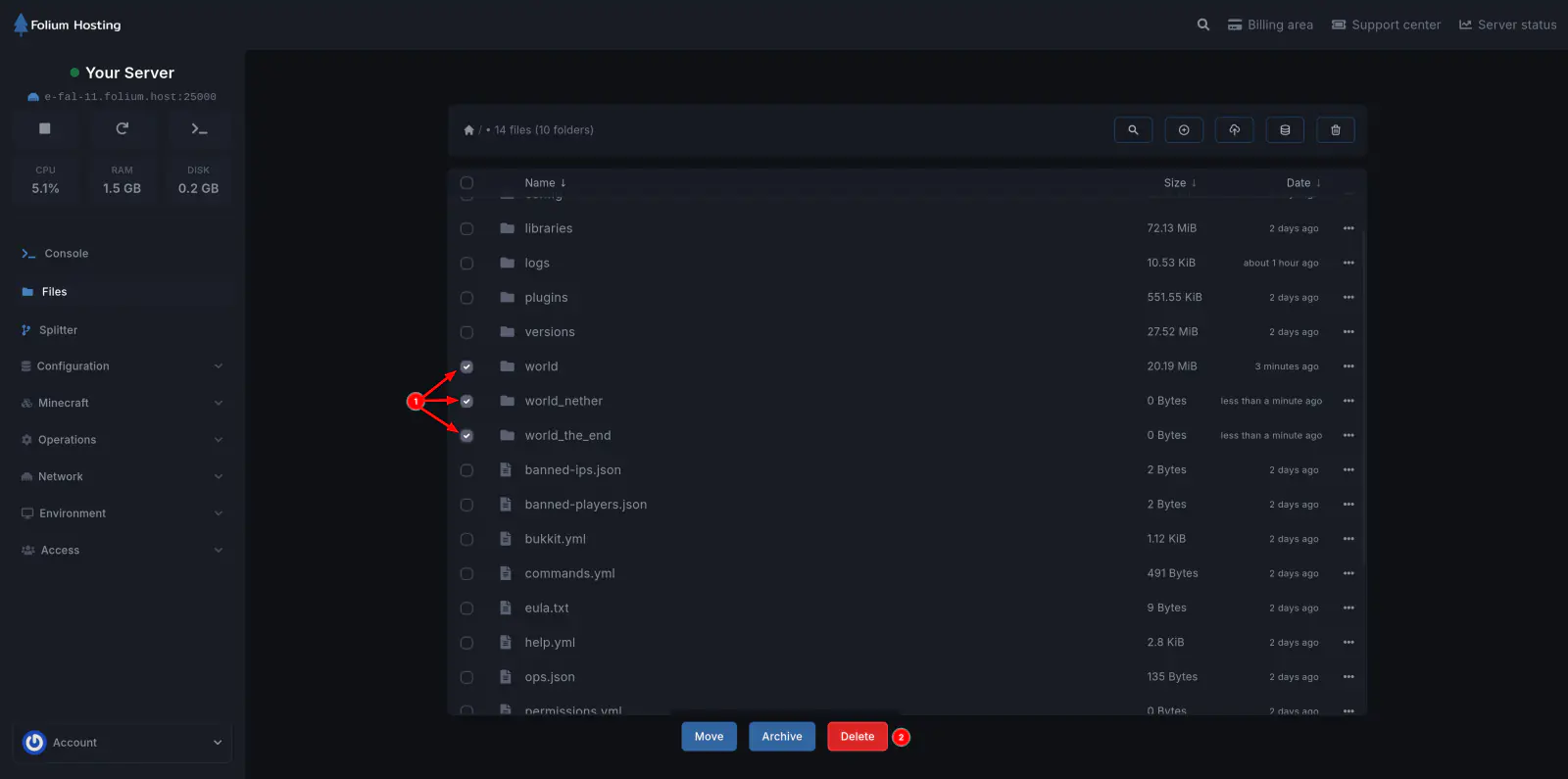
Delete the Existing World Folders
Select world, world_the_nether, and world_the_end and click the Delete button at the bottom.
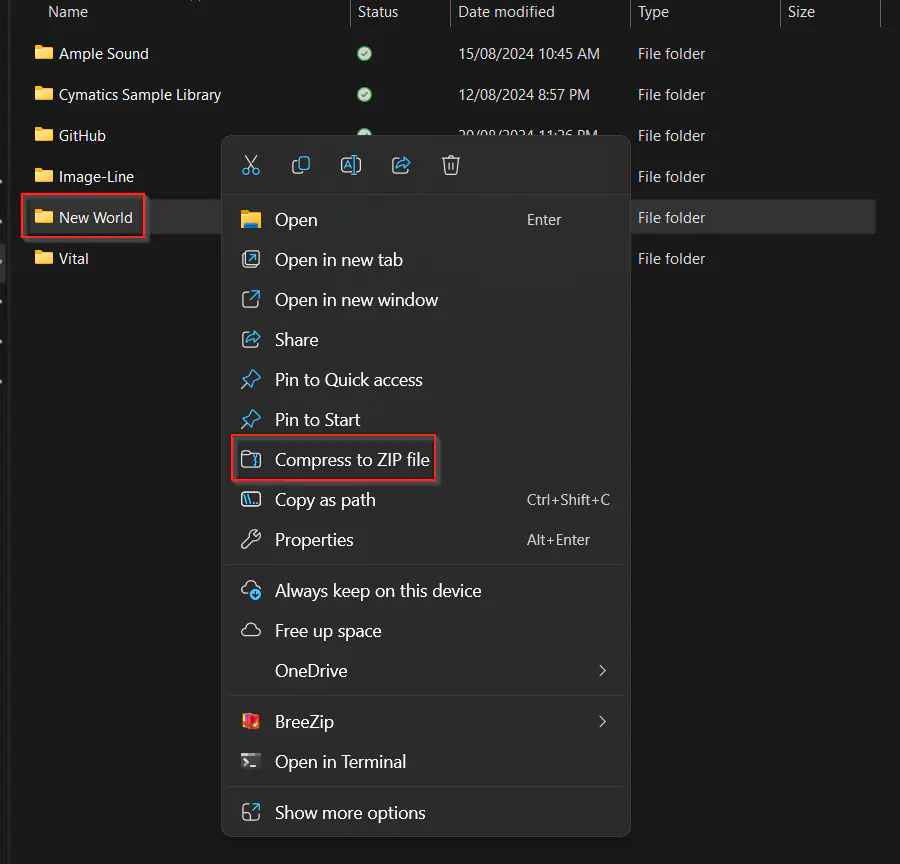
Compress Your World File
In your local storage, ZIP the world file you want to upload to the server.
Upload the Zipped World
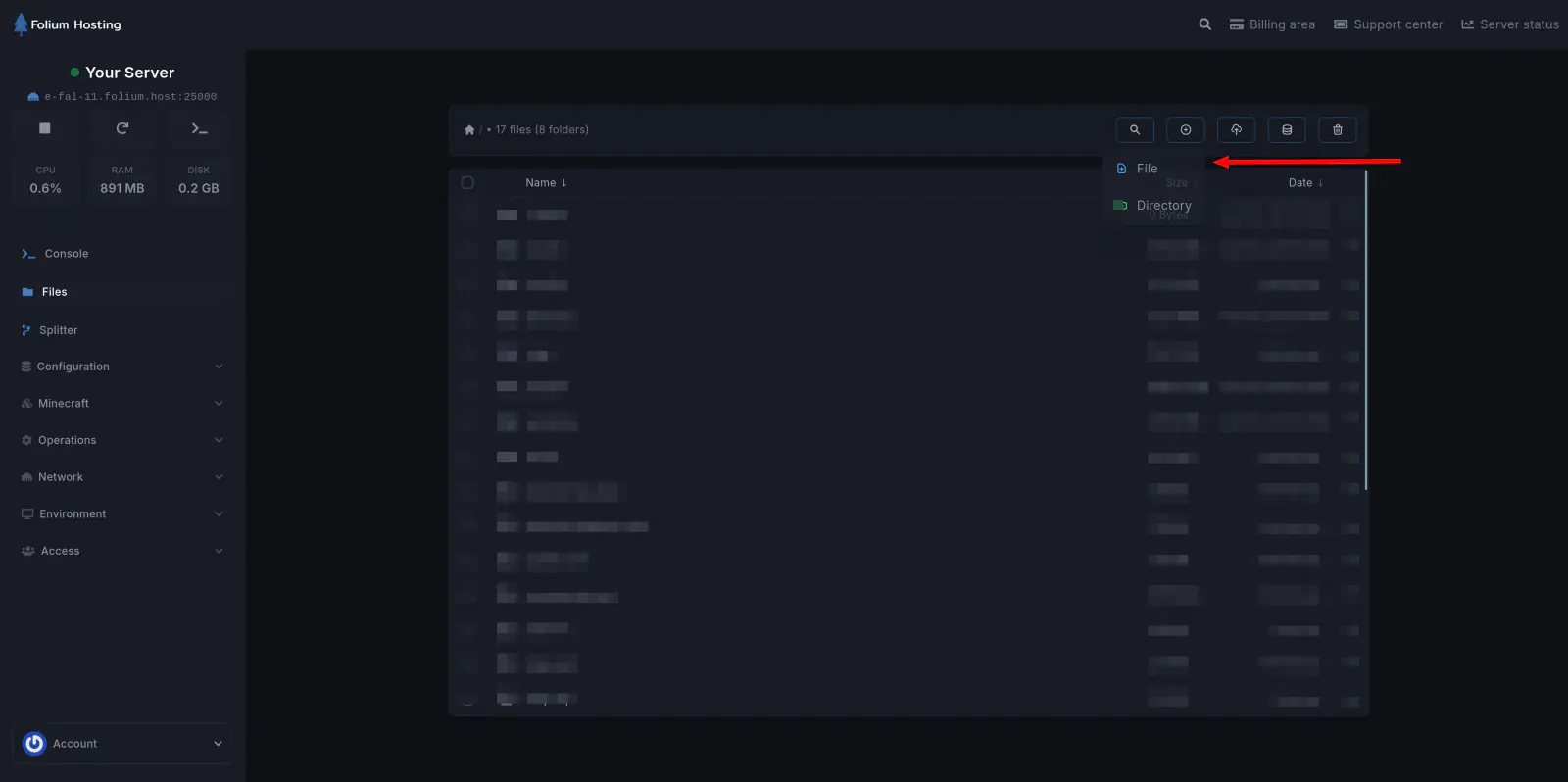
On the panel, Click the Upload button and select the zipped folder you wish to upload
Unarchive the Upload
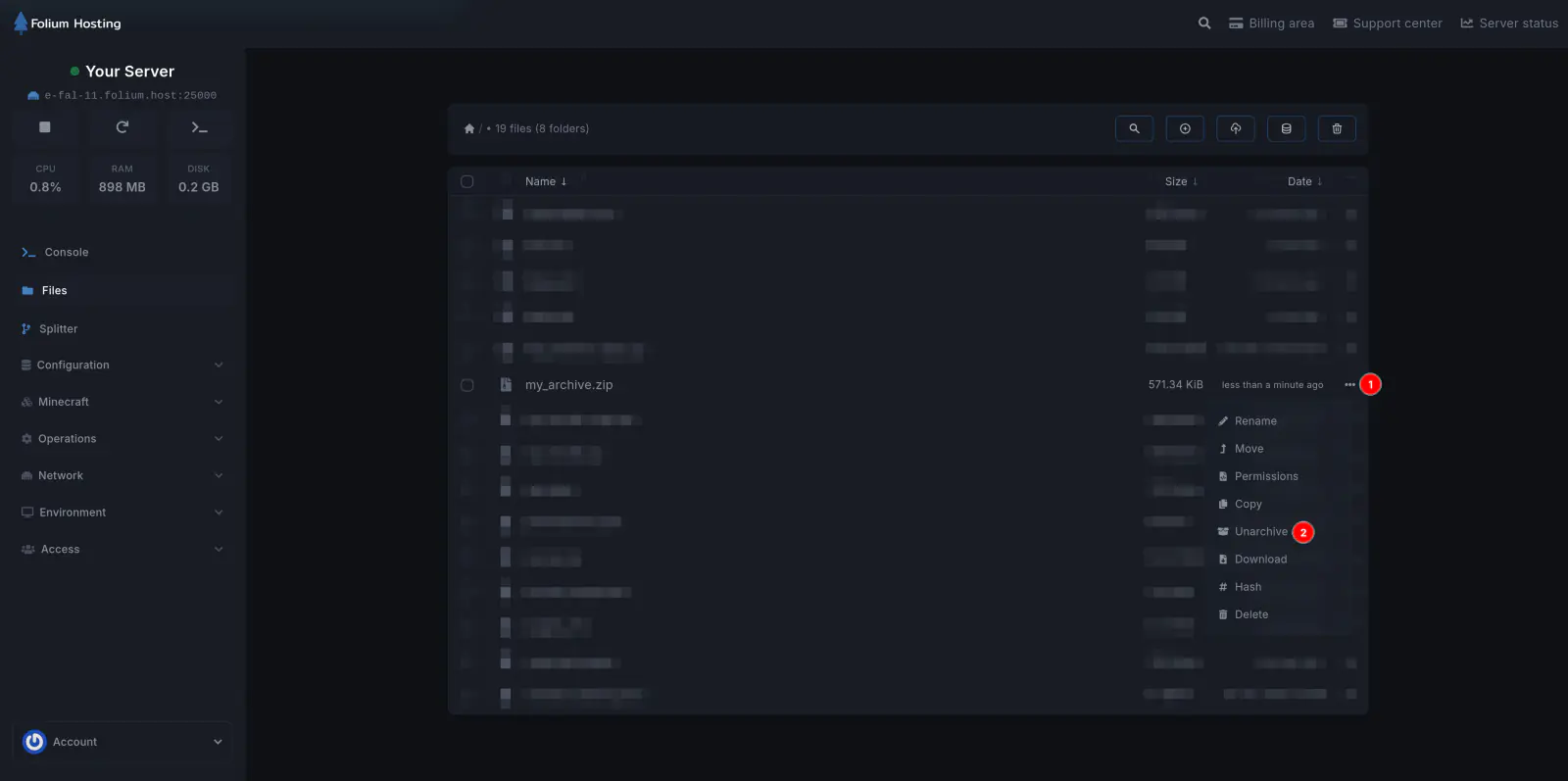
Once it has been uploaded, Click on the 3 dots next to it and Click Unarchive
Rename the World Folder
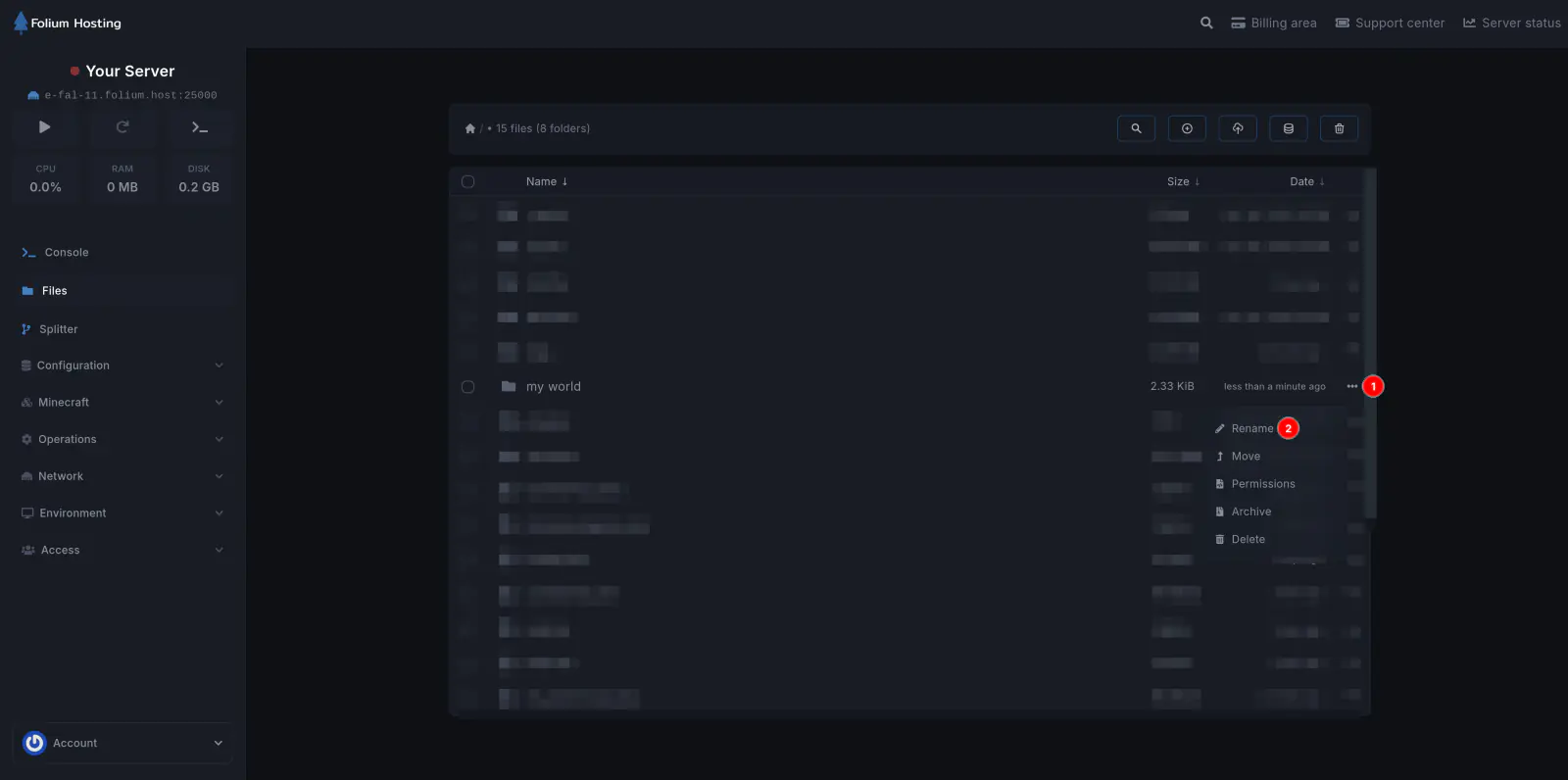
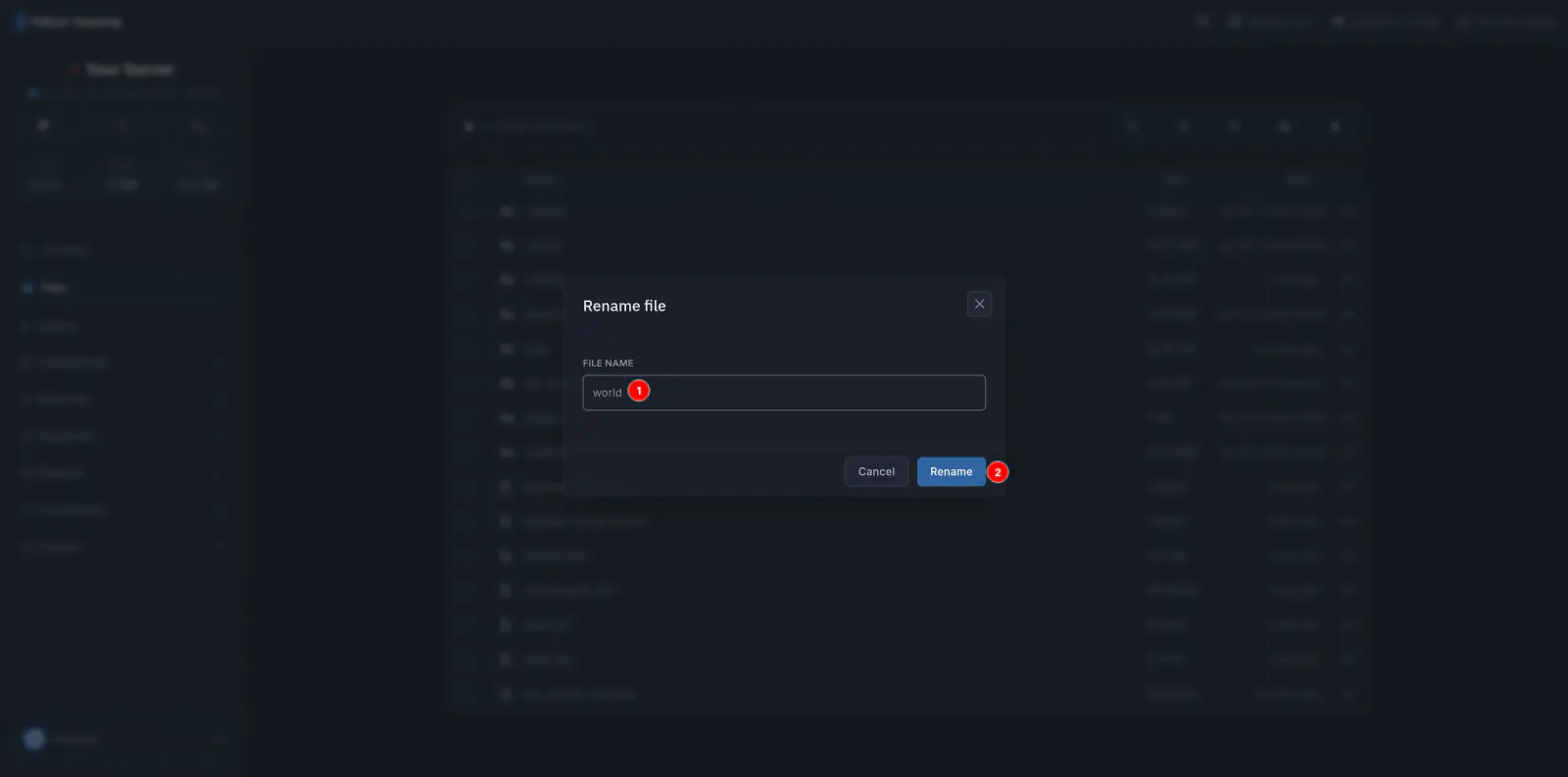
Click the 3 dots of the unarchived file and Click Rename and rename the file to world
NOTE: Capitalization does matter
Start the Server
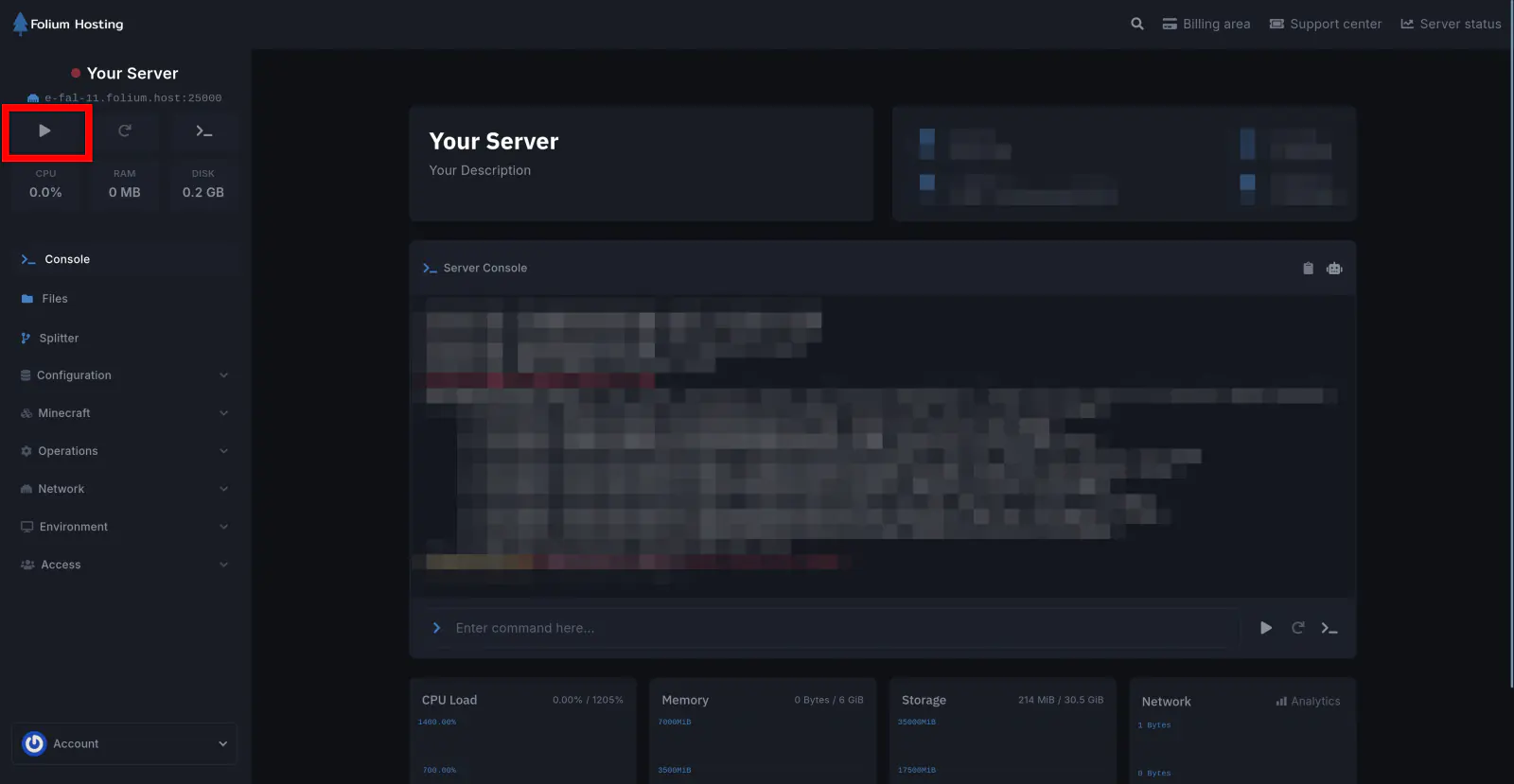
There you go! Now you know how to upload your own Custom World!