Download and Install CurseForge
Go and Download CurseForge on your PC.
Select Minecraft as Your Game
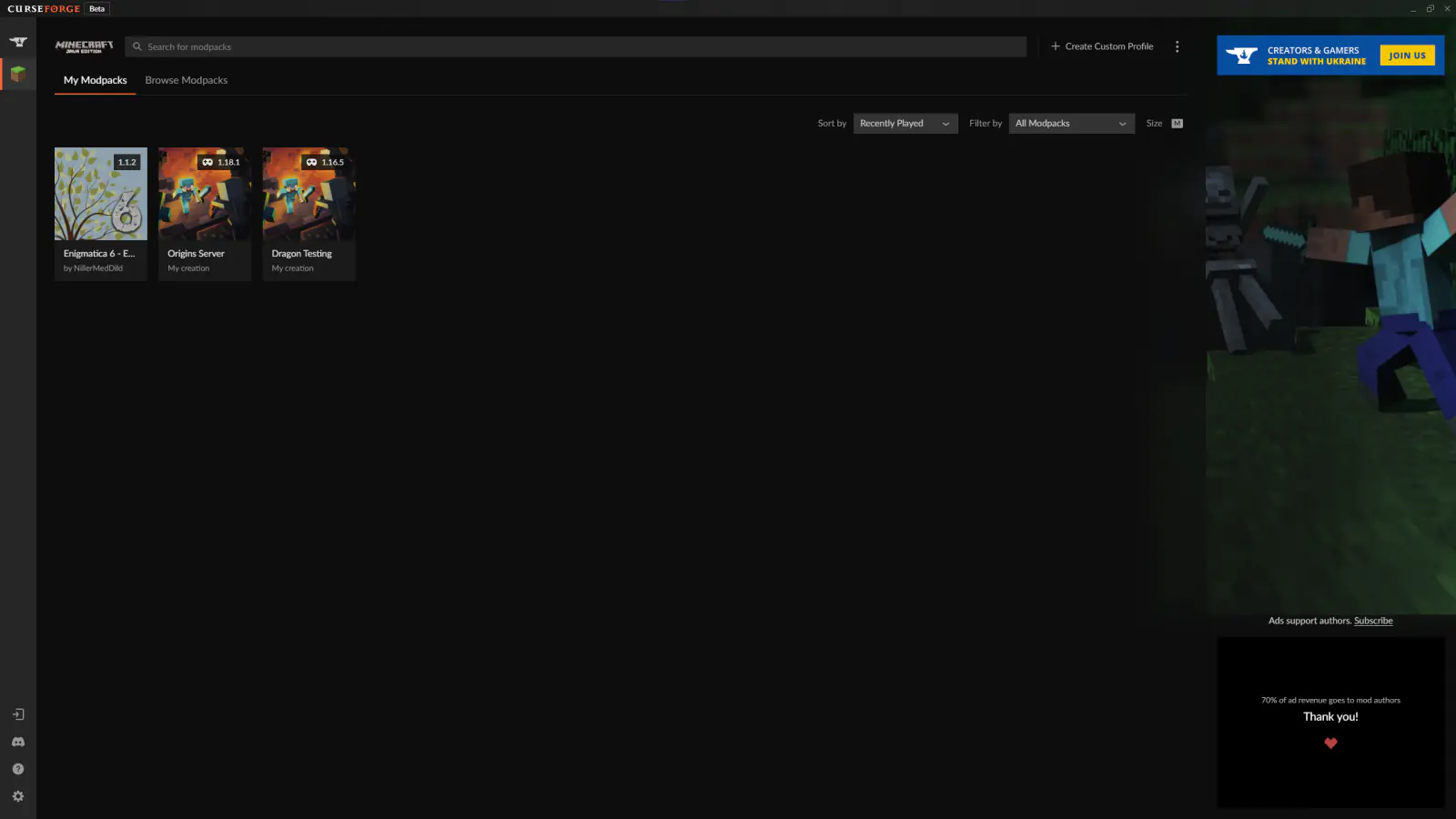
Create a Custom Profile

Import an Existing Profile
Click Import a previously created profile.

Select Your Modpack ZIP File
Browse to and select your Modpack.zip file.

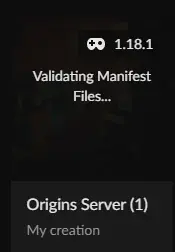
Wait for Forge to Validate the Modpack
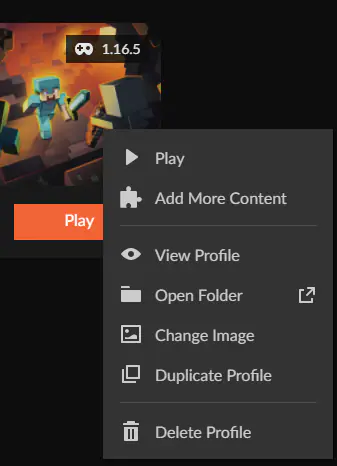
Open the Modpack Folder
Upload Config and Mods to Your Server
Copy the config and mods folder, then upload them to your server via SFTP or compress them into a .zip and upload through our web interface, then unarchive them.
Make sure all mods are compatible with server-side use before uploading.