Built-In Version Installer
Log In to the Game Panel ↗

Select Your Server
Select your server from the list on the left sidebar.

Stop the Server
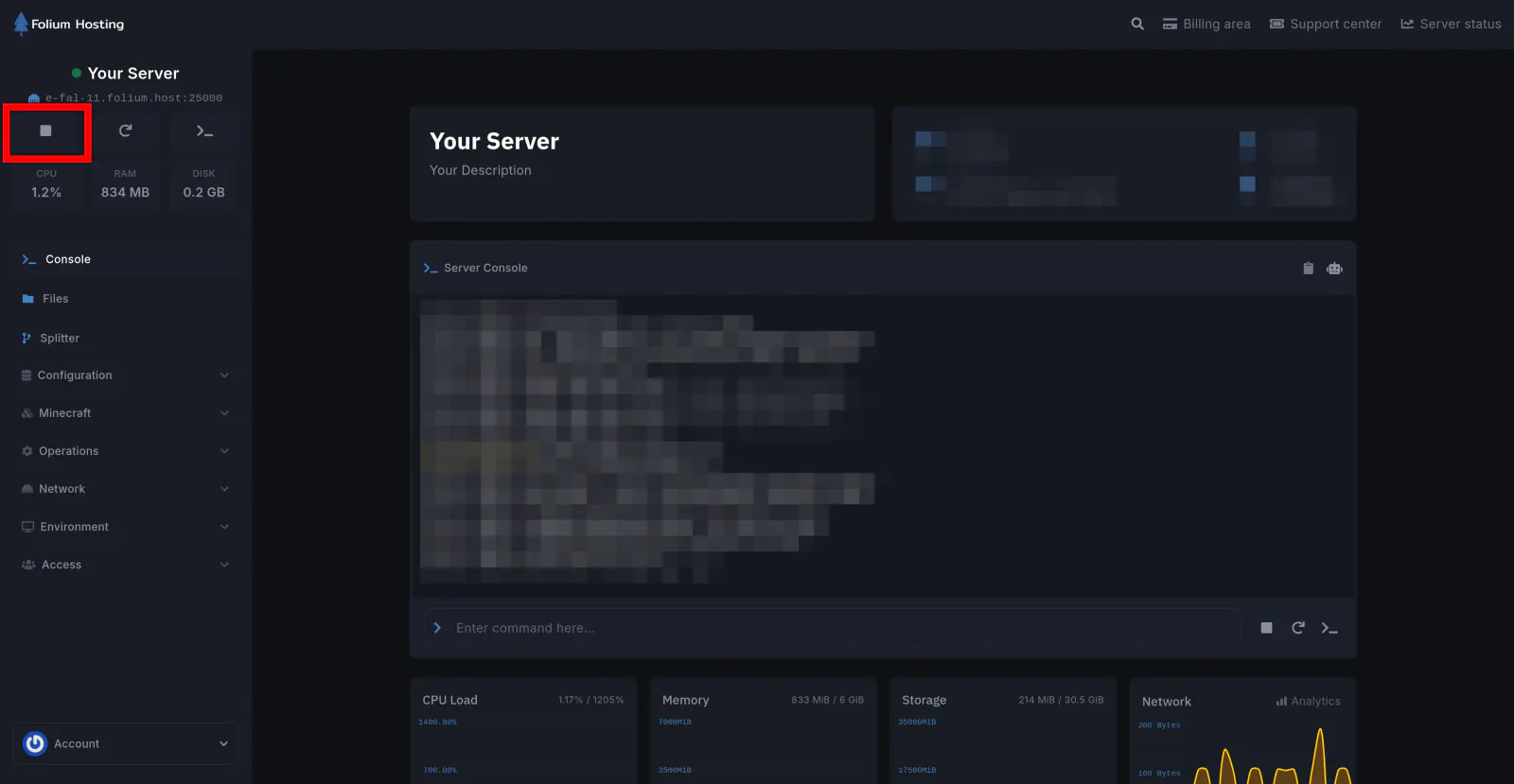
Create a Backup
If you don’t know how to make a backup, here’s our article on How to make a backup.
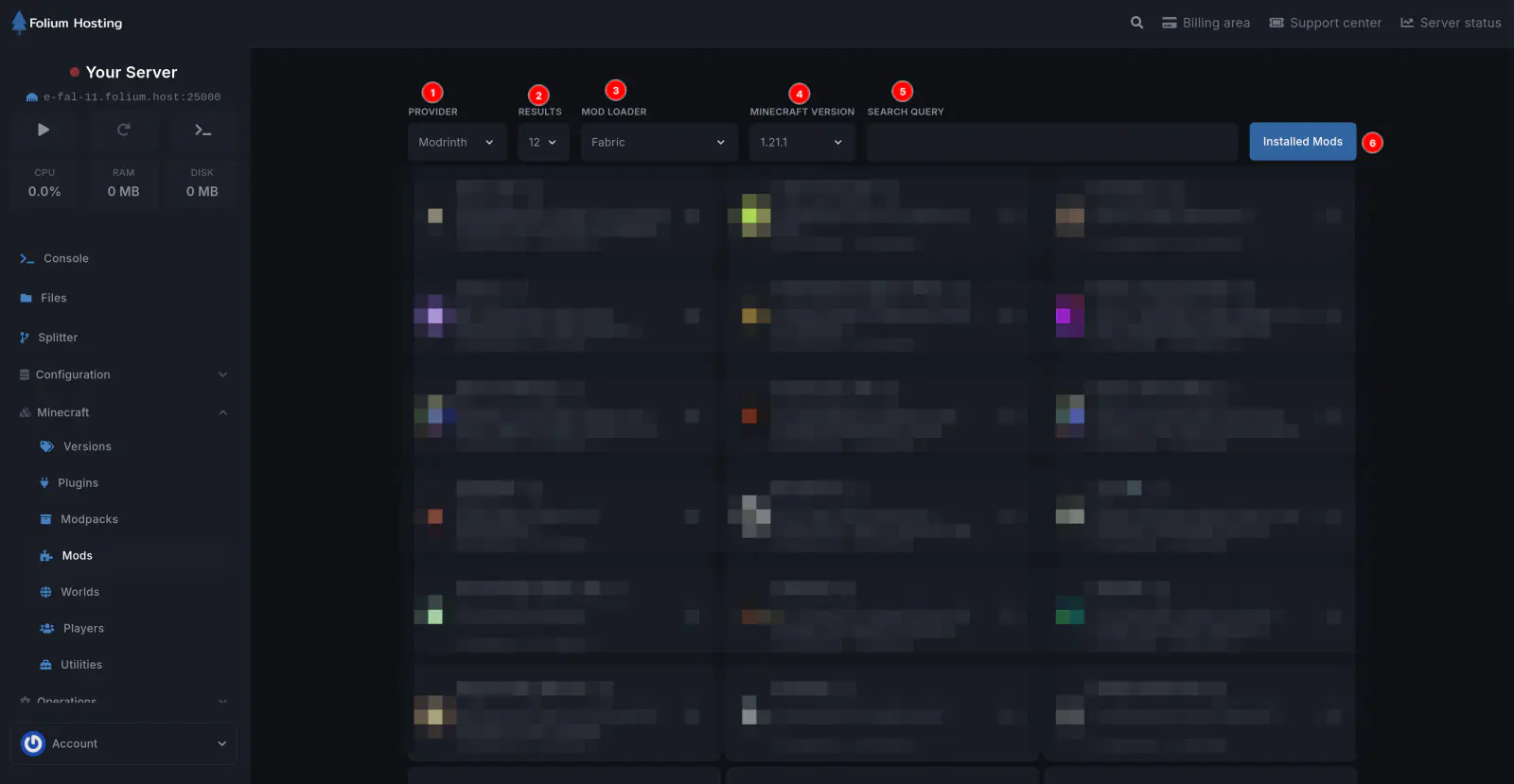
Use the mods tab
Under the Minecraft section, click on the Mods tab. Click on any mod to select and install one of its versions. In most cases, you can later use Installed Mods(6) to Update / Delete those mods later.
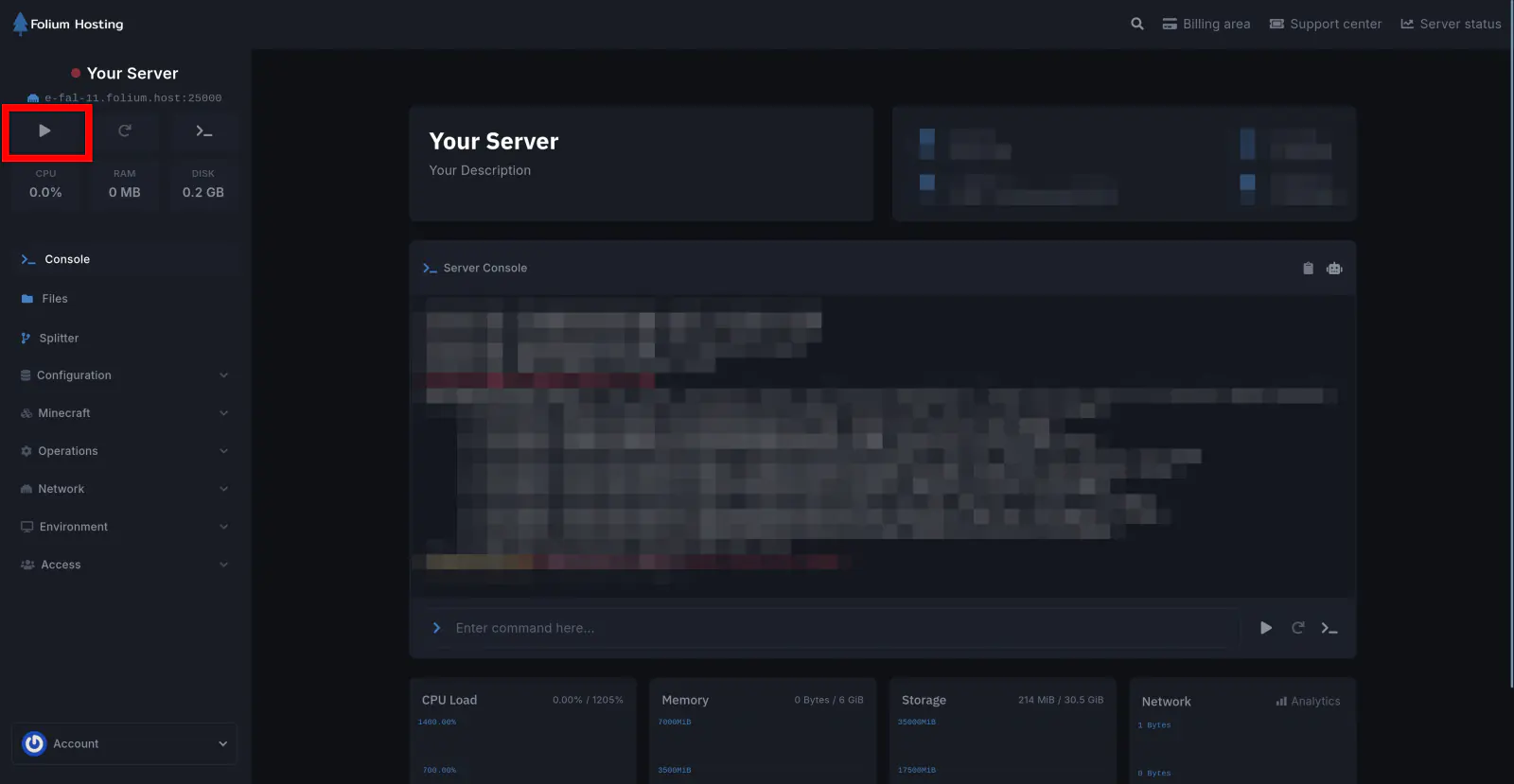
Start the Server
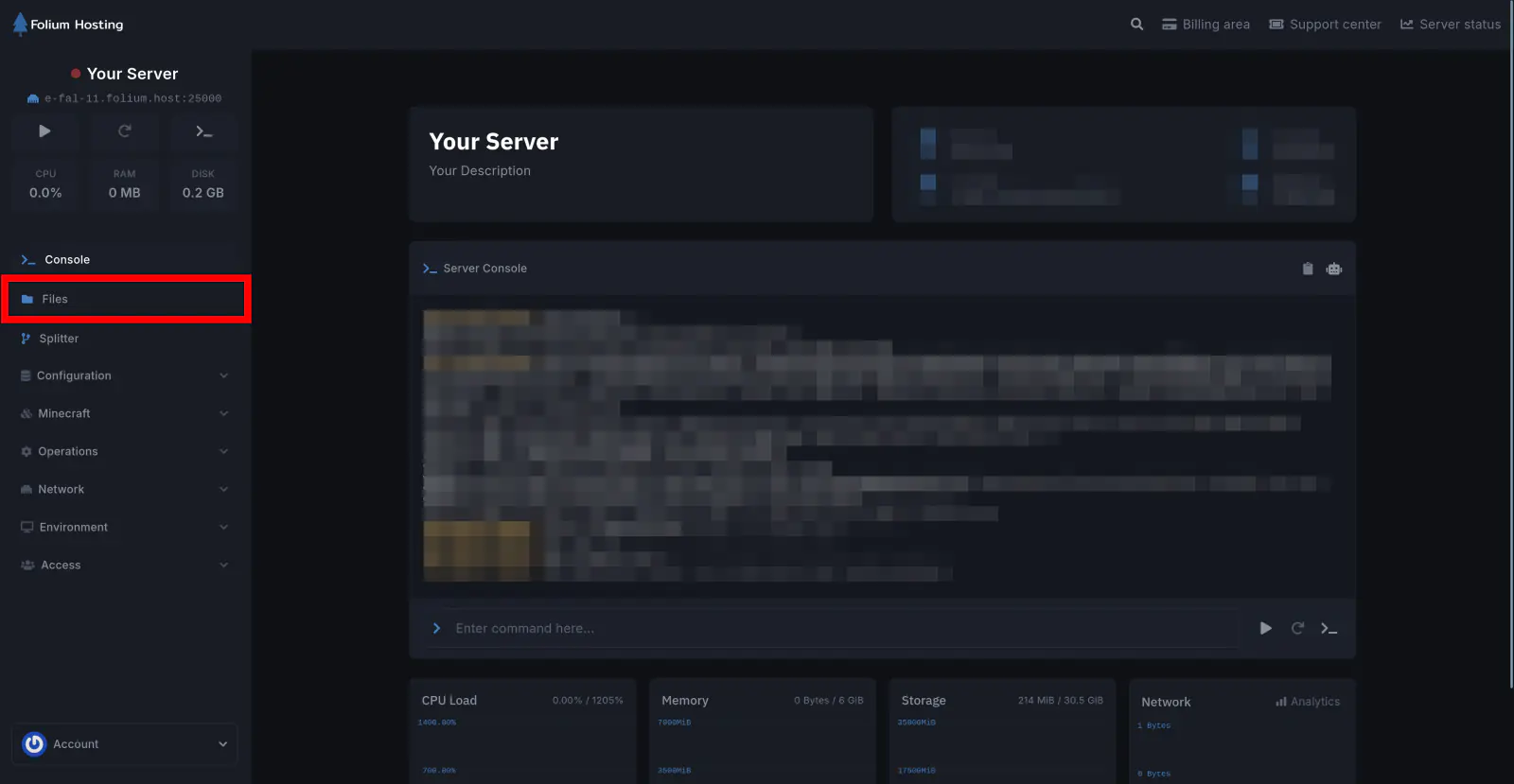
There you go! You have installed a Mod on your server!