The World Installer lets you browse and download worlds from CurseForge directly from the comfort of the panel, with rapid download speeds.


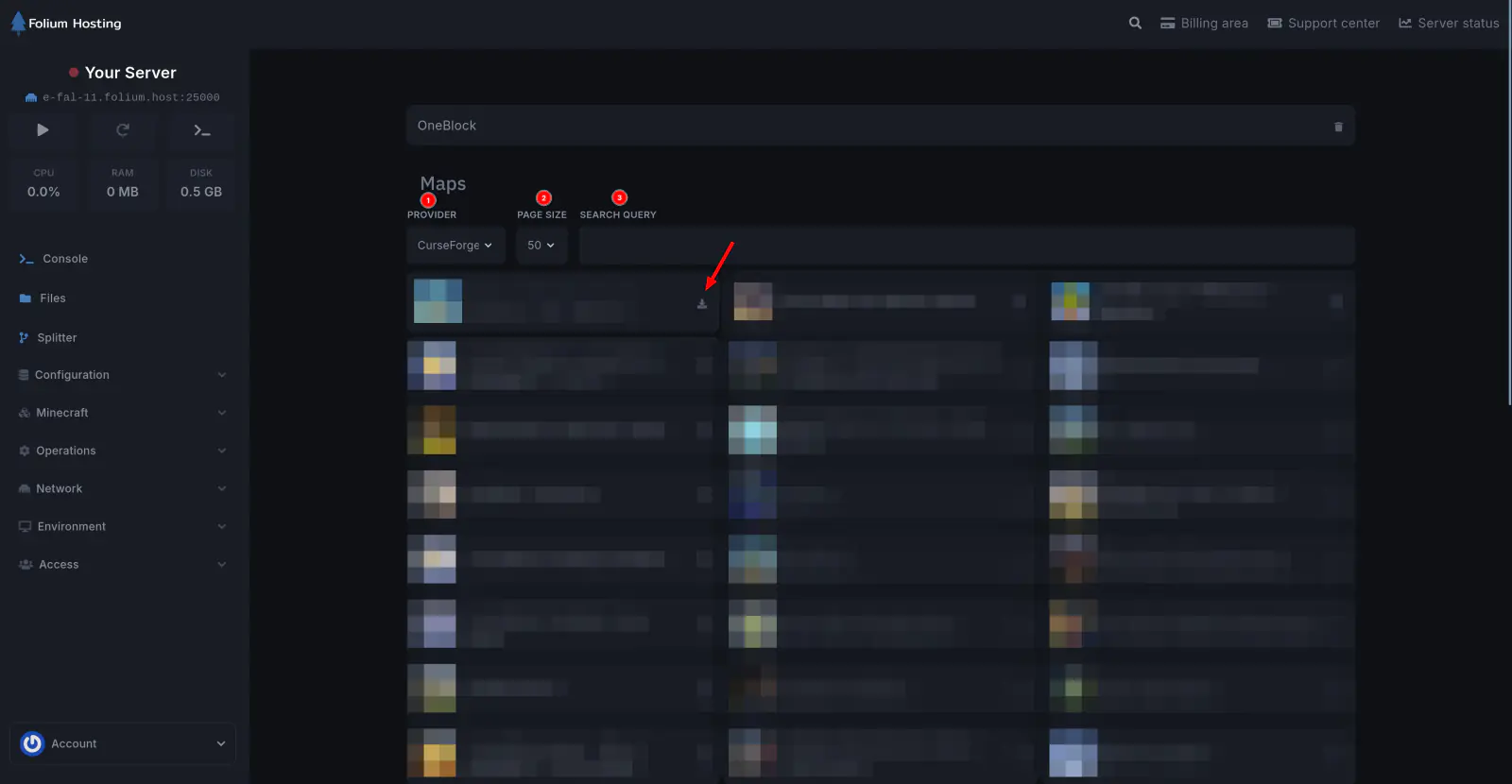
Browse Worlds
Browse available worlds from CurseForge directly in the panel.
Install a World
Click Install on any world to download and install it to your server.
Delete a World
Remove installed worlds when they are no longer needed.
Installing a world may overwrite your existing world files. Back up your current world before proceeding.
If any issues arise, contact us ↗.