

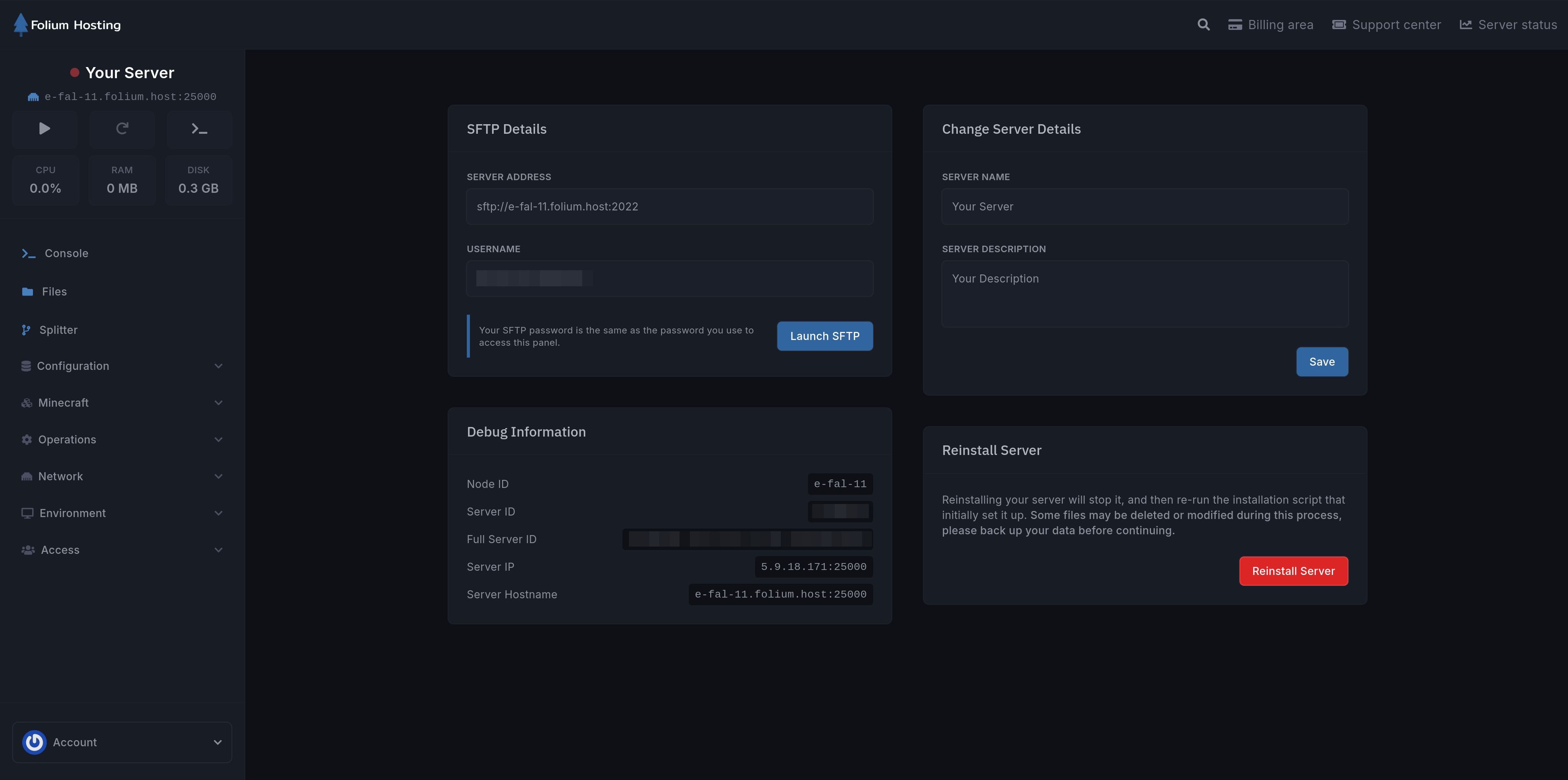
On this page, you can:
View Your SFTP Details
This area shows your server address and username required to connect via SFTP.
You can click the Launch SFTP button to automatically fill in the server address and username.
Change Server Name
This area lets you change your server name and description.
The server name is visible during Server Selection and throughout every page on the panel.
View Server Info
This area shows information about the server such as Server ID, Node ID, Server IP, and Hostname.
You may need to share the Server ID and Node ID when submitting a ticket on our Discord ↗.
Reinstall Your Server
Reinstalling your server will stop it and re-run the installation script that initially set it up.
Some files may be deleted or modified during this process. Back up your data before continuing.