Click Forgot Password
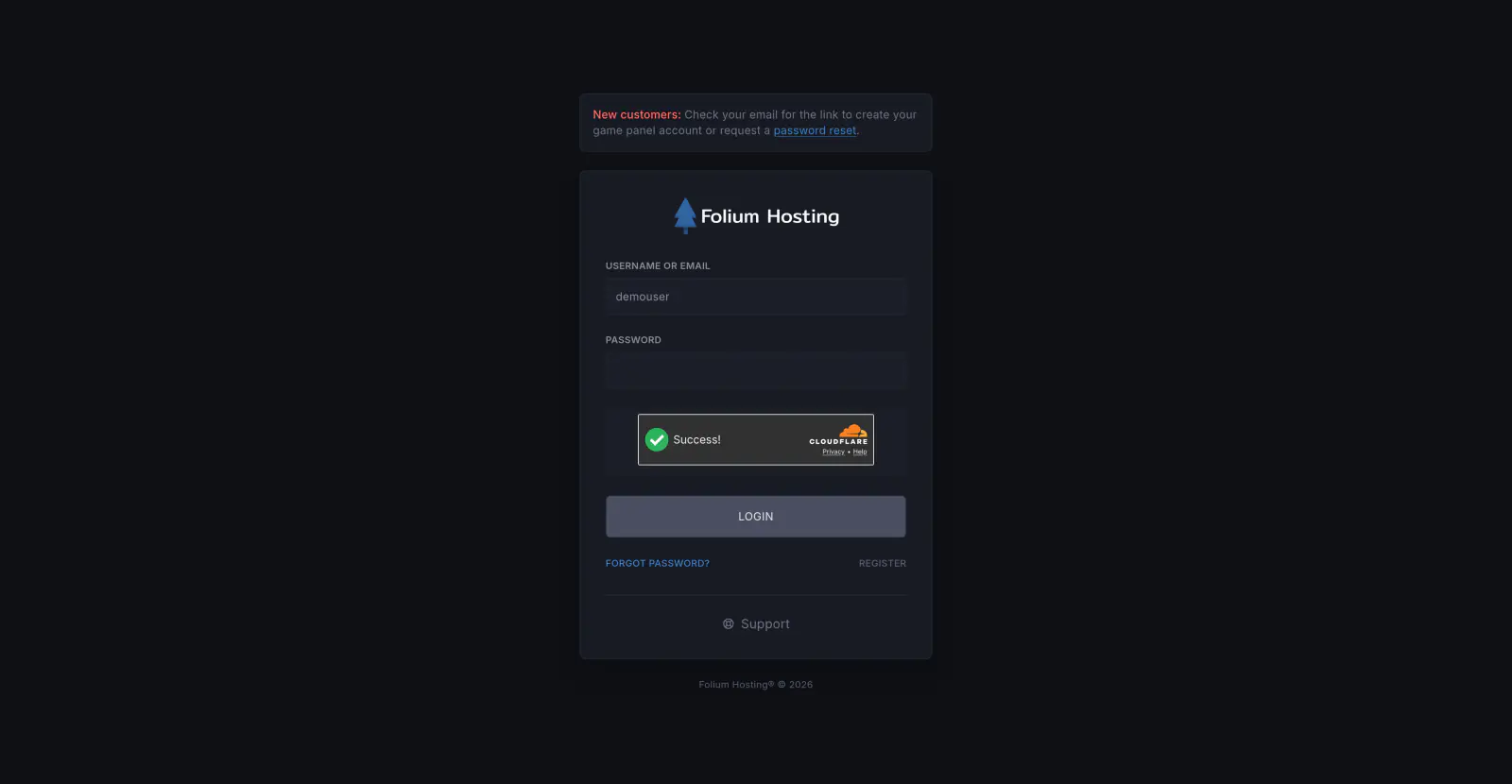
On the game panel login page, click the Forgot password? link.

Enter Your Email Address
Type the email address associated with your Folium Hosting account.
Open the Reset Email
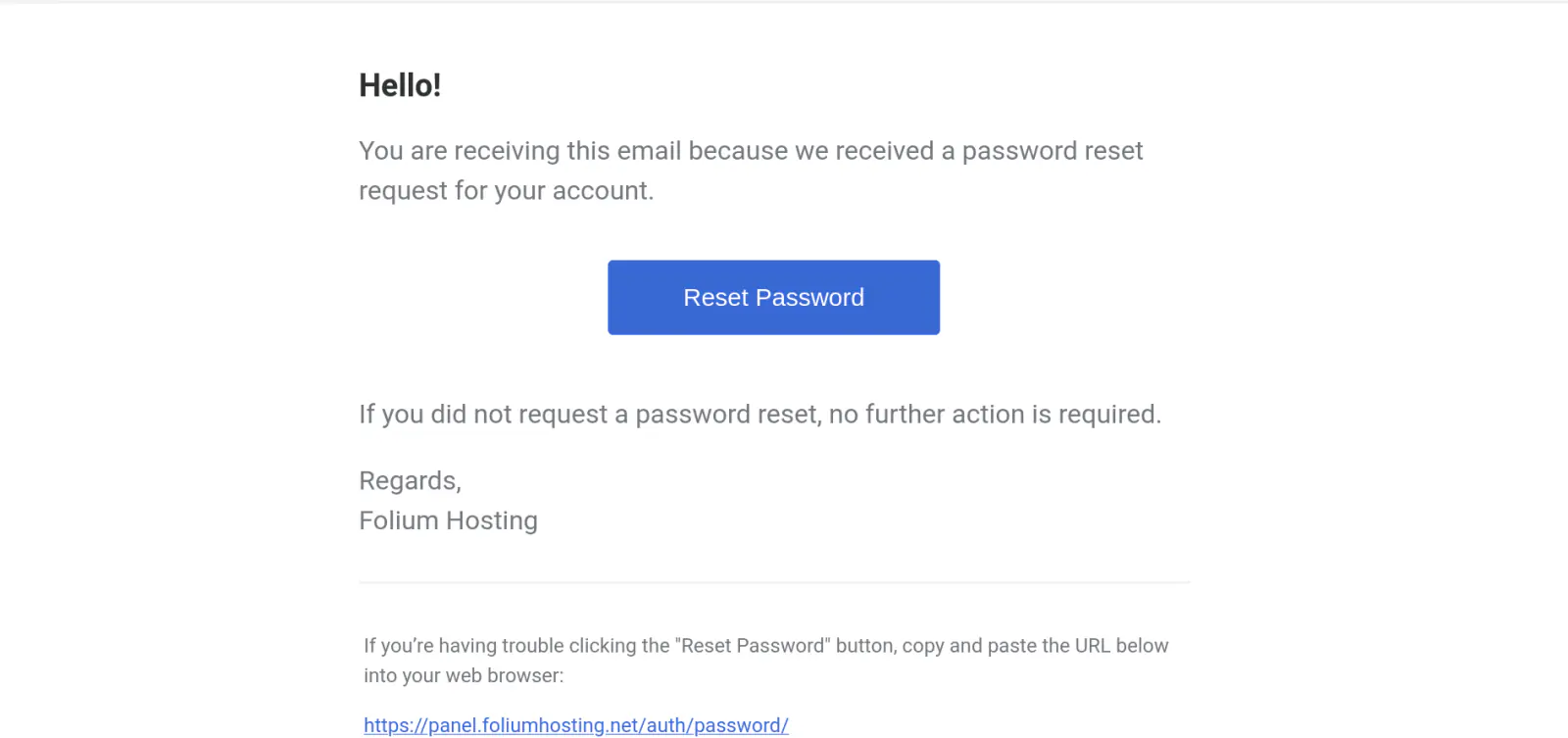
Go to your email and look for a message from Folium Hosting. You may need to check your spam, all mail, or blocked folders.
Click the Reset Password link in the email, if that does not work, there is an alternative clickable link below.
Set Your New Password
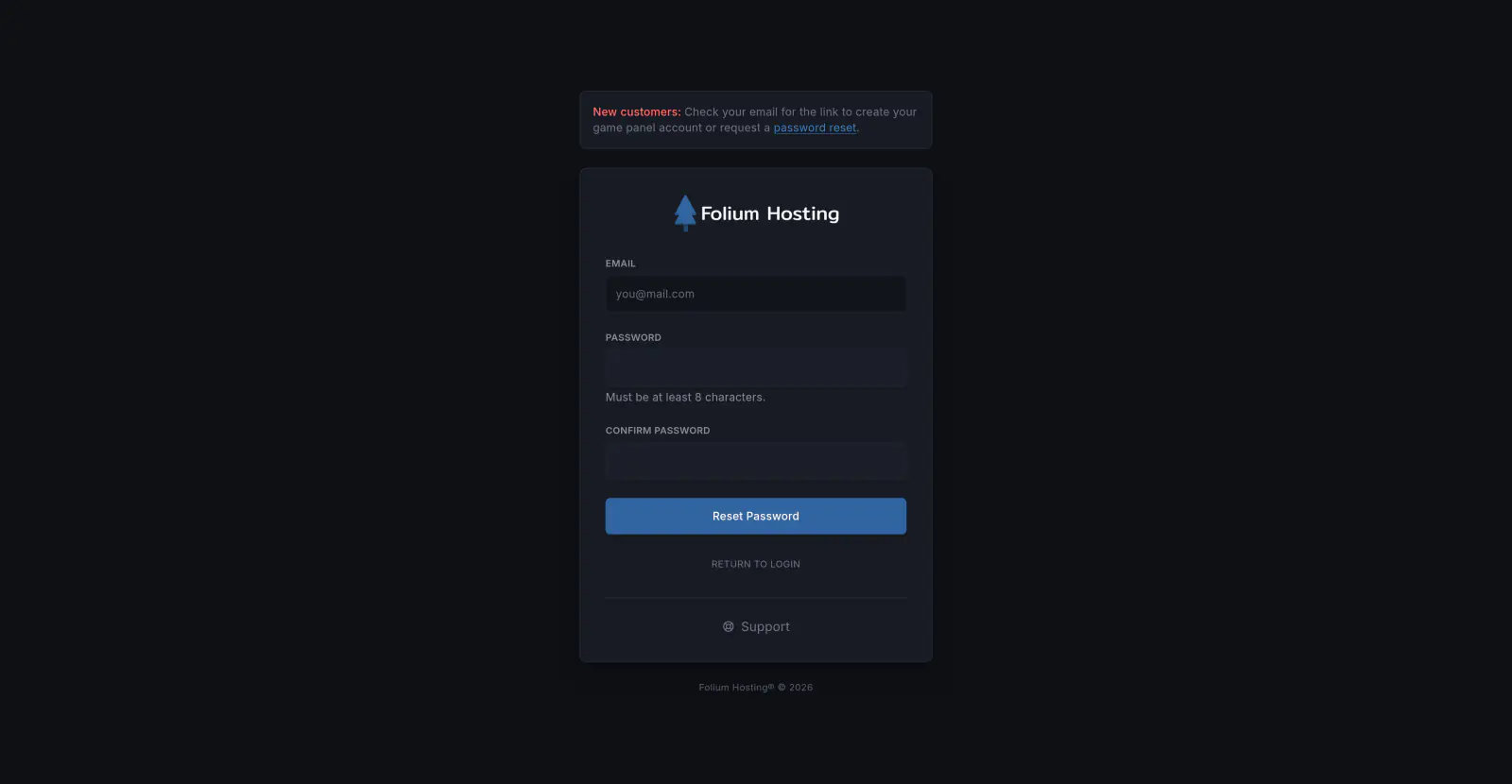
Enter your new password in both the Password and Confirm Password fields, then use the “Reset Password” button.
You’ve successfully reset your game panel password.