The spawn protection radius is the area around spawn where players cannot break or place blocks or interact with the world. Players with operator permissions can bypass spawn protection.
From server.properties
Log In to the Game Panel ↗

Select Your Server

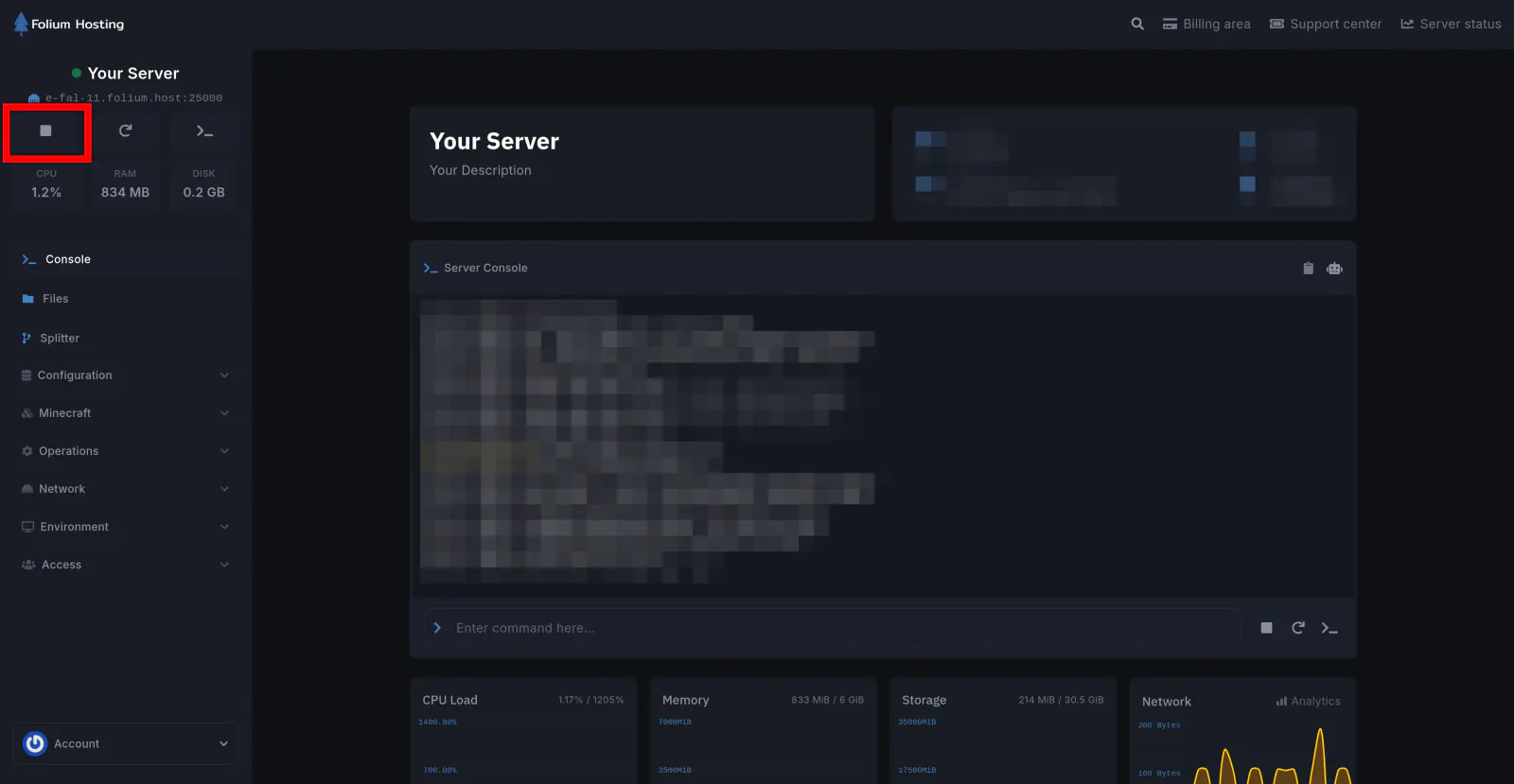
Stop the Server
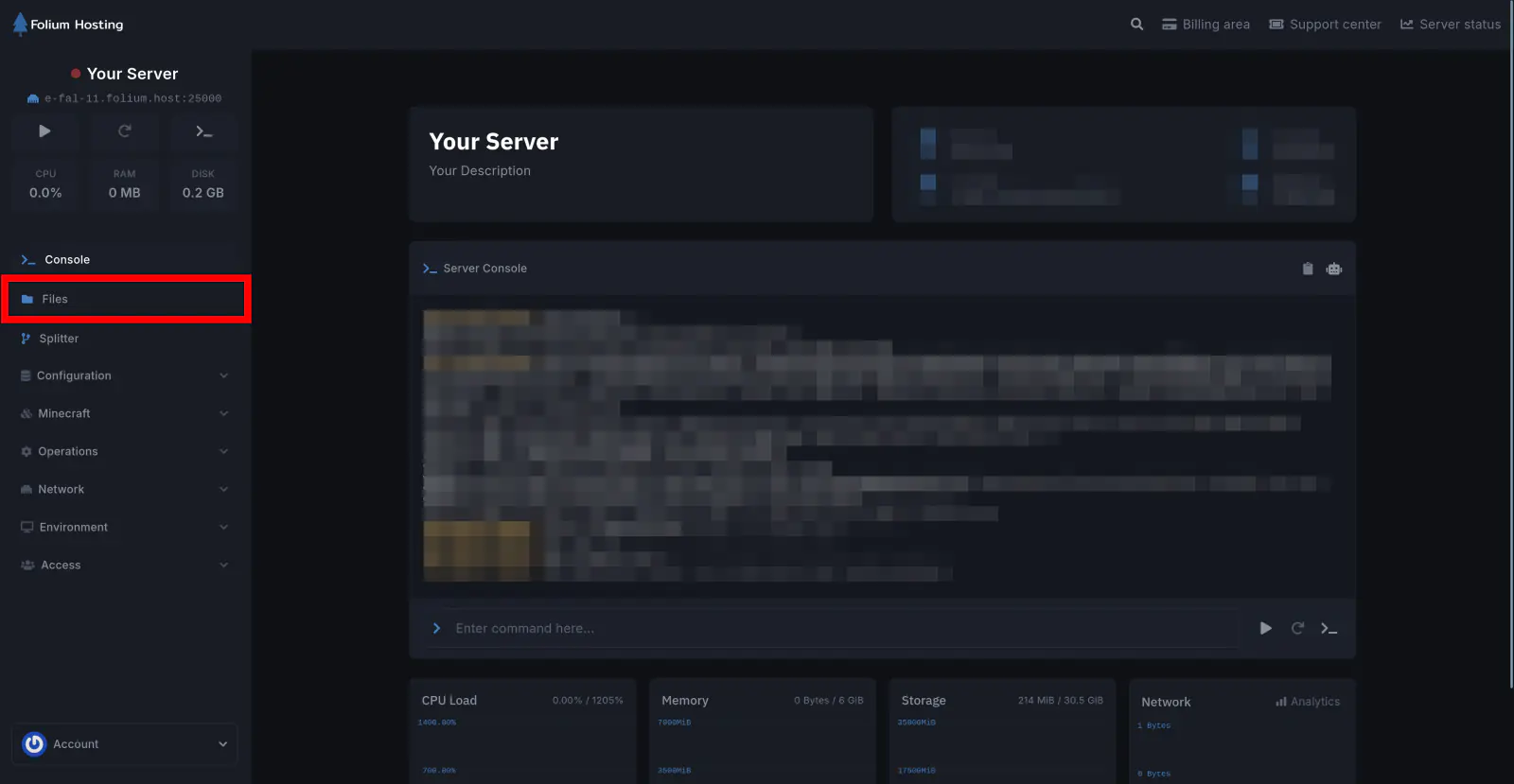
Click on the Files tab
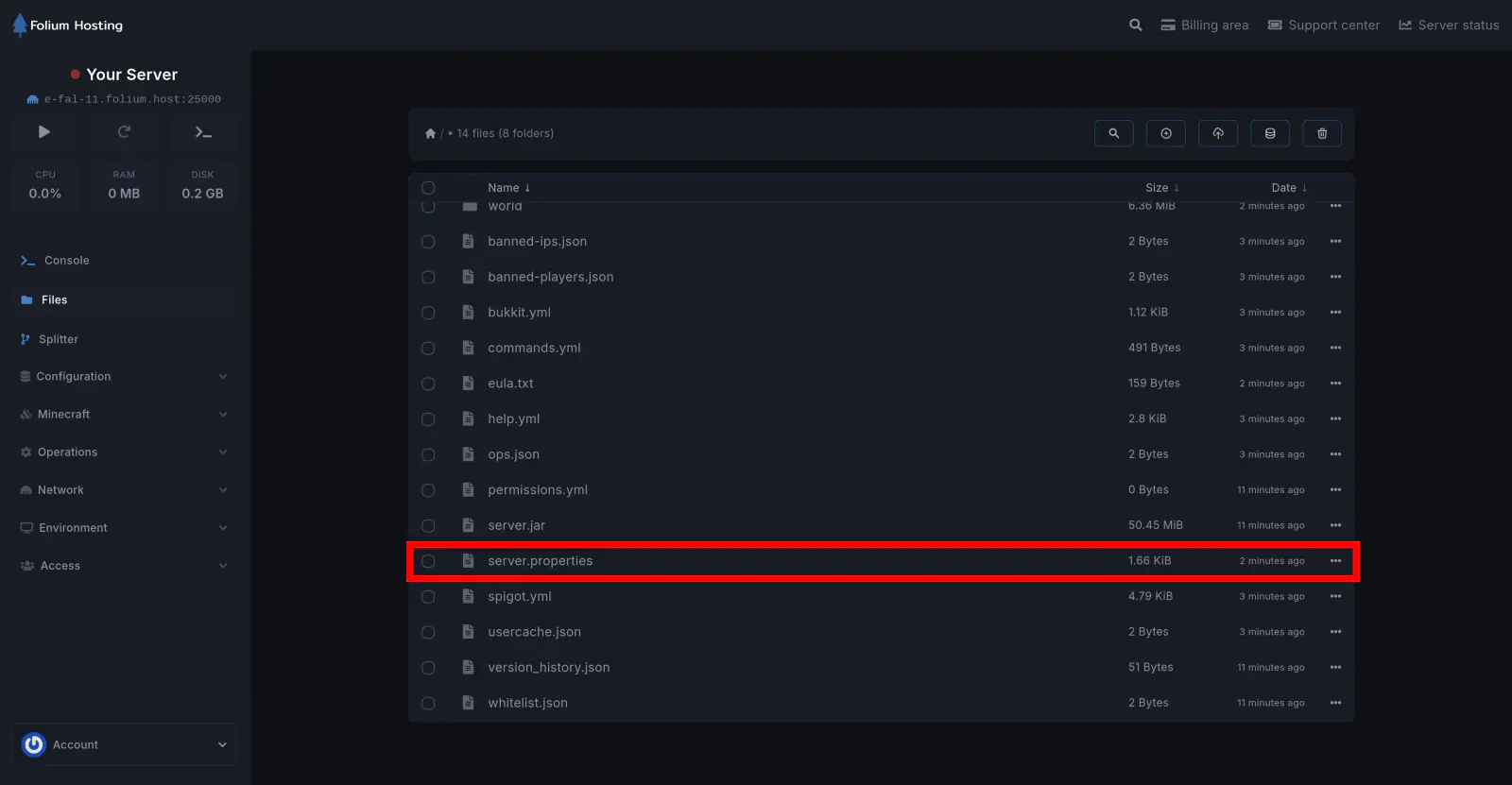
Open the server.properties file
Set the Spawn Protection Value
Scroll down until you find spawn-protection=[value]. Change [value] to your preferred radius and click Save Content.
- A value of
1protects a 3×3 square centered on the spawn point. - A value of
2protects a 5×5 area, and so on. - The default value is
16.
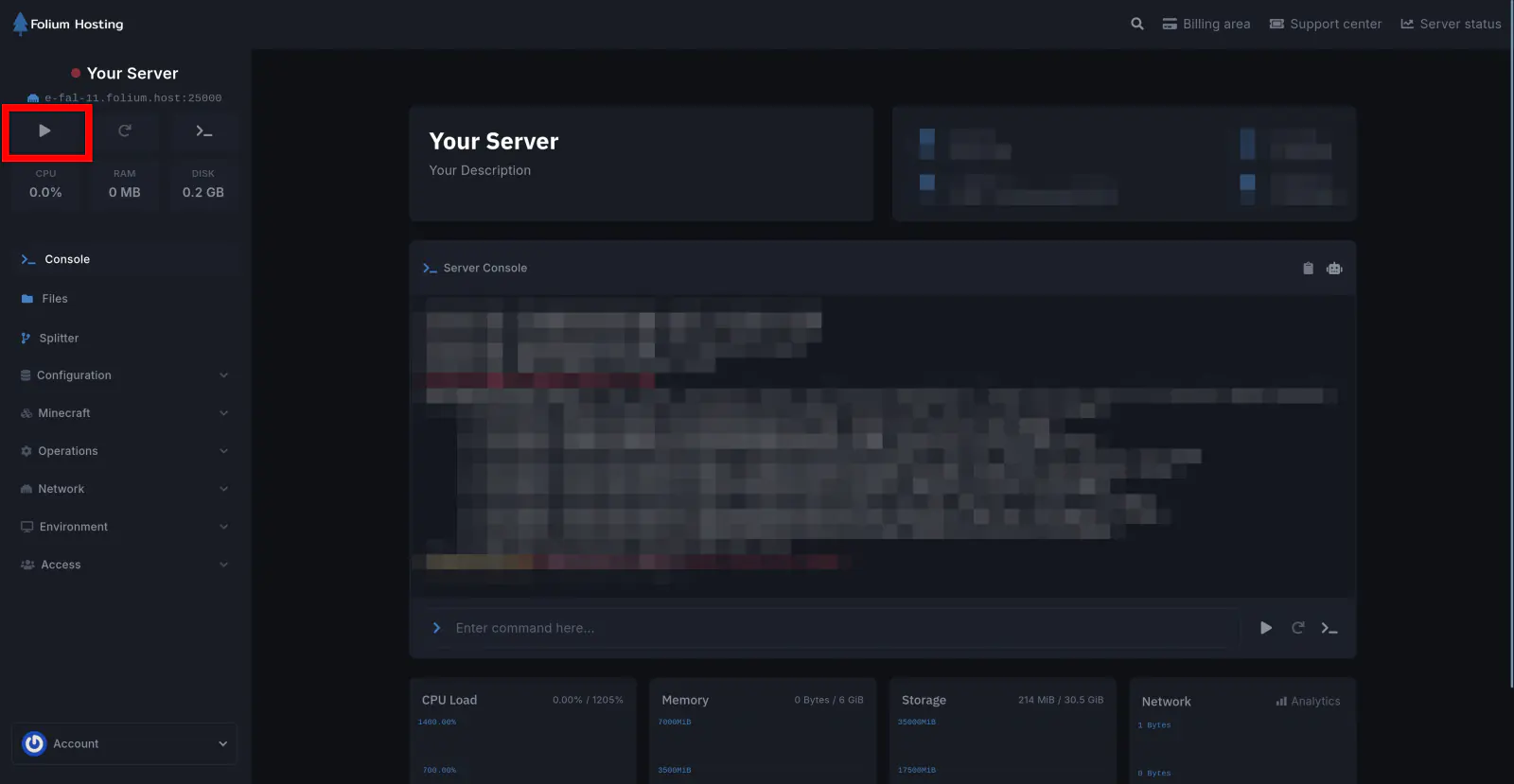
Start the Server
You have successfully changed the spawn protection on your server.