We are sorry that you want to cancel your services with us. If there is anything we can do to retain you as a client, make sure to let us know.
We are an extremely flexible company focusing on customer satisfaction and want to ensure that we meet your expectations. To get in touch with us and make things right, reach out to us at our Discord ↗.
If you still decide to proceed with the cancellation, follow the steps below:
Log In to Your Billing Area ↗
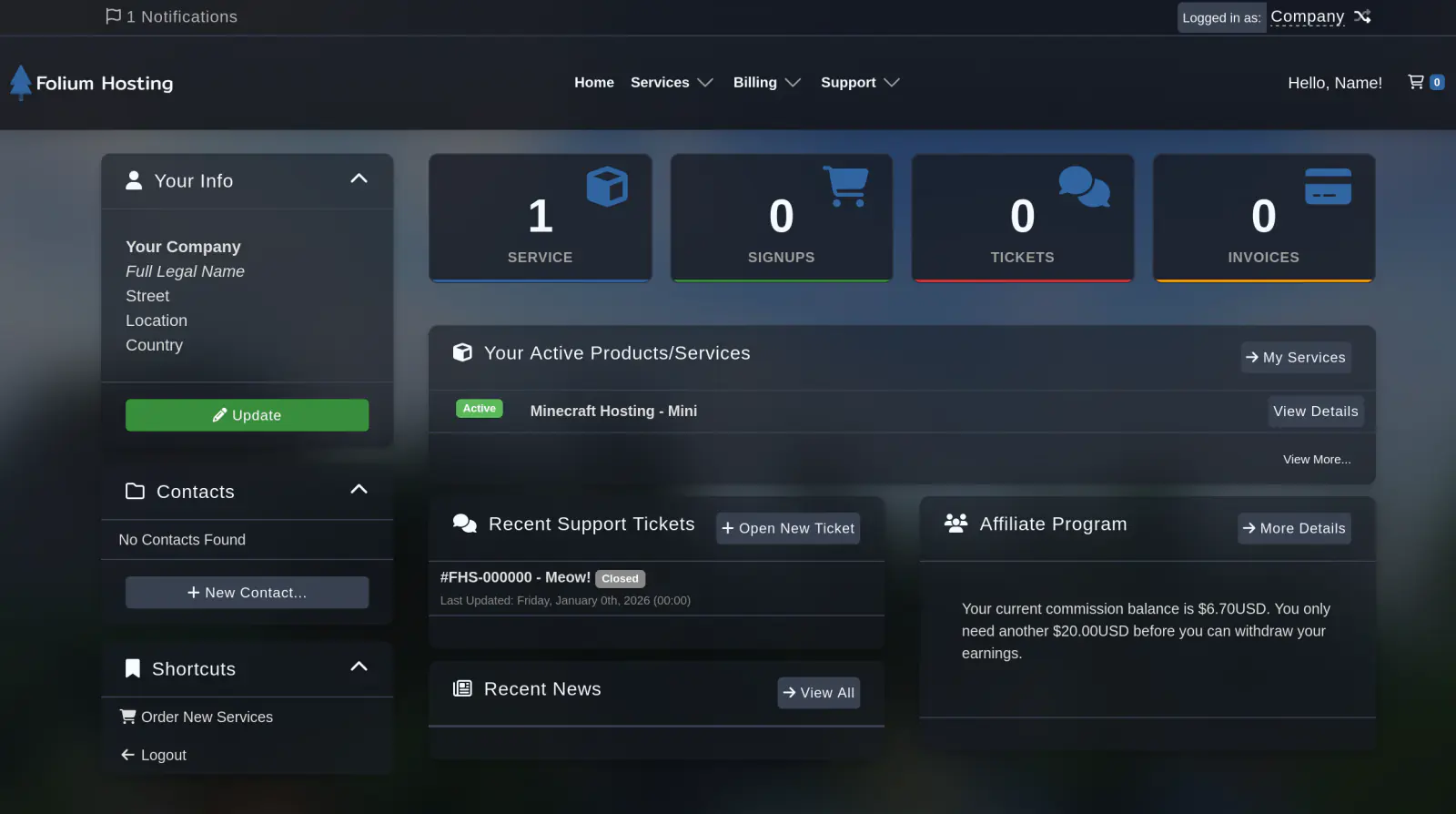
Select your service
Click on the Services box and then select the service you wish to cancel.
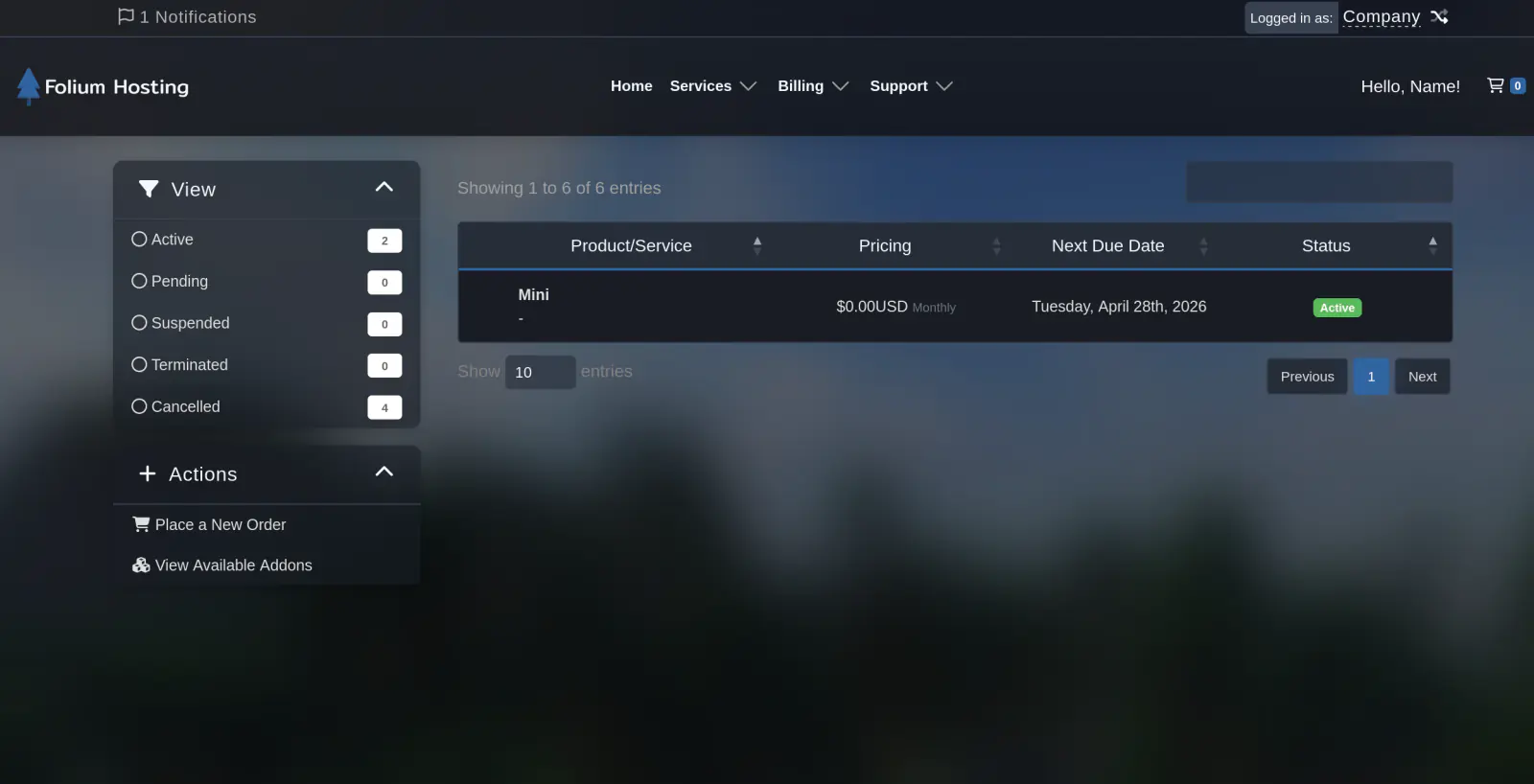
Initiate the Cancellation Request
Use the “Actions” menu and then click on “Request Cancellation”, this will send you to the Cancellation Form.
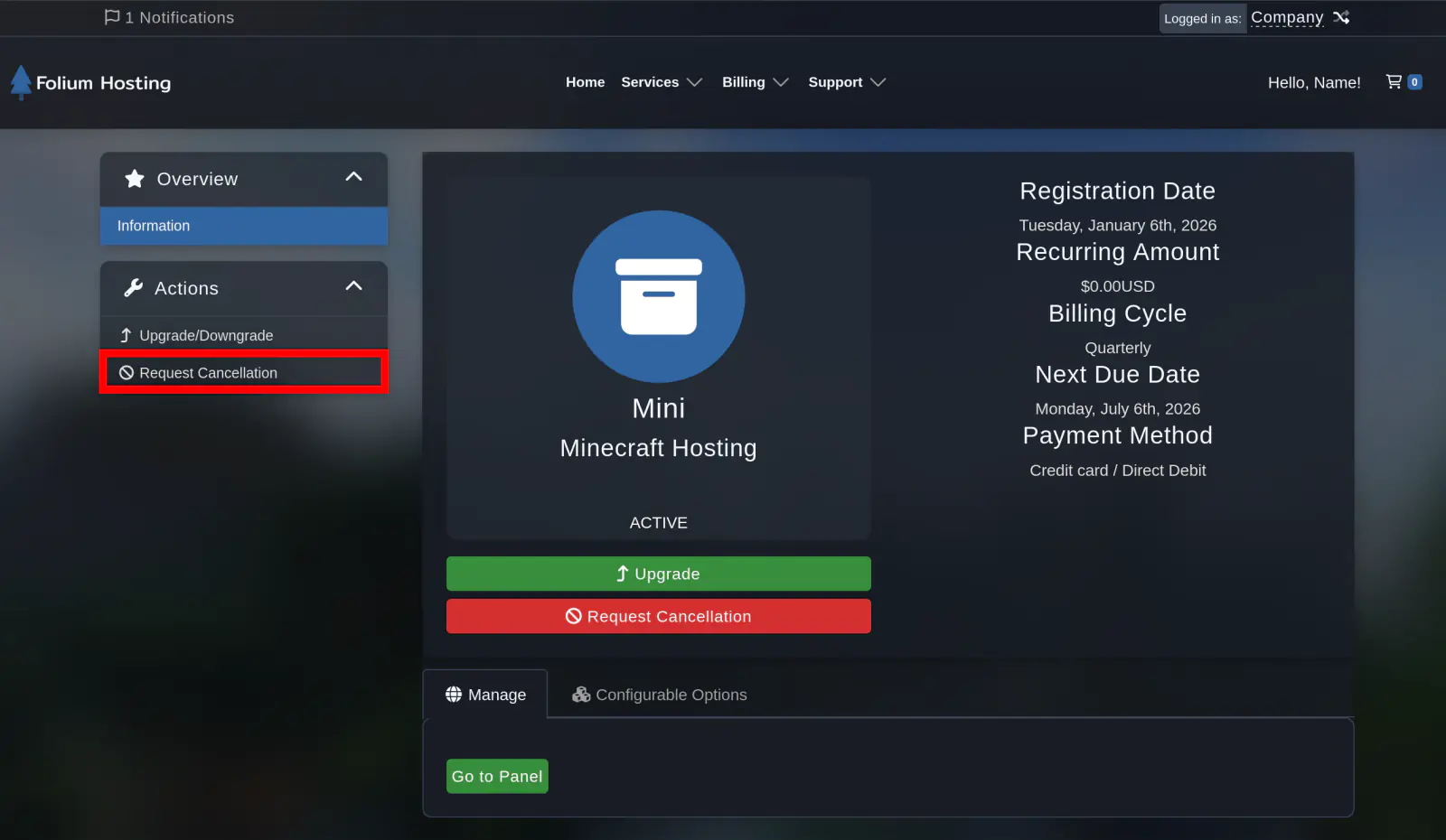
Fill out the Cancellation Form
Briefly describe your reason for cancellation, select your desired cancellation type, and click the “Request Cancellation” button.
Cancellation Types
Immediate: Cancels your service within 24 hours.
End of Billing Period: Cancels your service at your next due date, up until the date you have paid for.
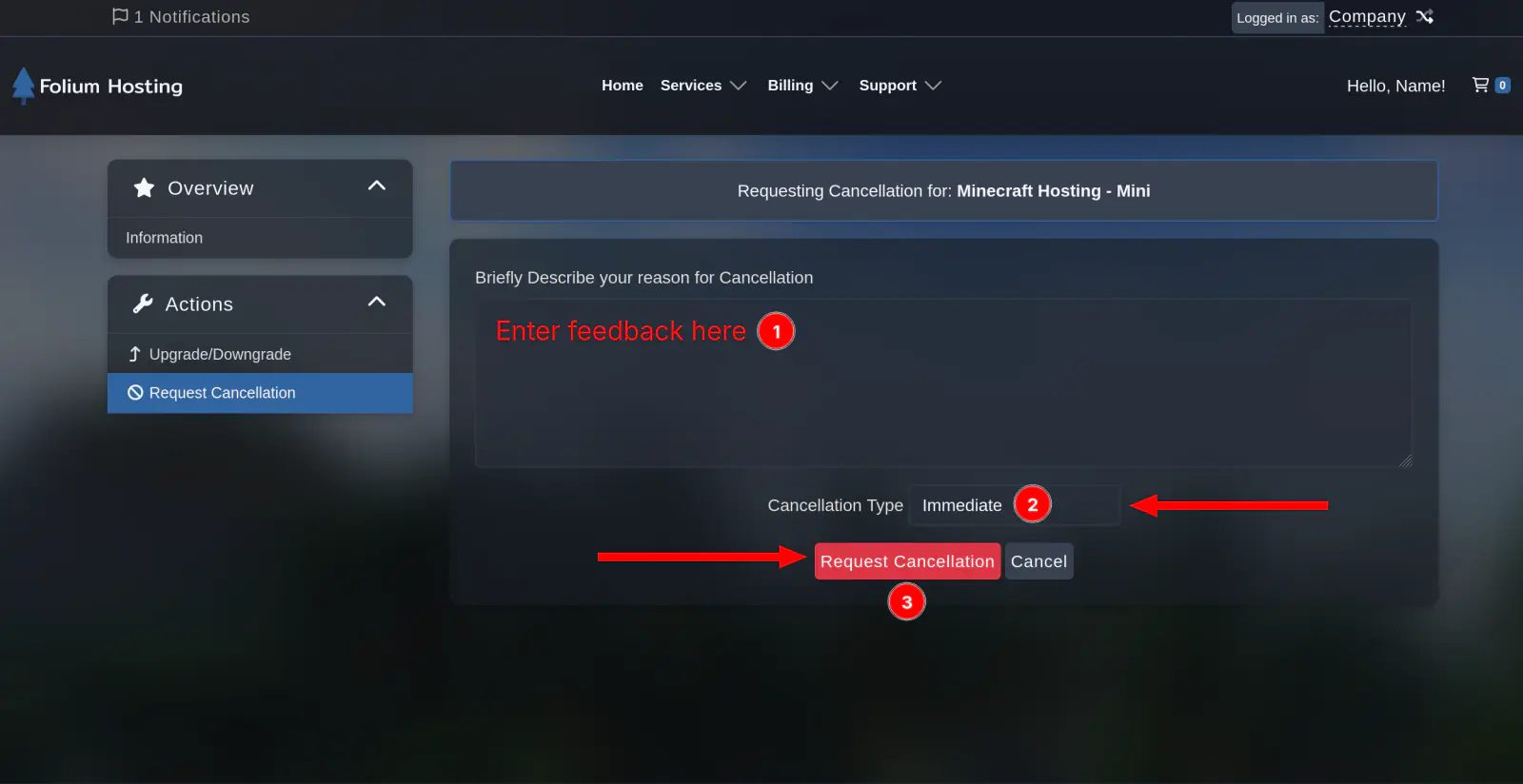
All Done!
Your service will remain in a “pending cancellation” state until the scheduled cancellation date, at which point it will be automatically processed. You will not be invoiced again, and no further charges will be applied for the cancelled service.
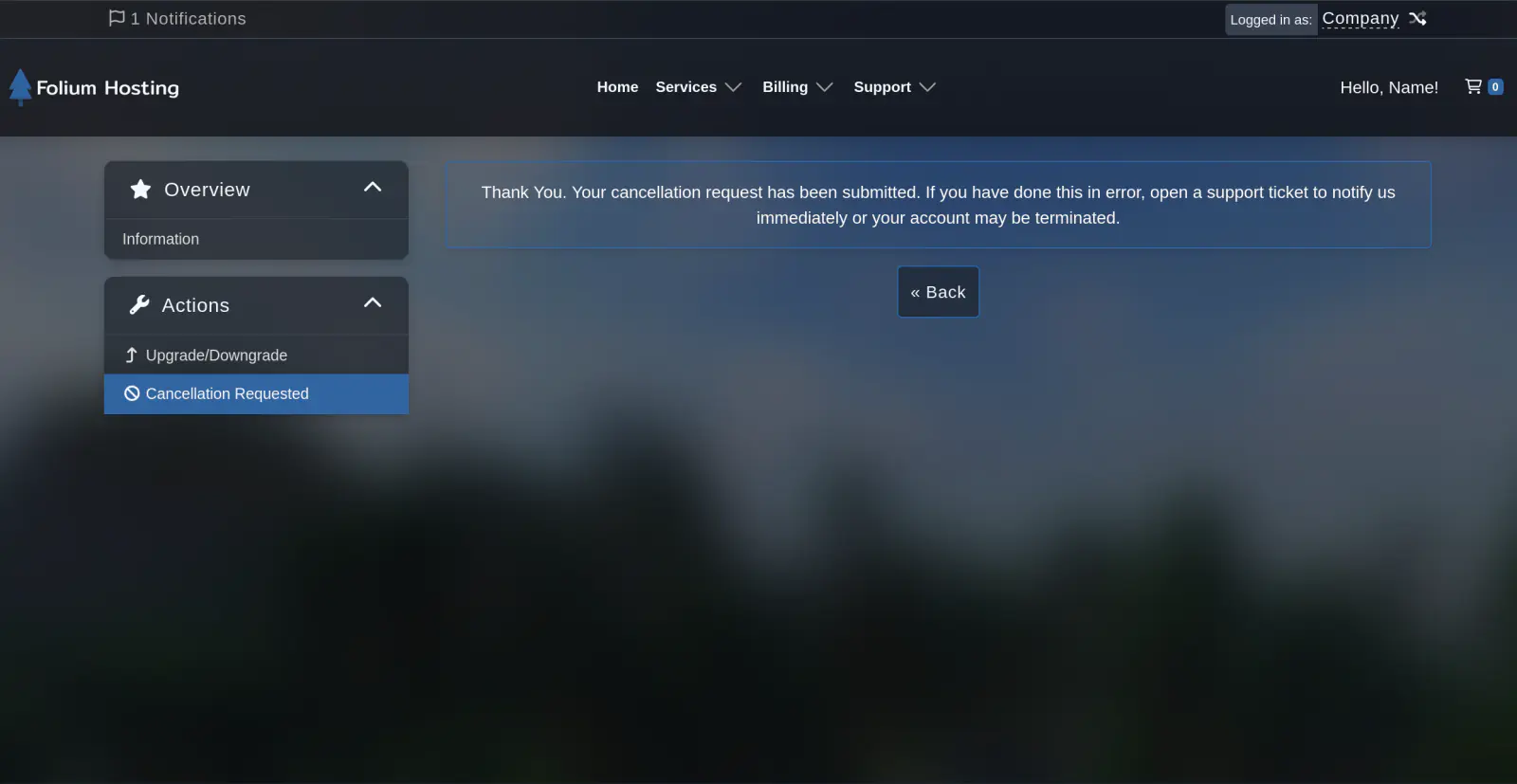
You should now receive an automatic email confirming your cancellation.