After purchasing your service, follow these steps to get your account running:
Check your email
Look for the account email
Check your inbox and spam for an email from foliumhosting.net.
Set up your account
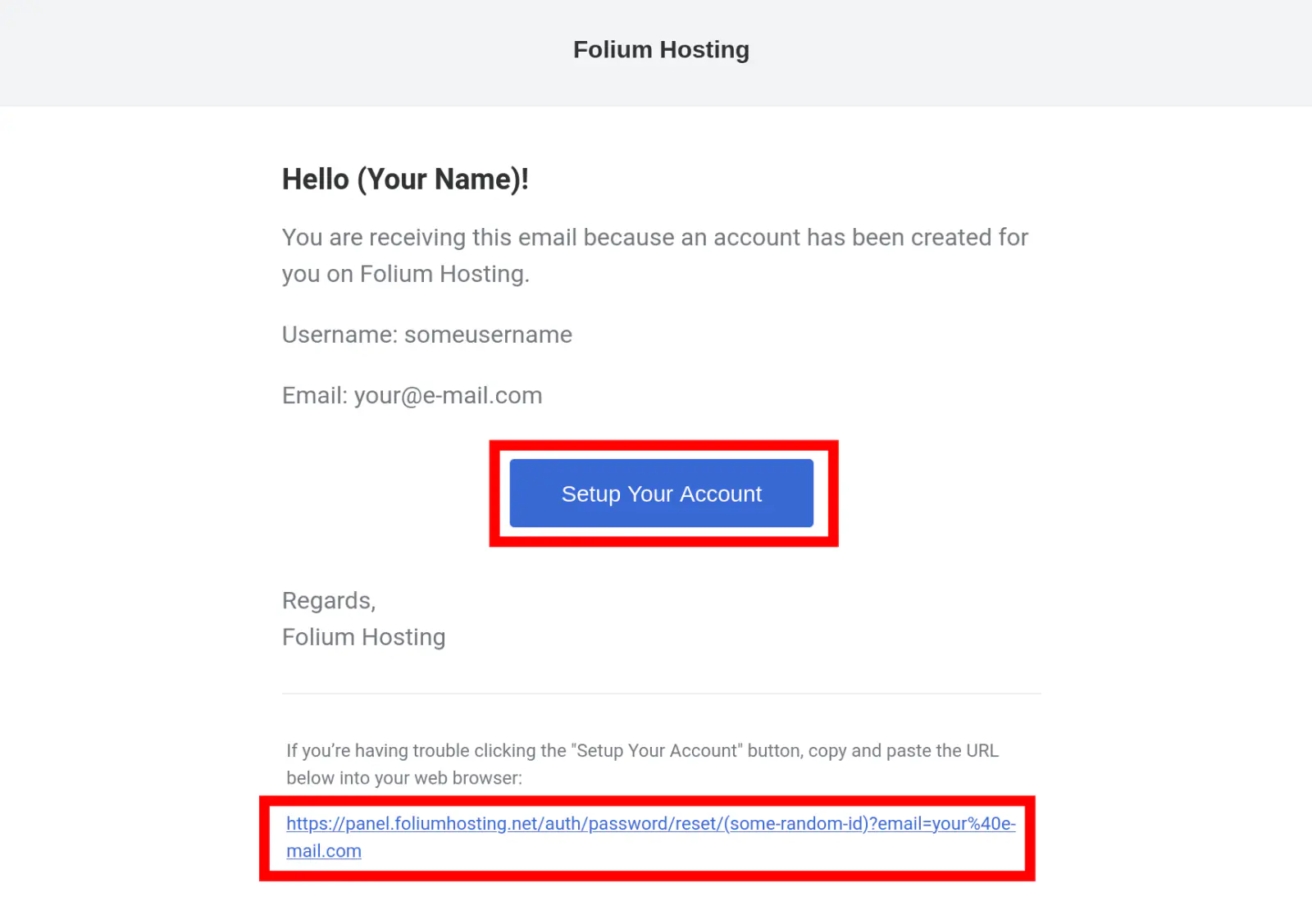
When you see the email titled “Account Created”, click on it. Then click the blue button that says “Setup Your Account”.
Create a new password
After clicking the button, you will be asked to create a password for your panel account.
Here are important links that you will use often for our hosting services:
Manage your account and your registered products.
Folium Billing AccountUse the panel to setup and manage your servers.
Folium Panel AccountError: ERROR This password reset token is invalid.
Go to Panel Password Reset, insert your email and click “Send Email”.
Check your inbox and spam for an email from foliumhosting.net and set up your password.
Go to Panel Password Reset, insert your email and click “Send Email”.
Check your inbox and spam for an email from foliumhosting.net and set up your password.