We are sorry to see you go. If there is anything we can do to help, please reach out to us on our Discord ↗.
If you still decide to proceed with the PayPal cancellation, follow the steps below:
Log In to Your PayPal Account
Log into the PayPal account you utilise for your payments.
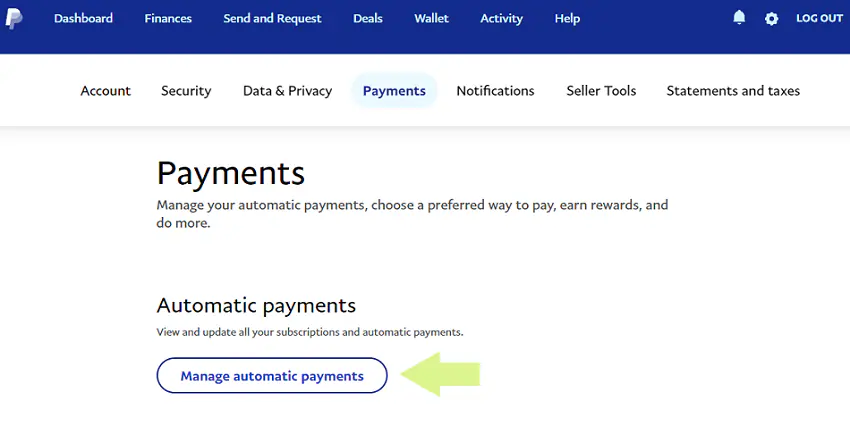
Navigate to Settings

Manage Automatic Payments
Cancel the payment
Select the Billing Agreement, and click Cancel.

Note: When you cancel a subscription, all upcoming payments are also canceled. You can cancel and avoid being charged up until the day before your next scheduled payment.